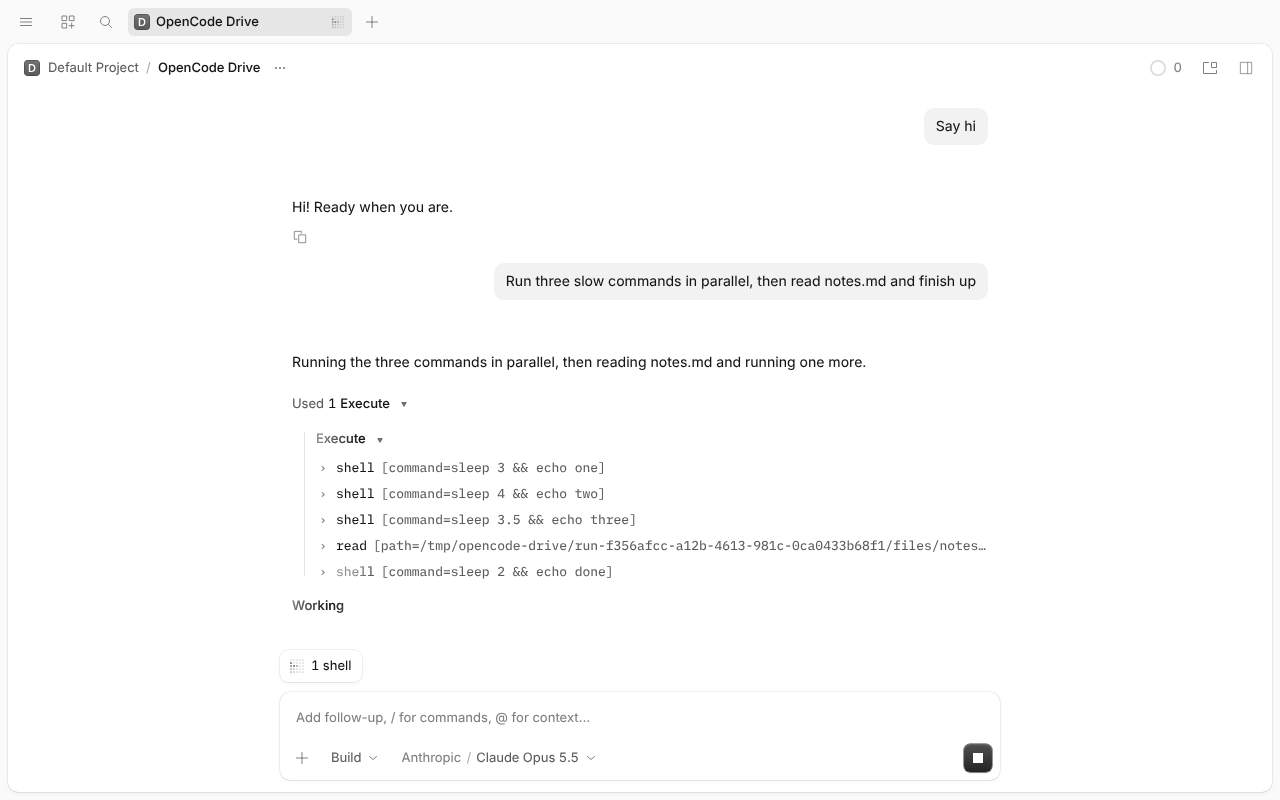
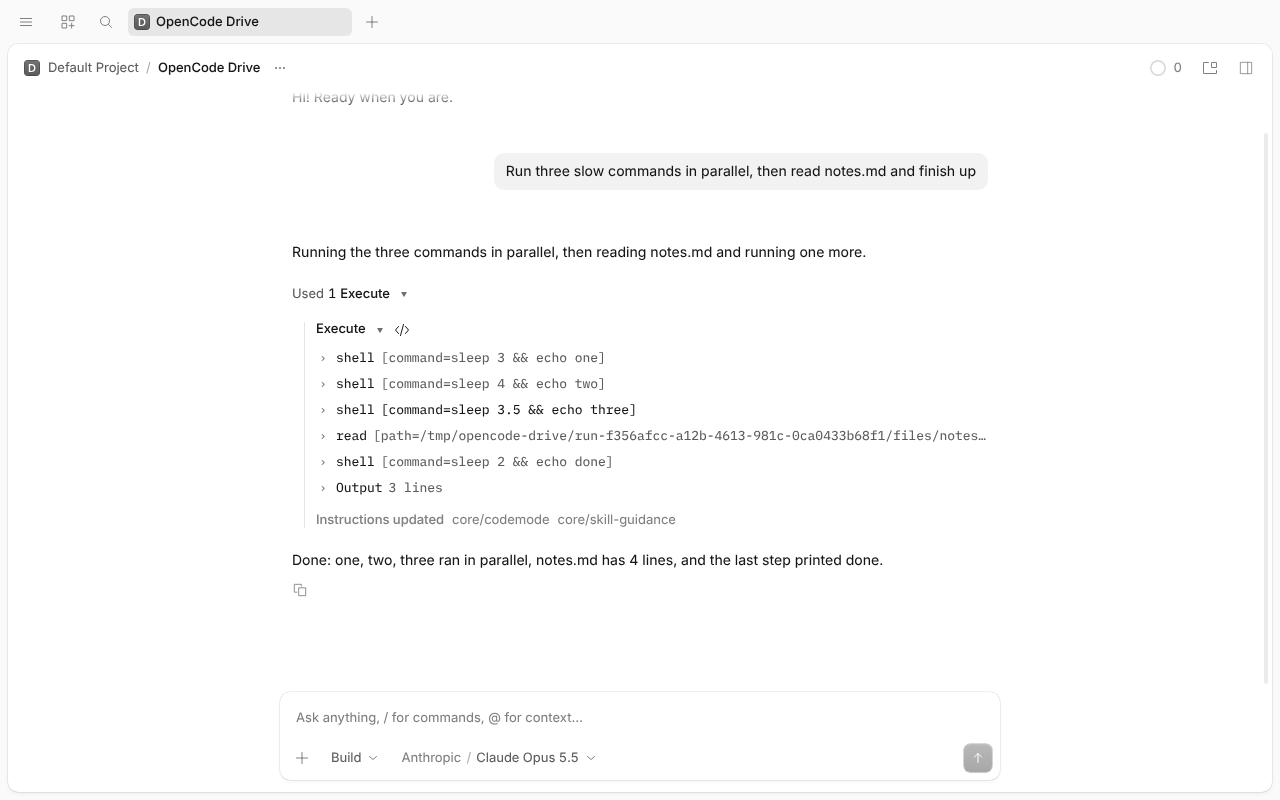
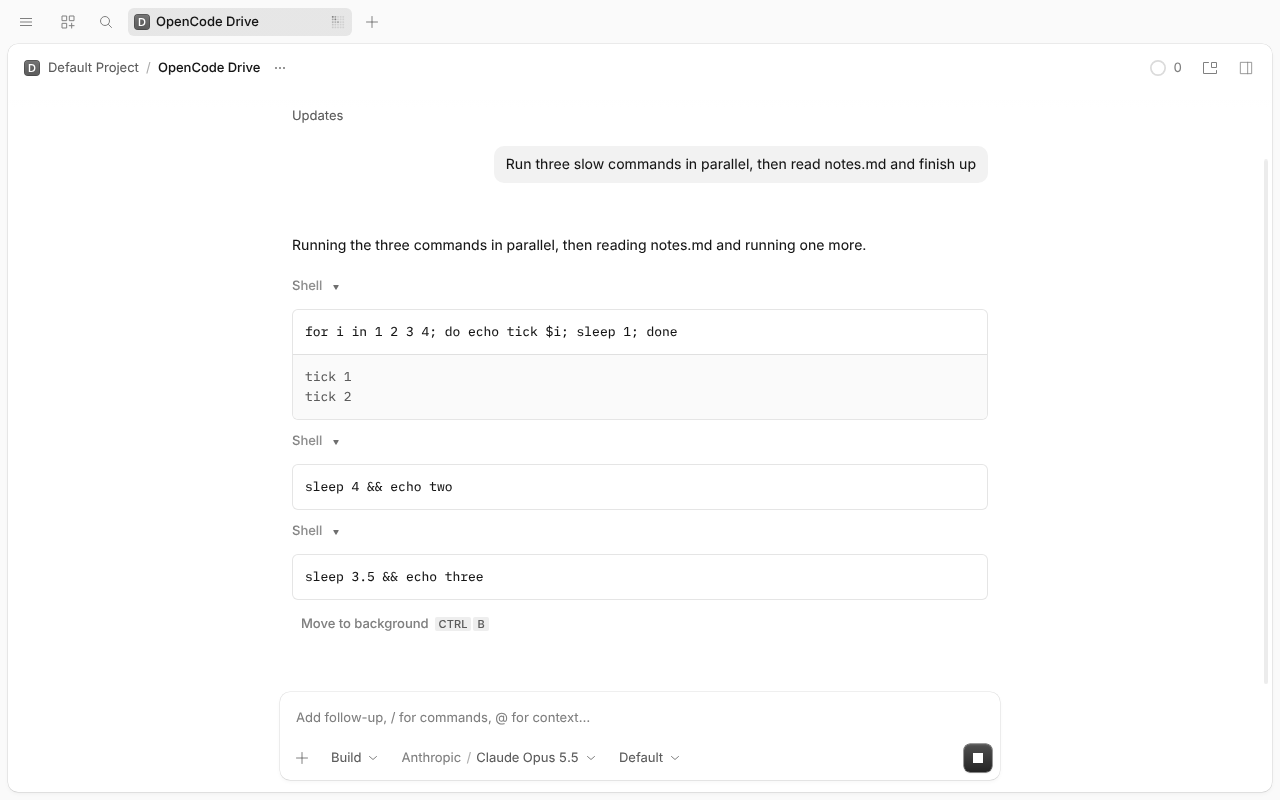
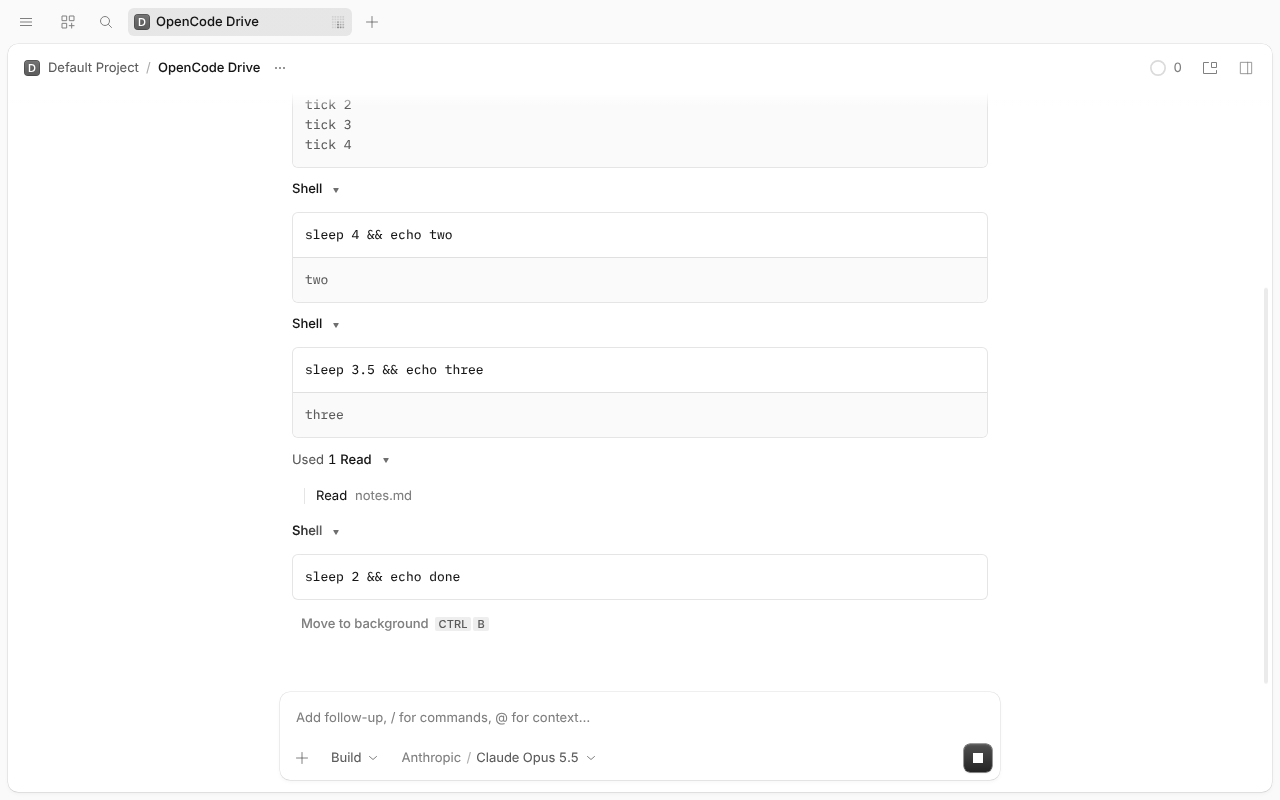
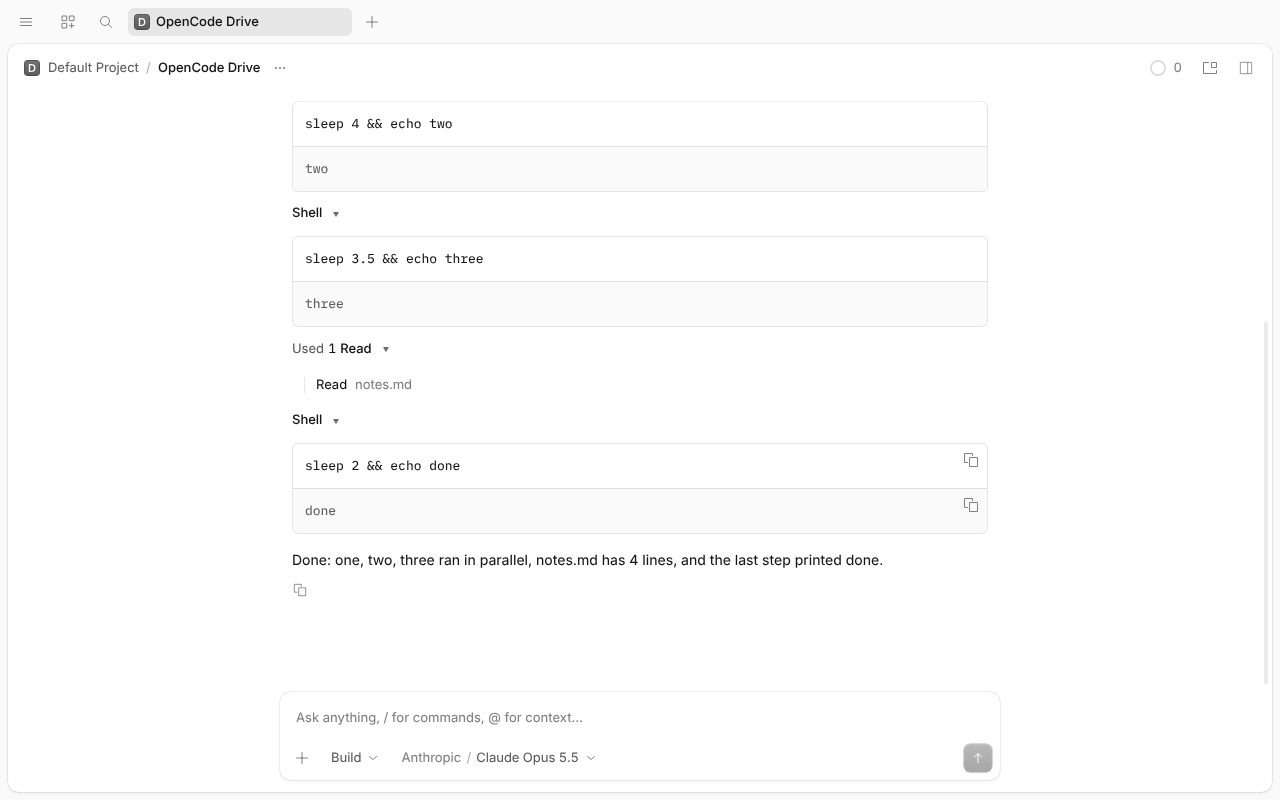
The same flow inside one Code Mode script and as direct tool calls, in the desktop app and the TUI. OpenCode dev @ 007afb1b0c, simulated Claude Opus 5.5, real shells and read. Click a screenshot to open it full size.
execute script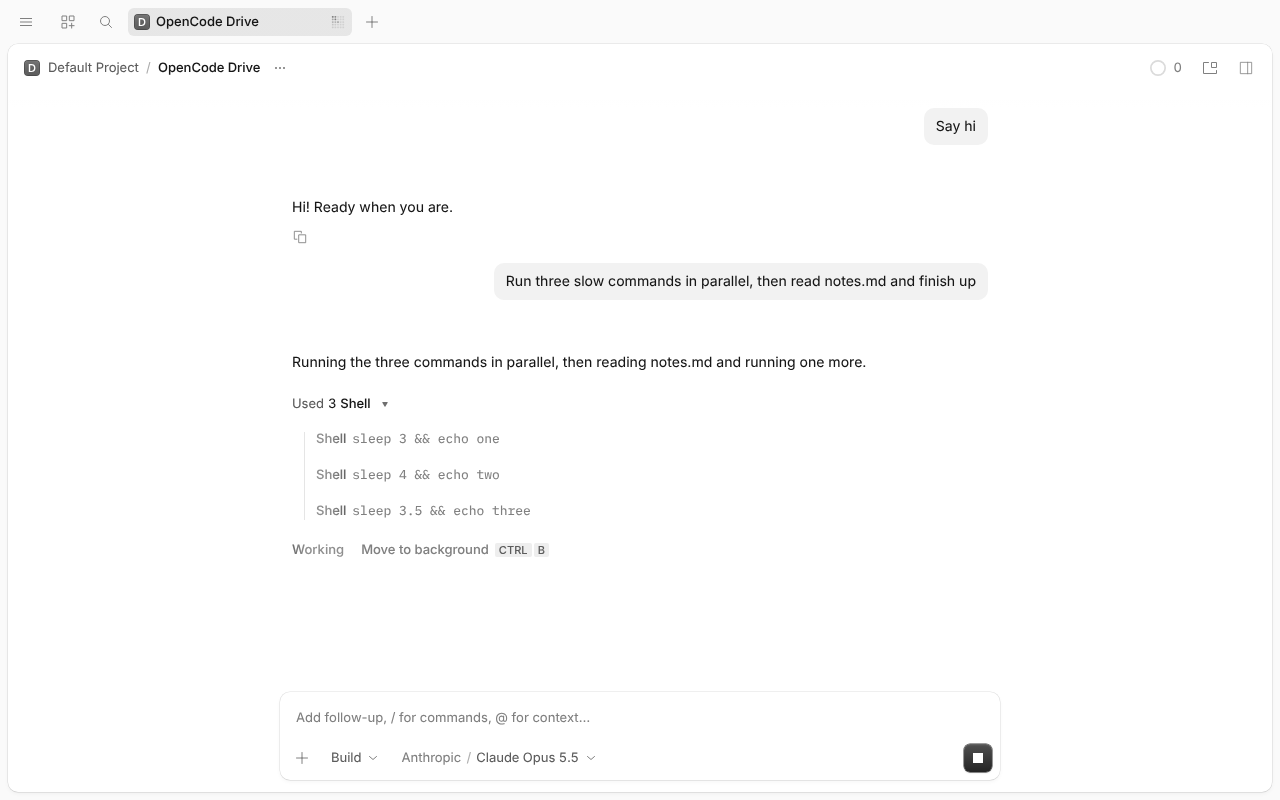
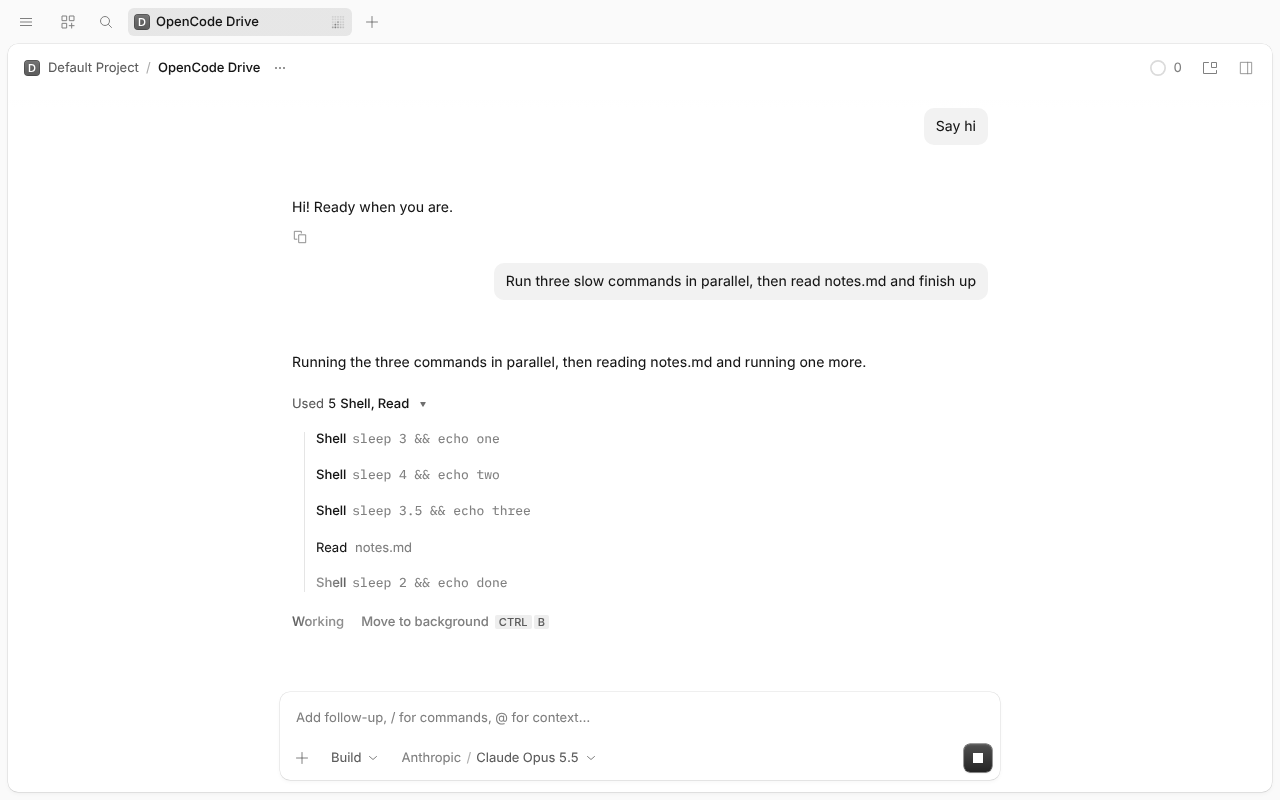
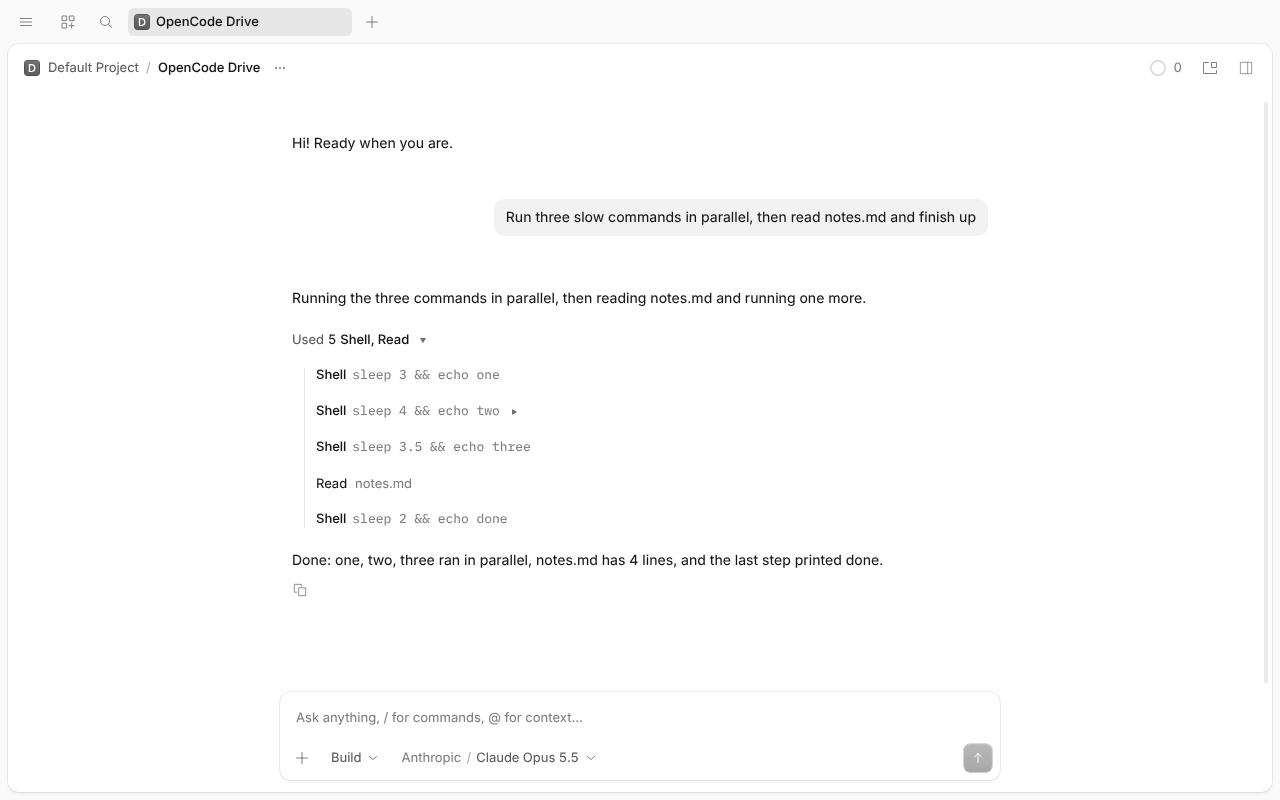
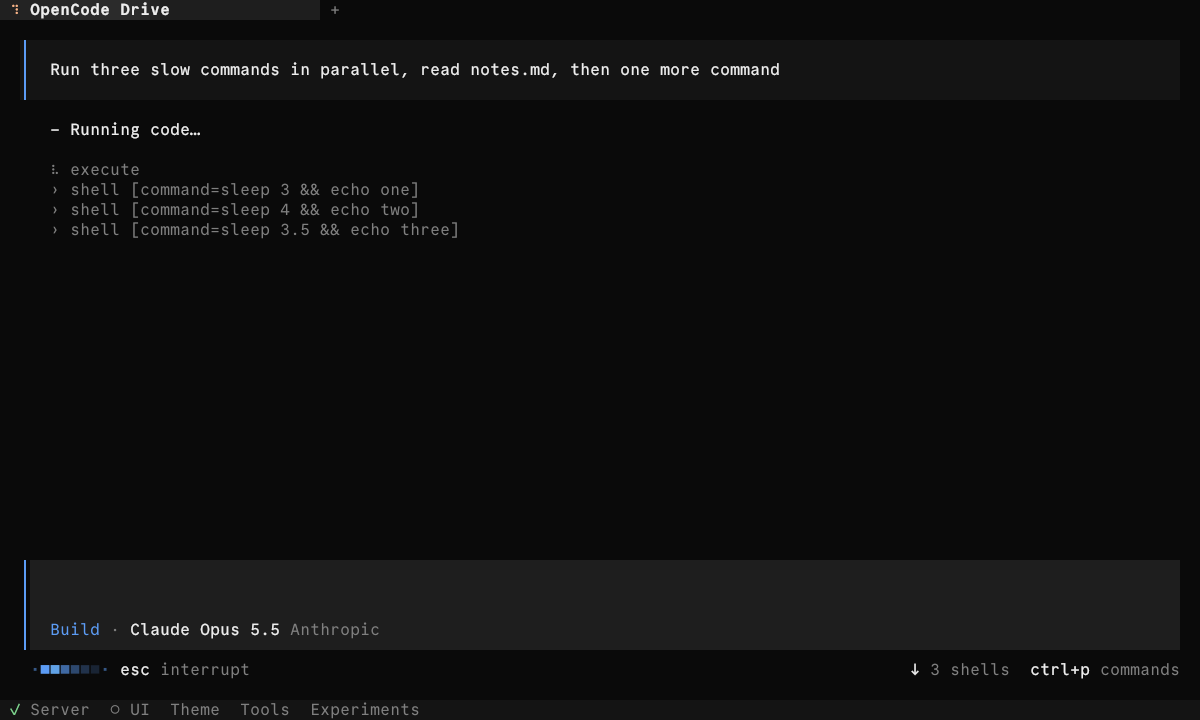
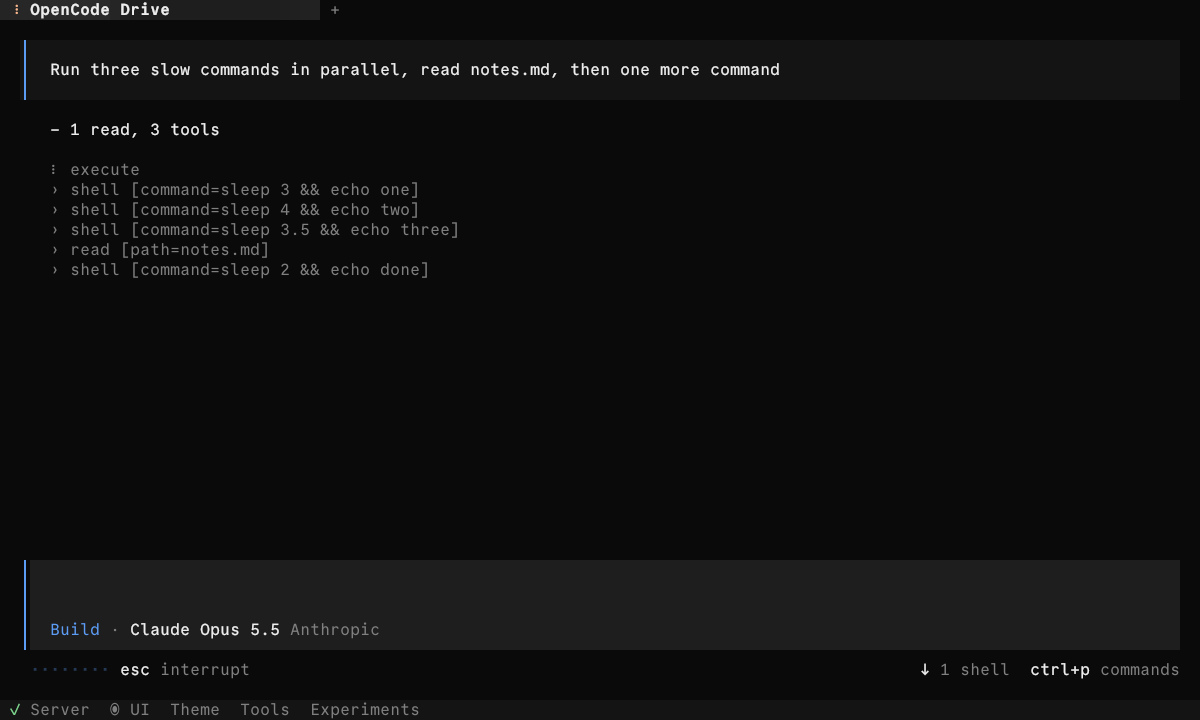
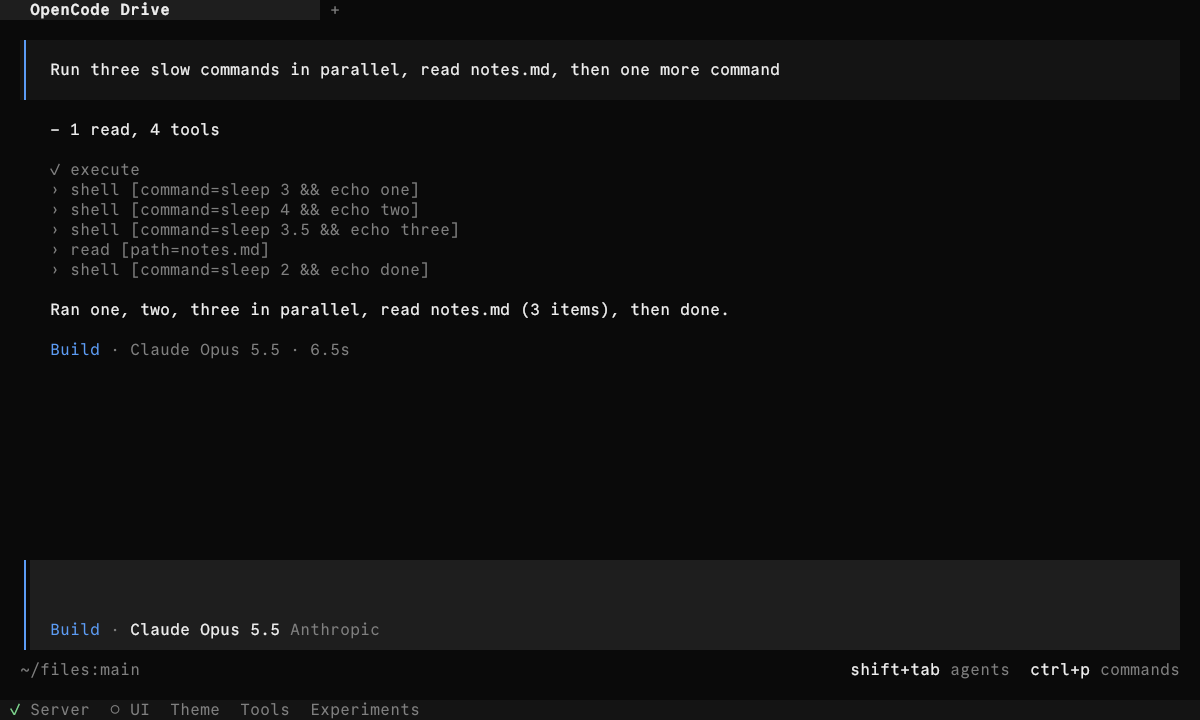
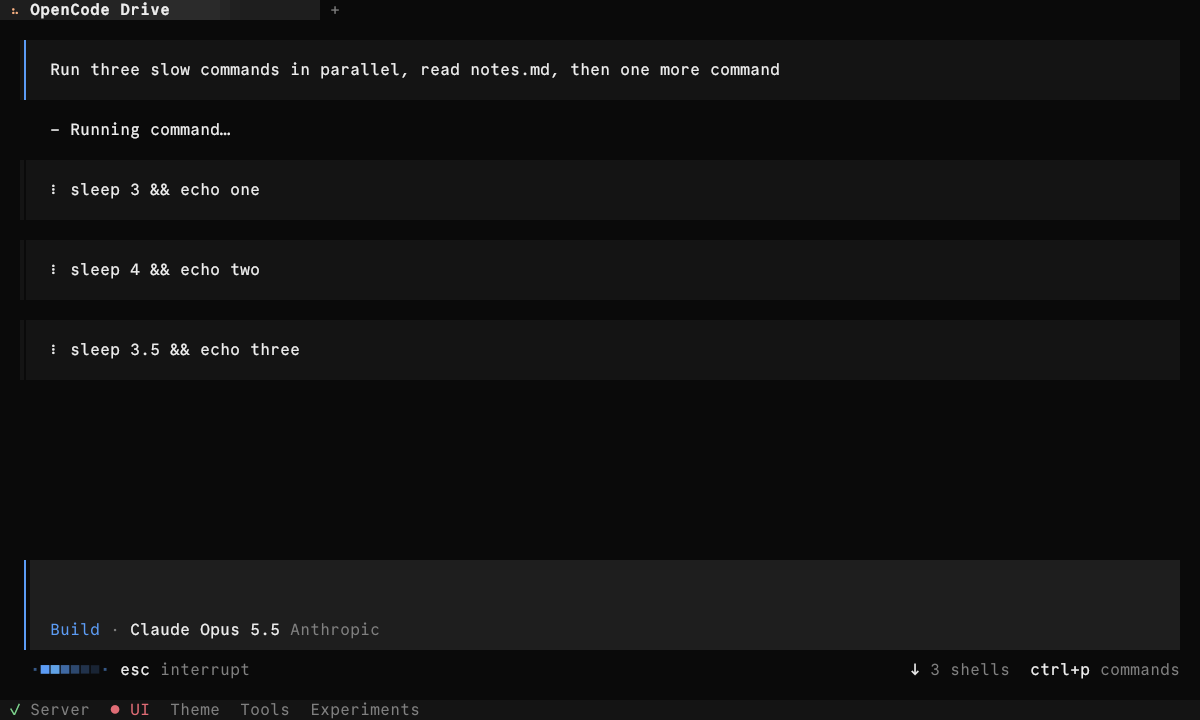
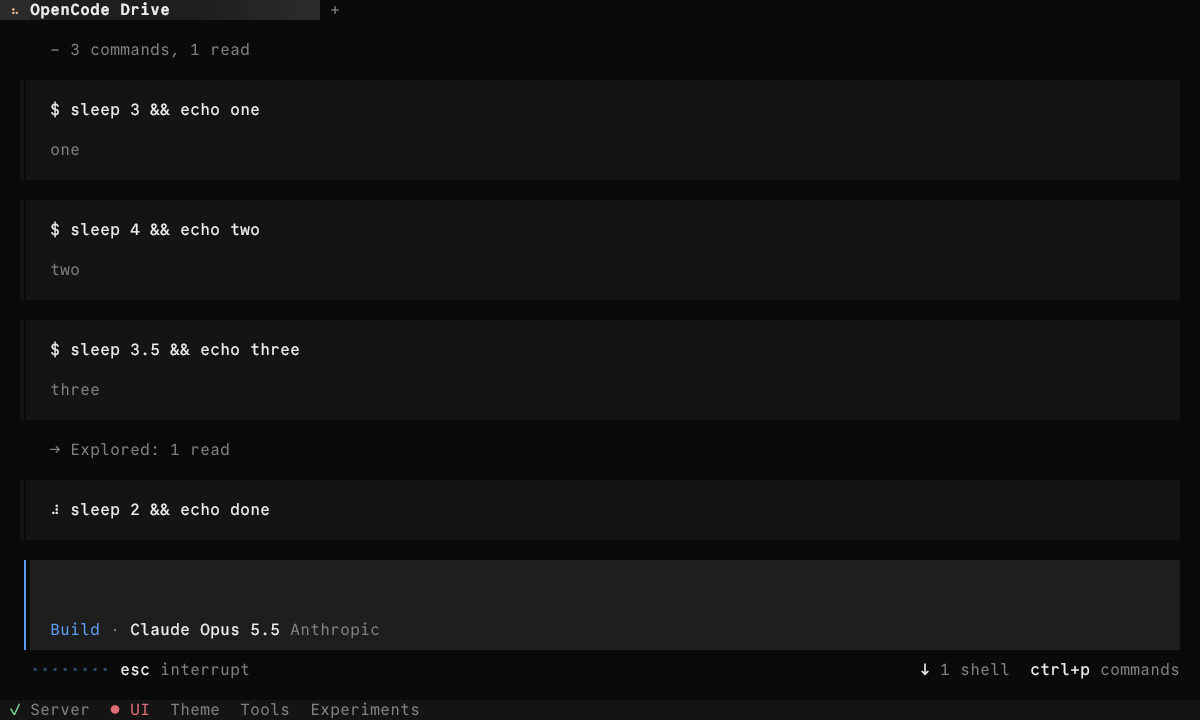
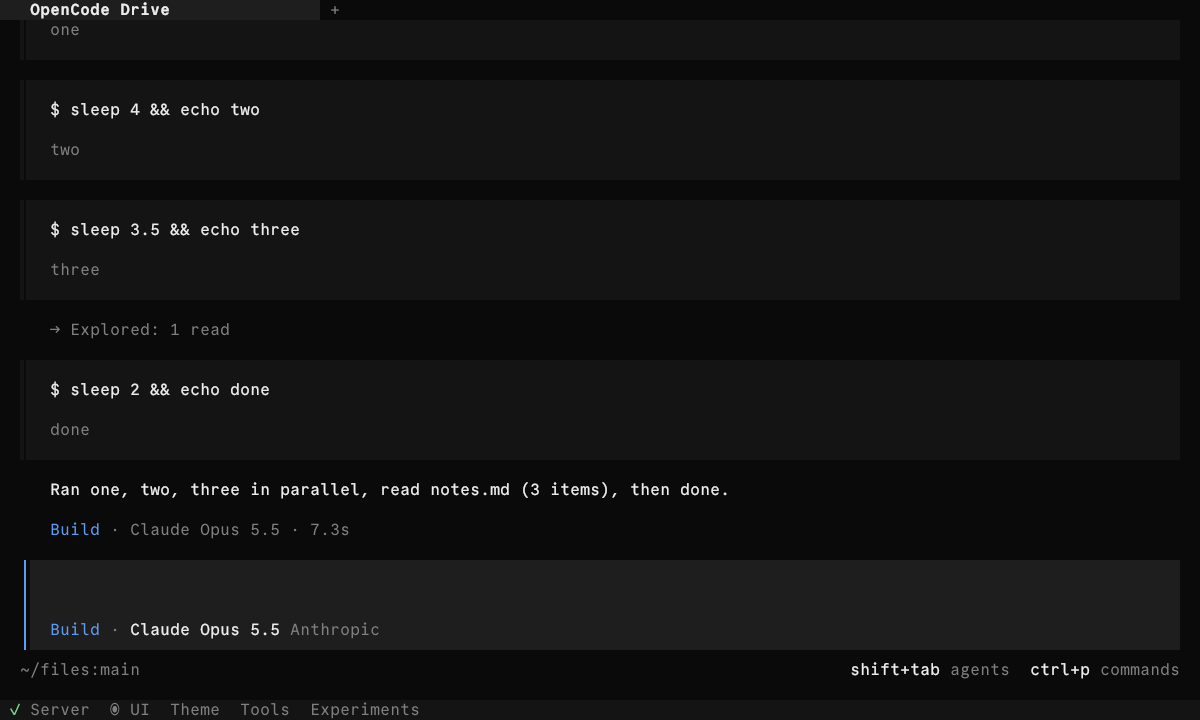
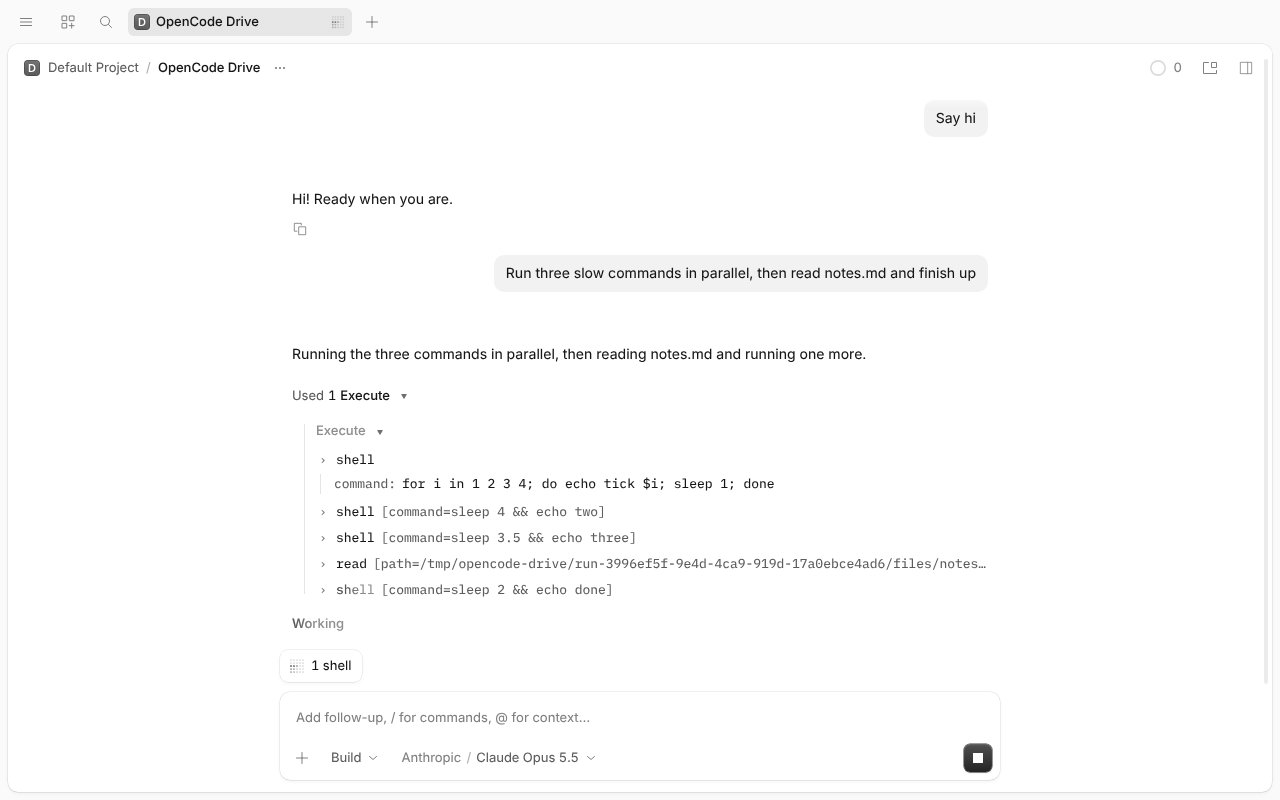
The first shell prints tick 1…4, one line a second. In Code Mode, a nested shell row only ever shows its command. The output appears only in the script's combined Output row after it ends. With direct tools, the row opens the command and its live output.
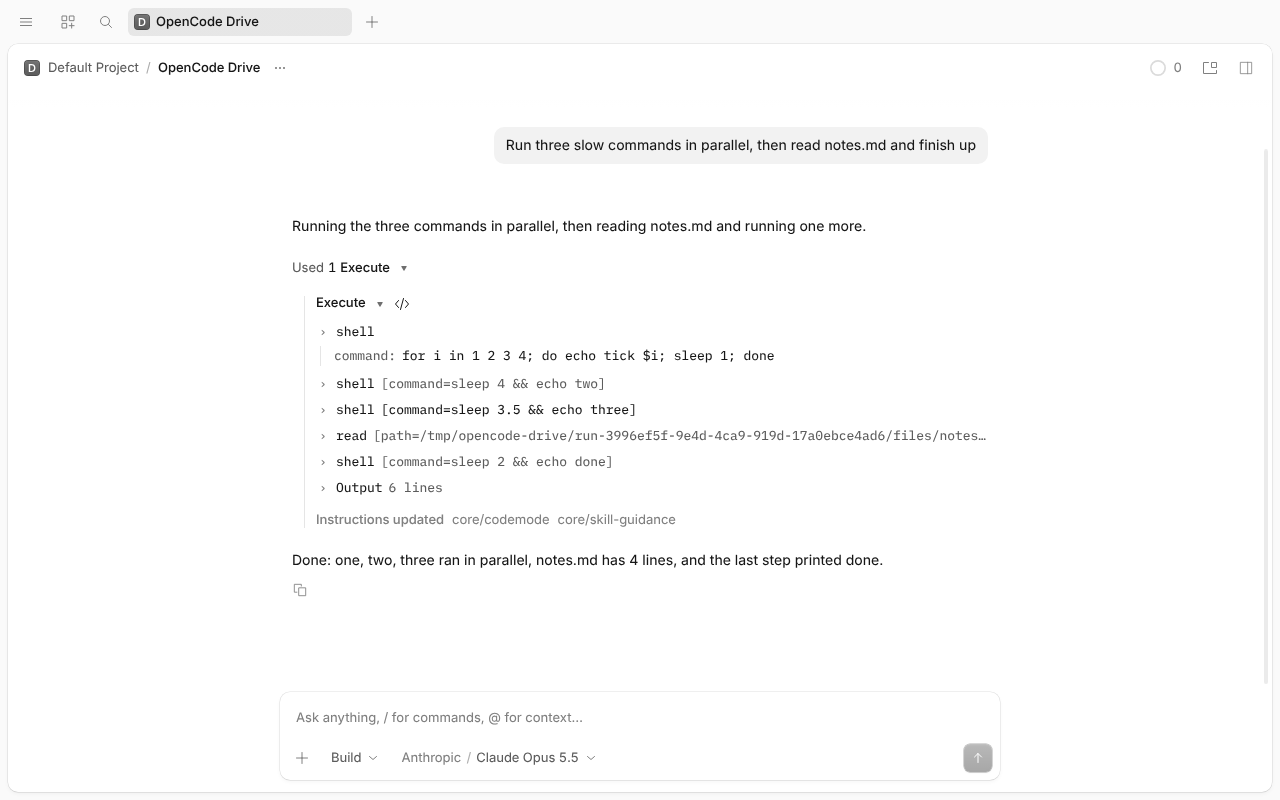
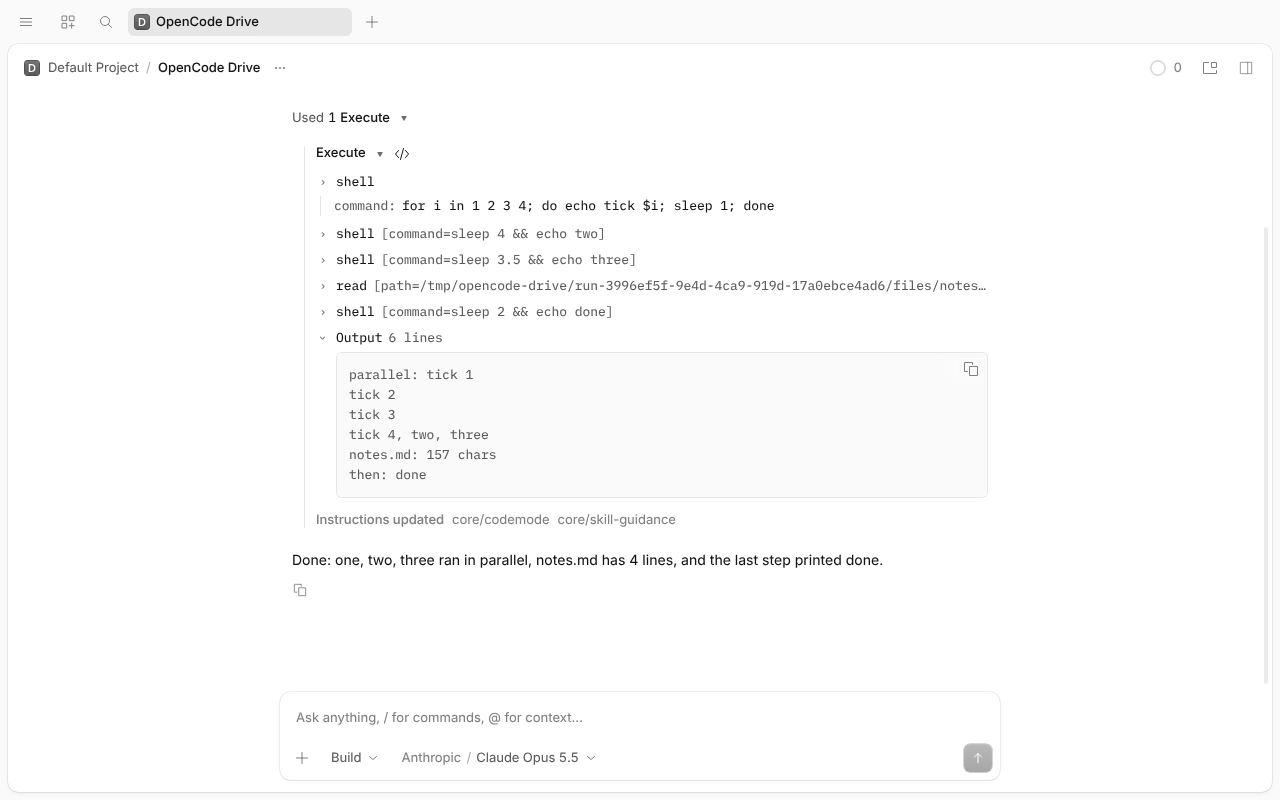
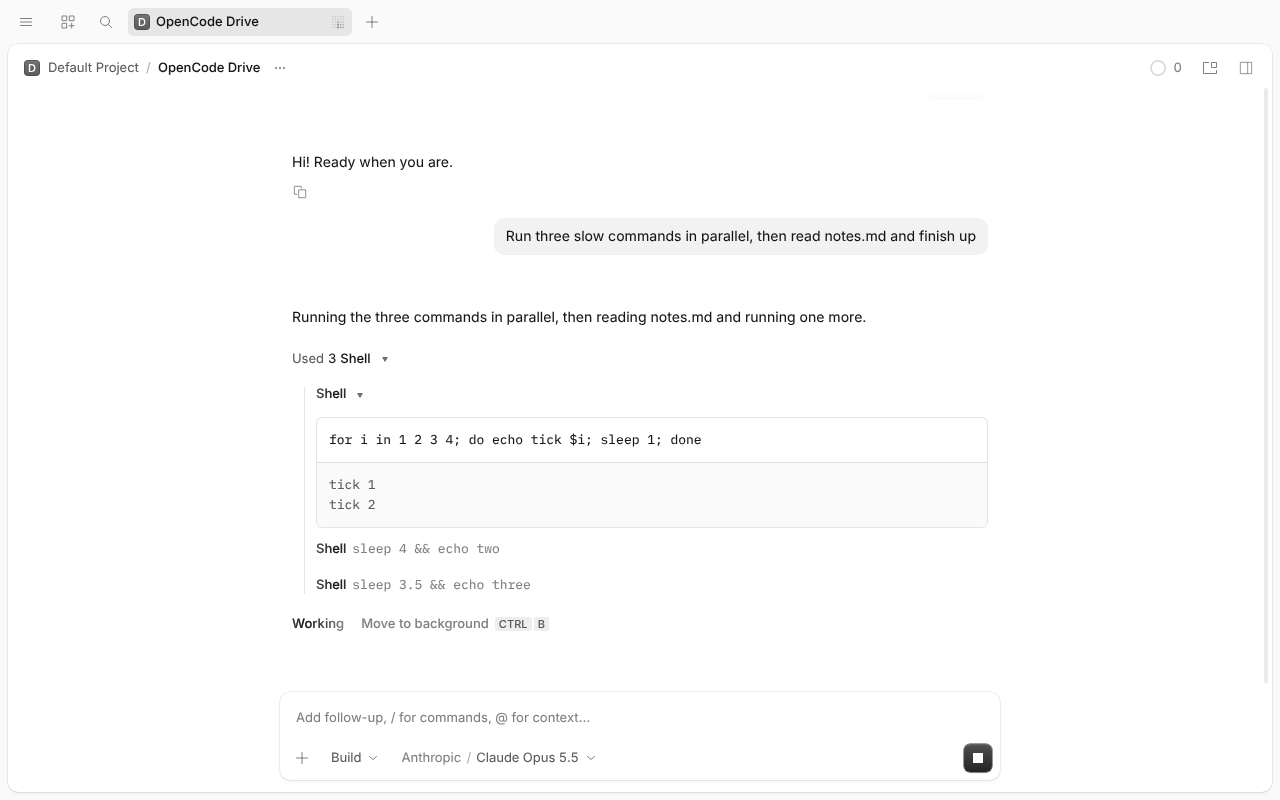
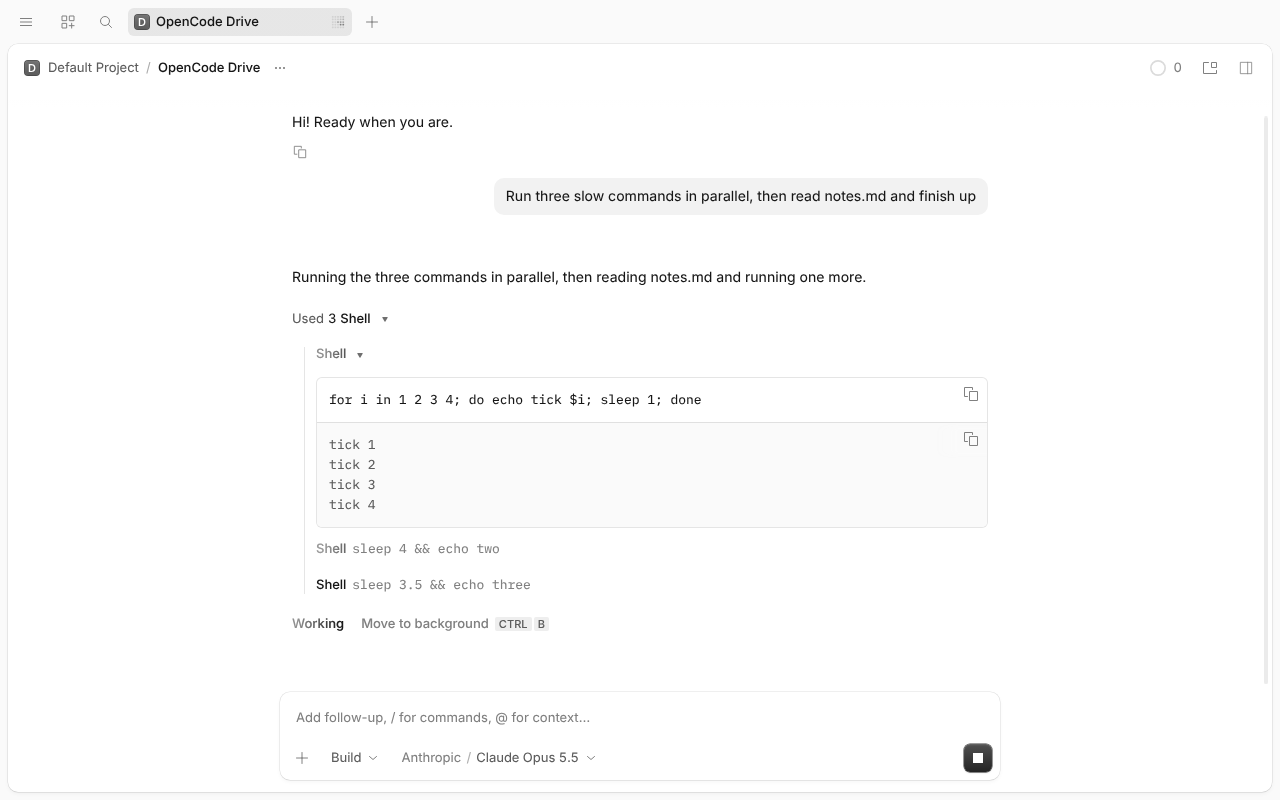
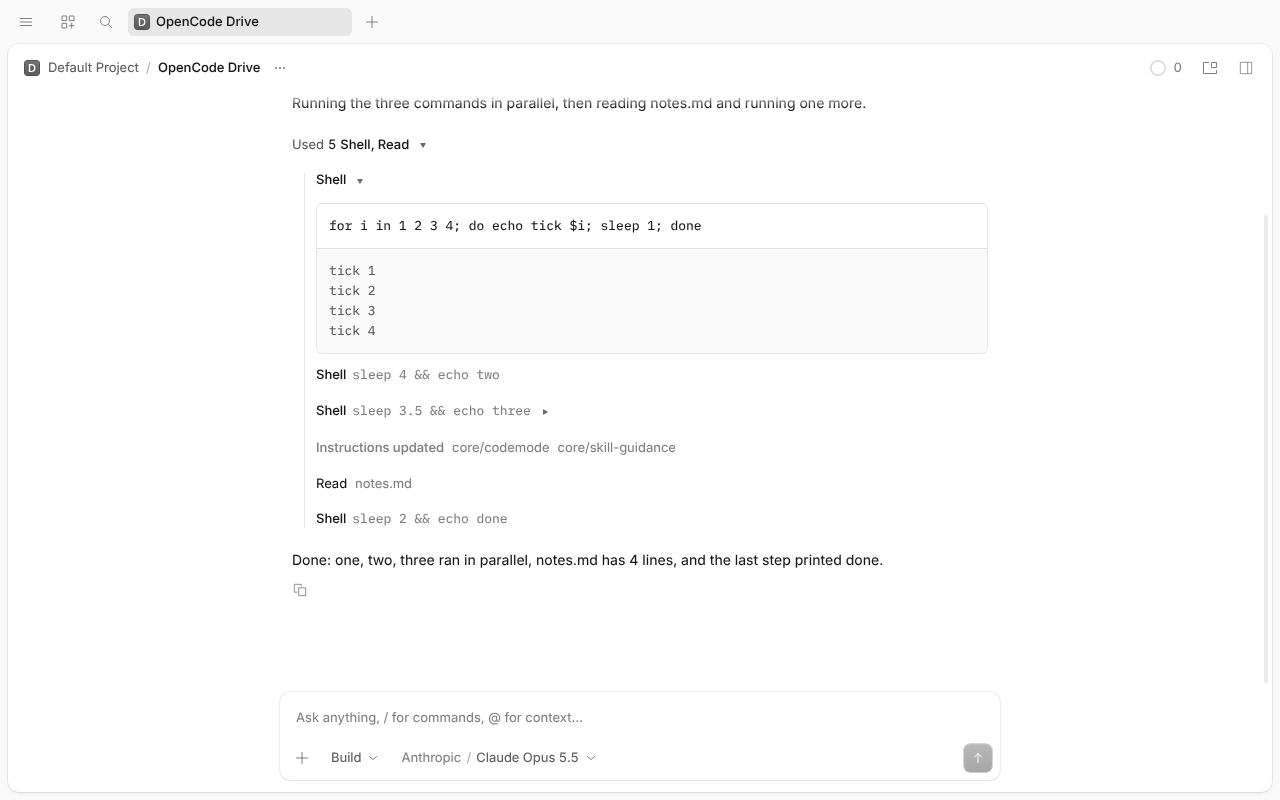
Settings → Preferences → Timeline detail. The default is Compact. Detailed opens direct shells by default, and their output streams in on its own. In Code Mode, Execute starts open, but its nested rows still show only the command.
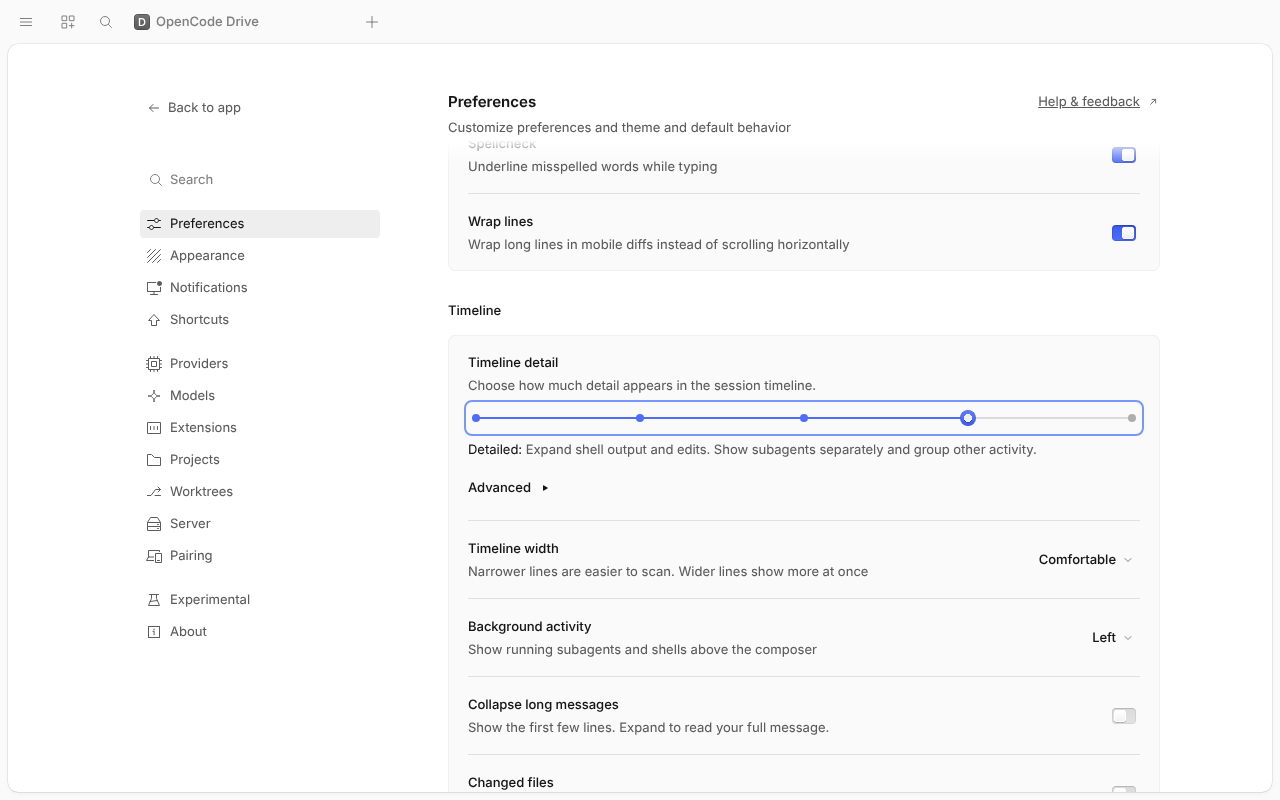
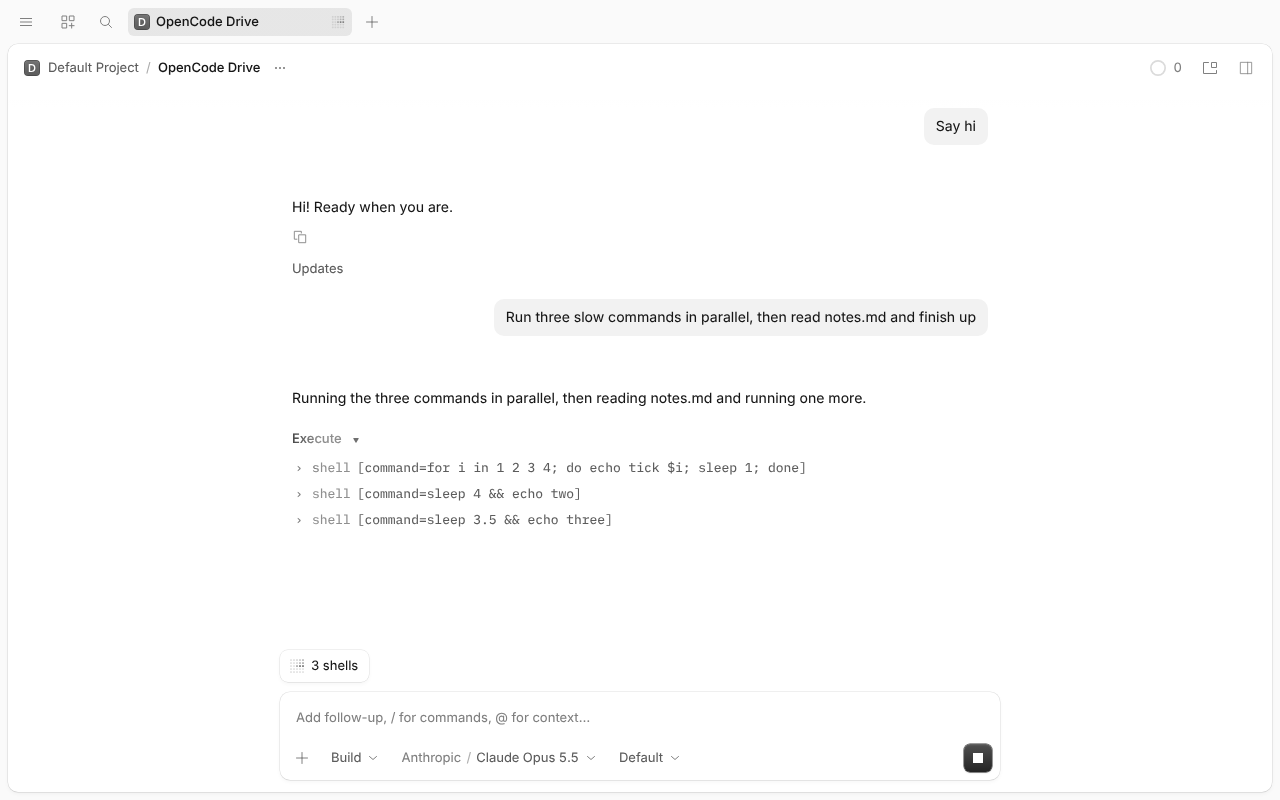
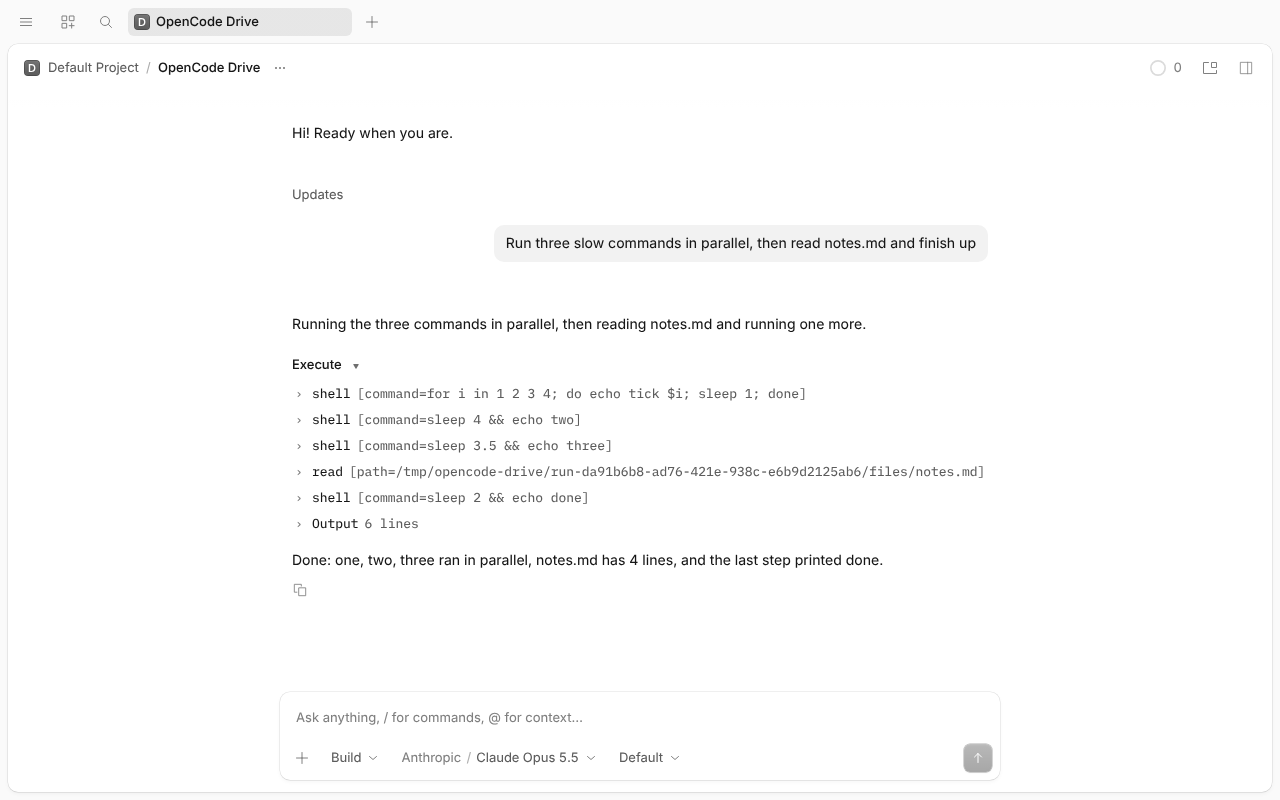
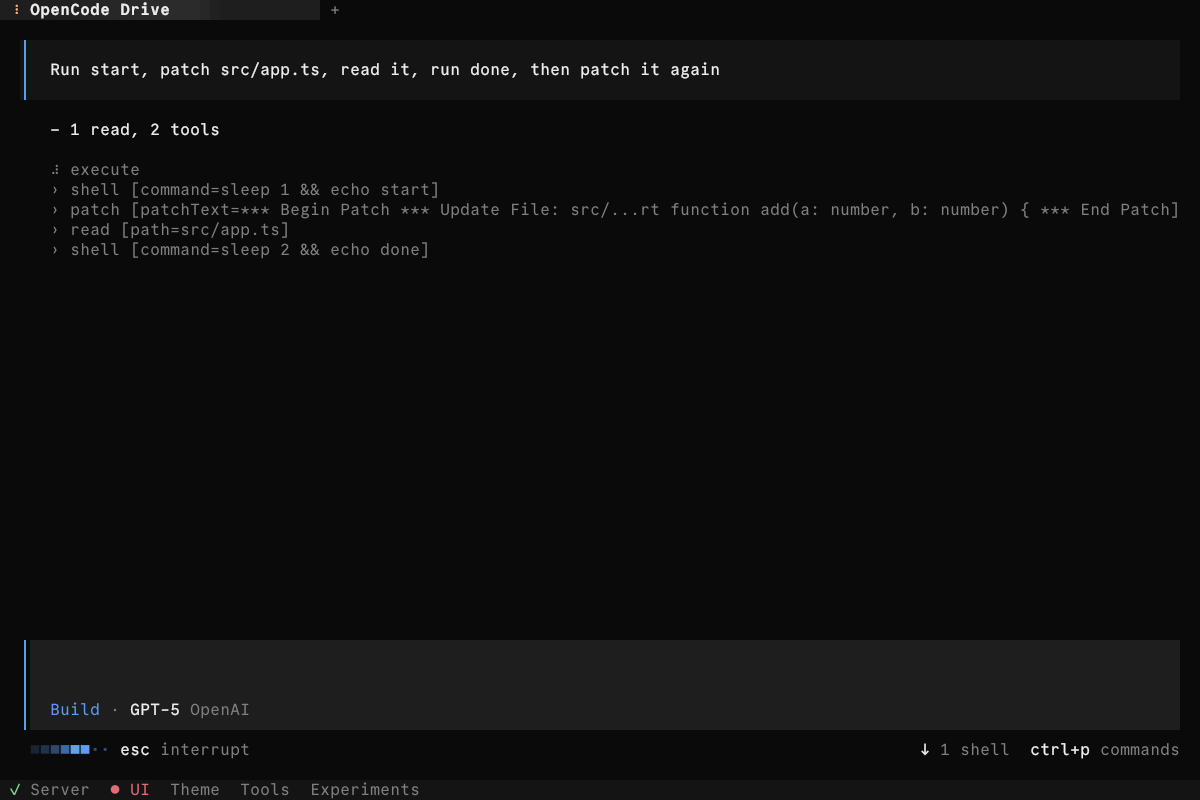
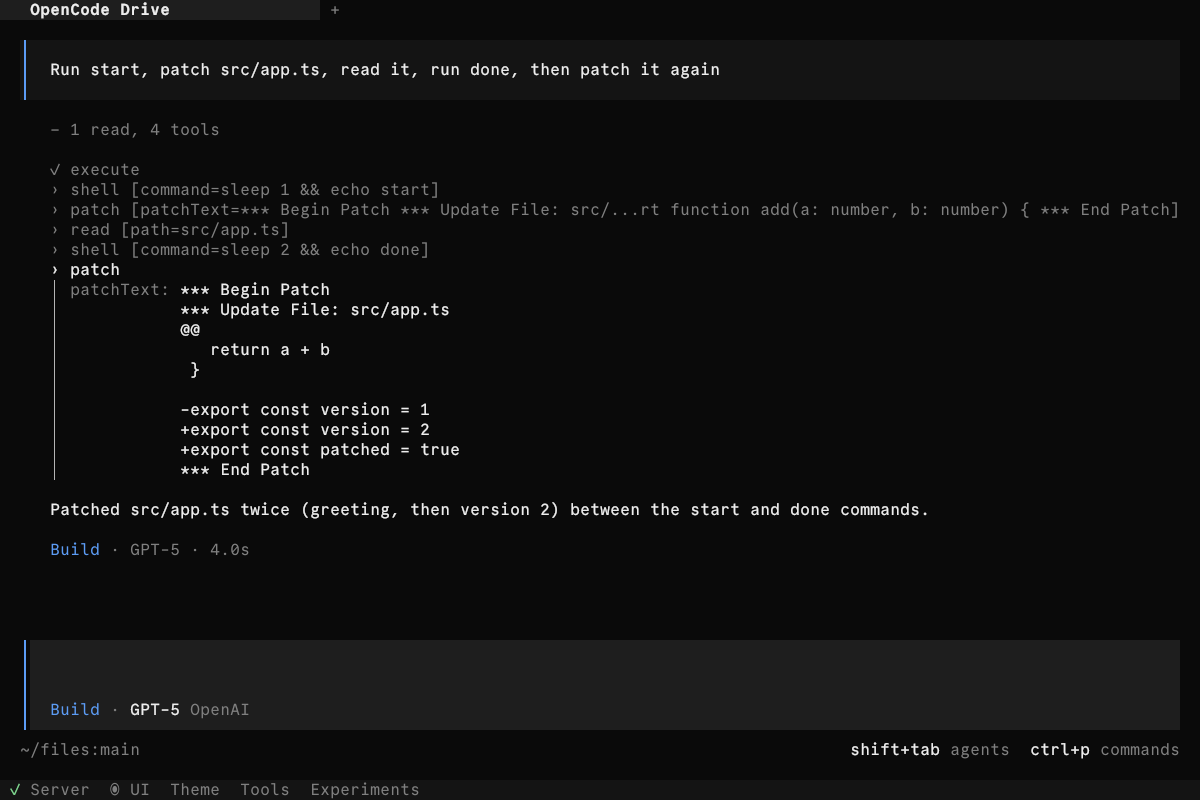
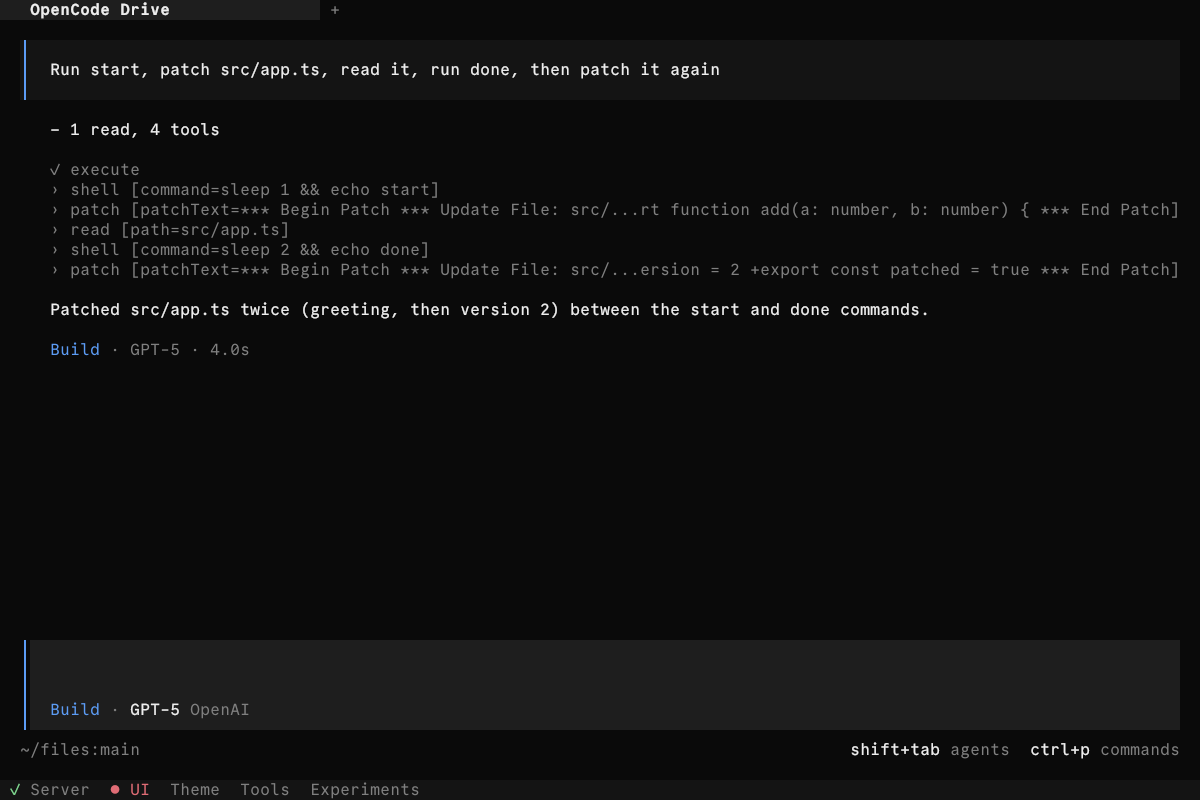
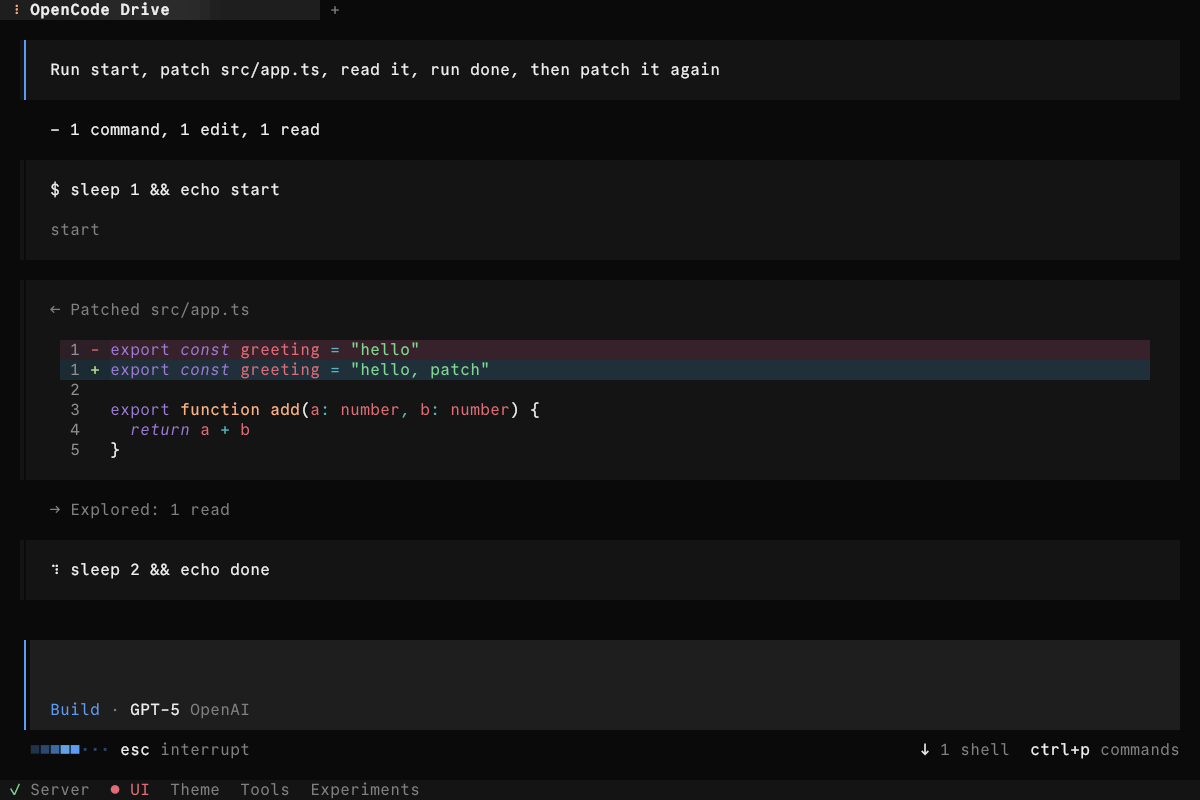
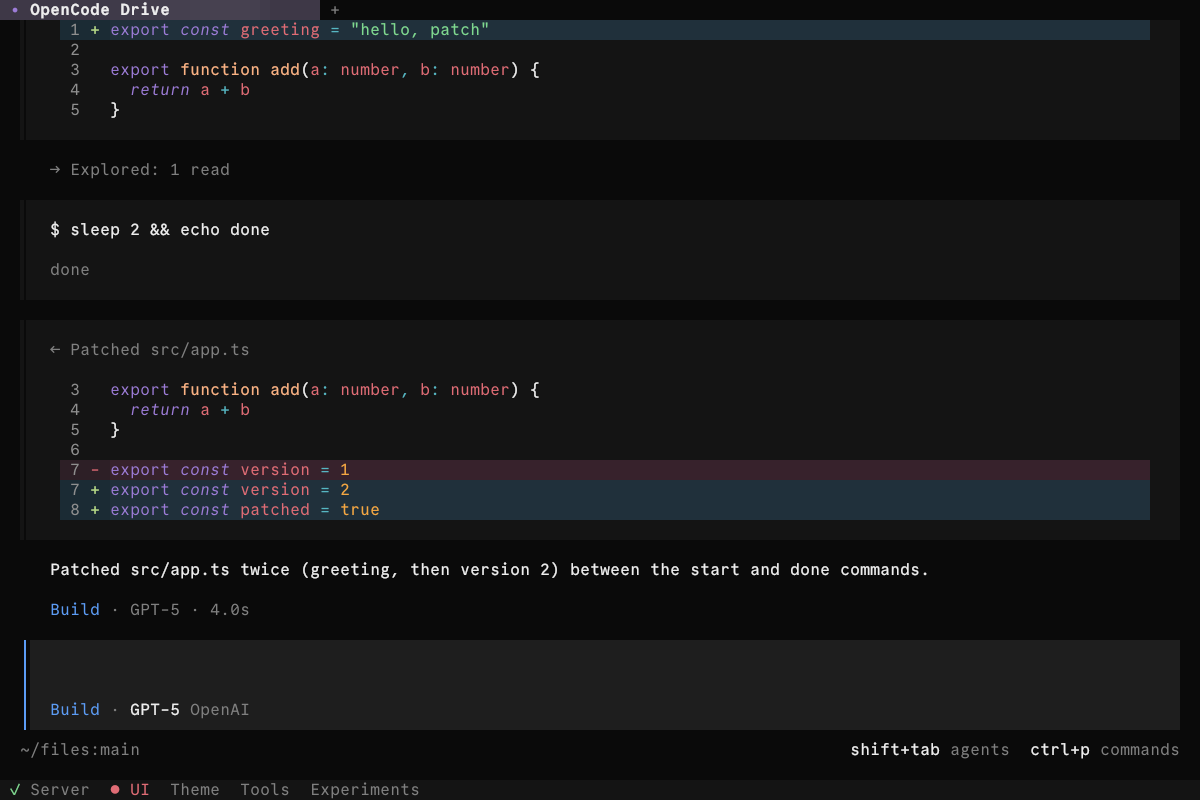
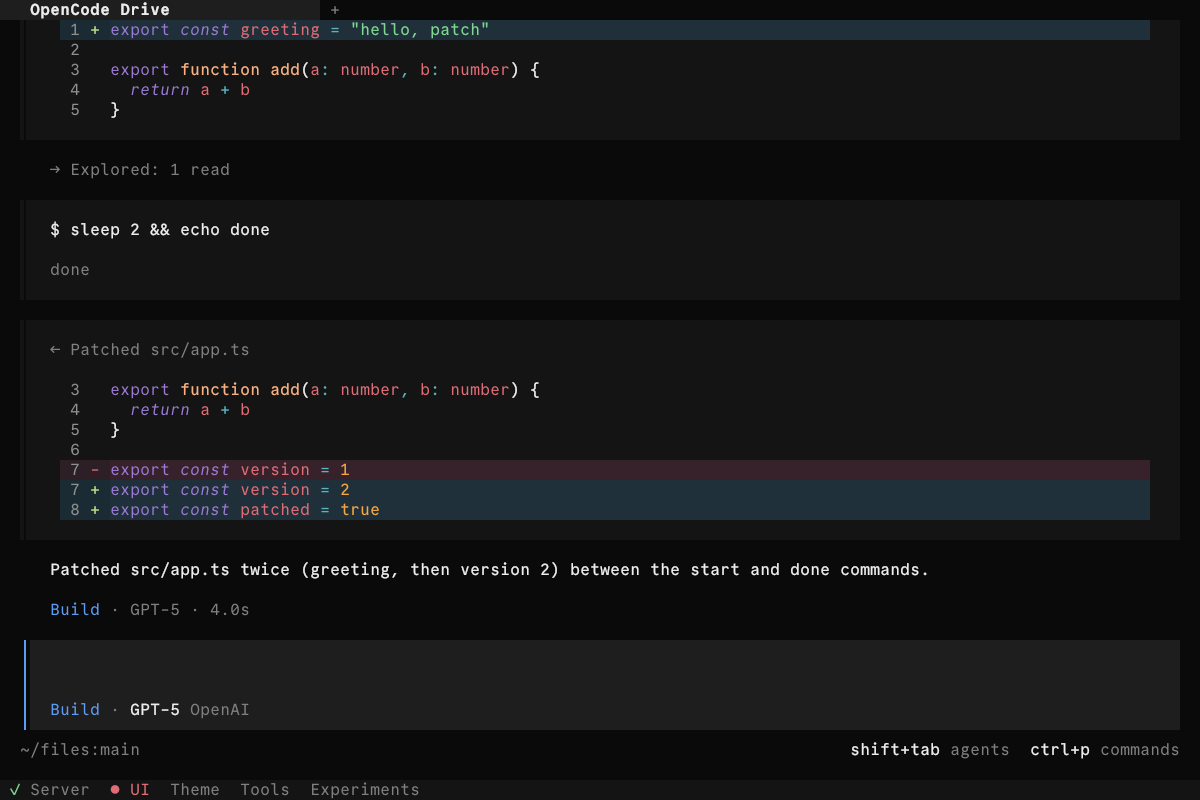
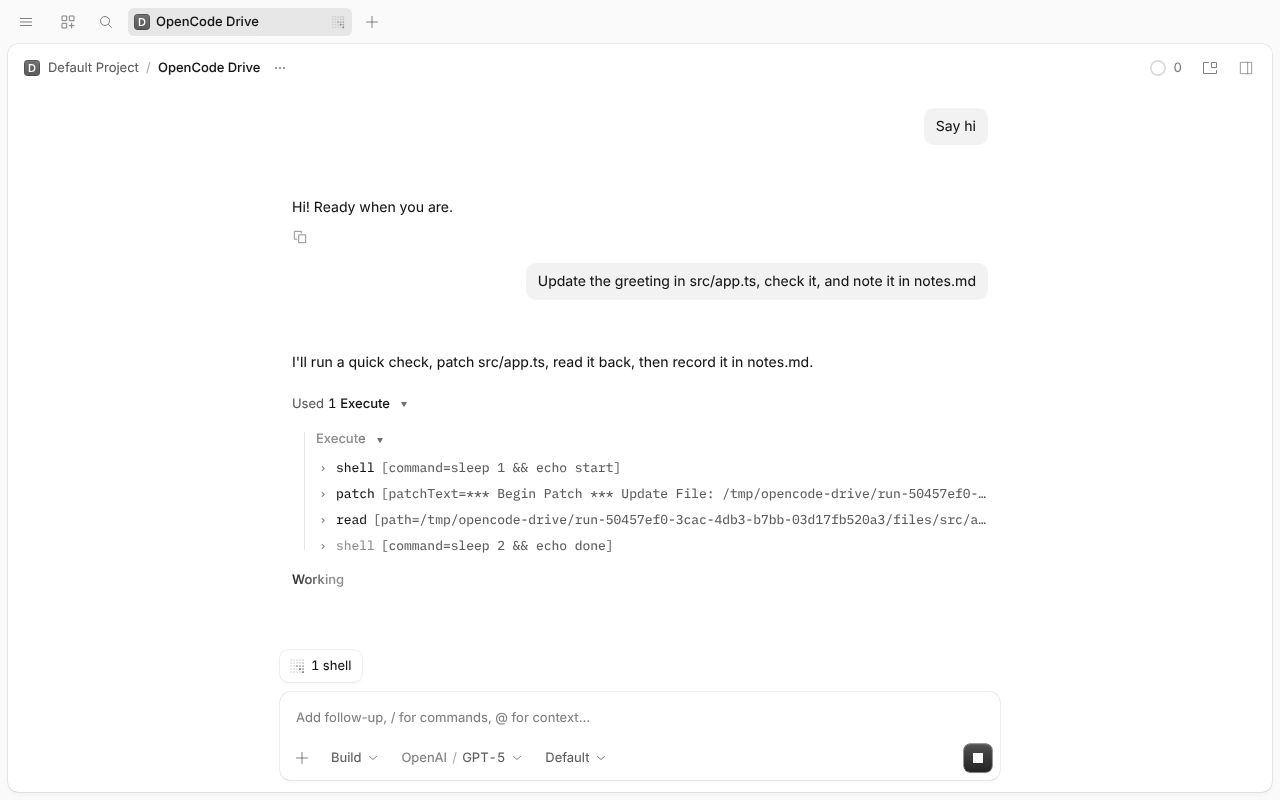
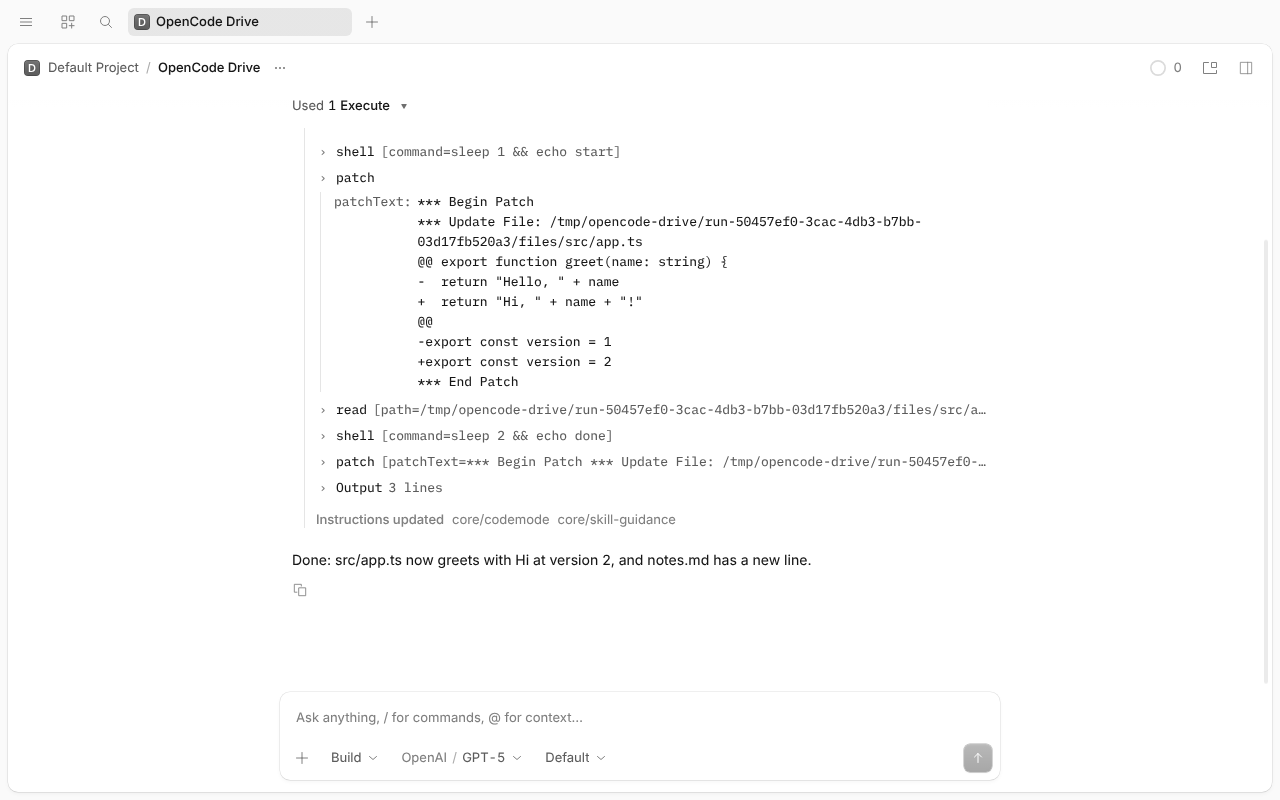
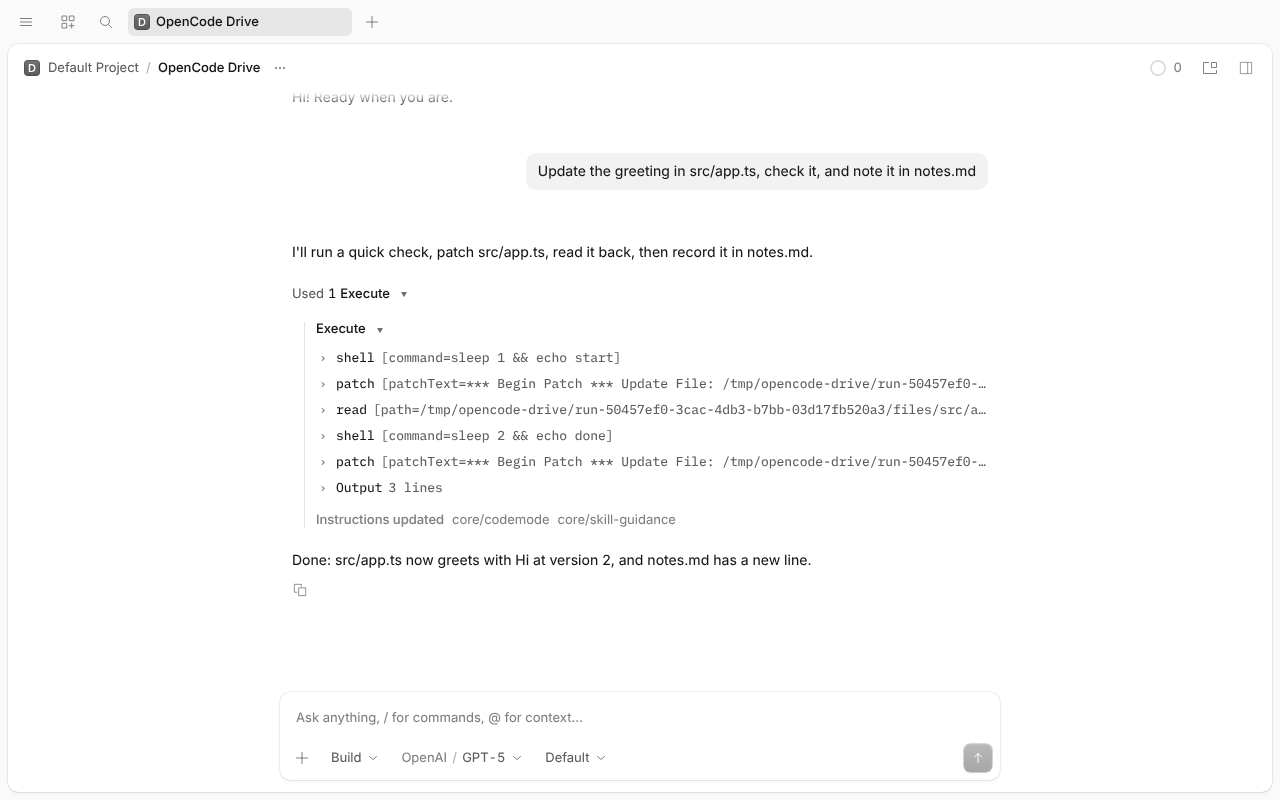
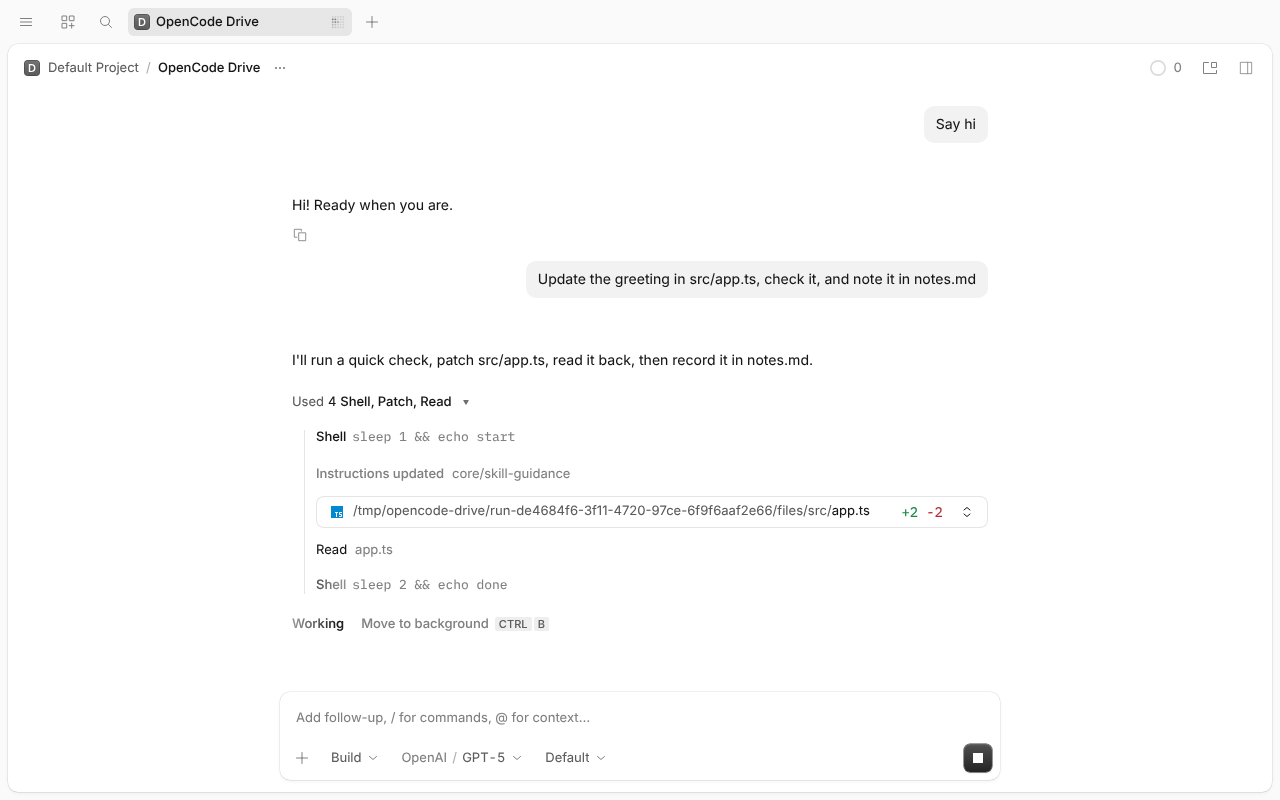
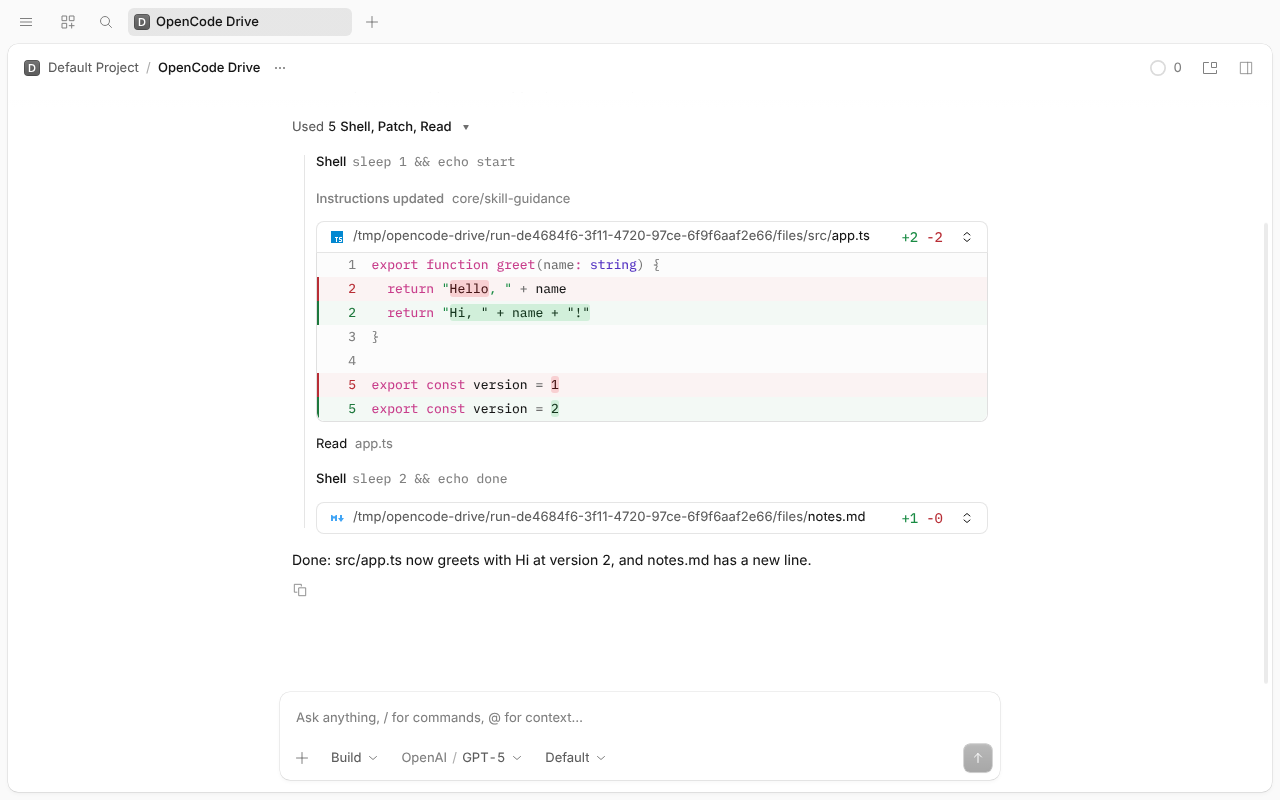
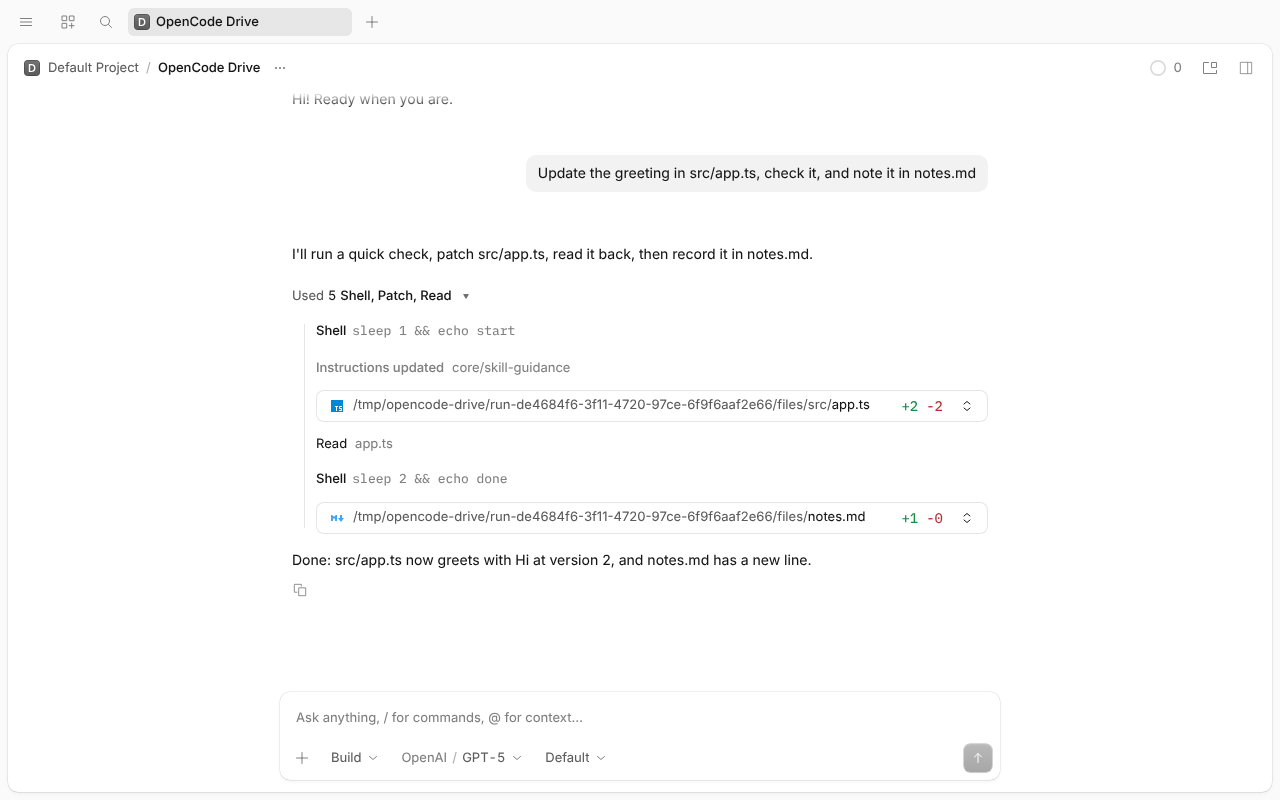
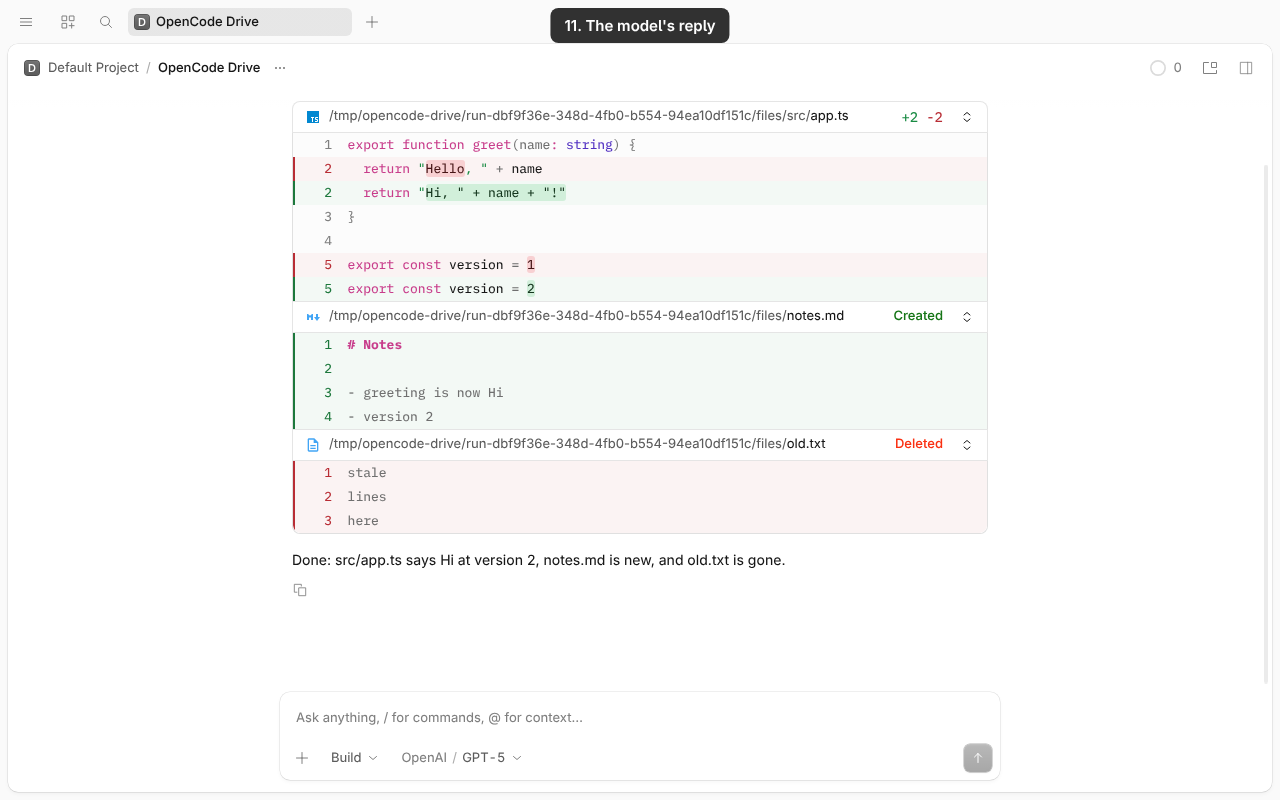
A GPT model gets patch instead of edit/write. The flow is shell (1 s), patch, read, shell (2 s), patch. With direct tools, each patch shows a numbered diff (on desktop, with the file name and +/− counts). In Code Mode, the patch row is the raw patch text on one line; opened, it shows the raw patchText with no file header or diff view.
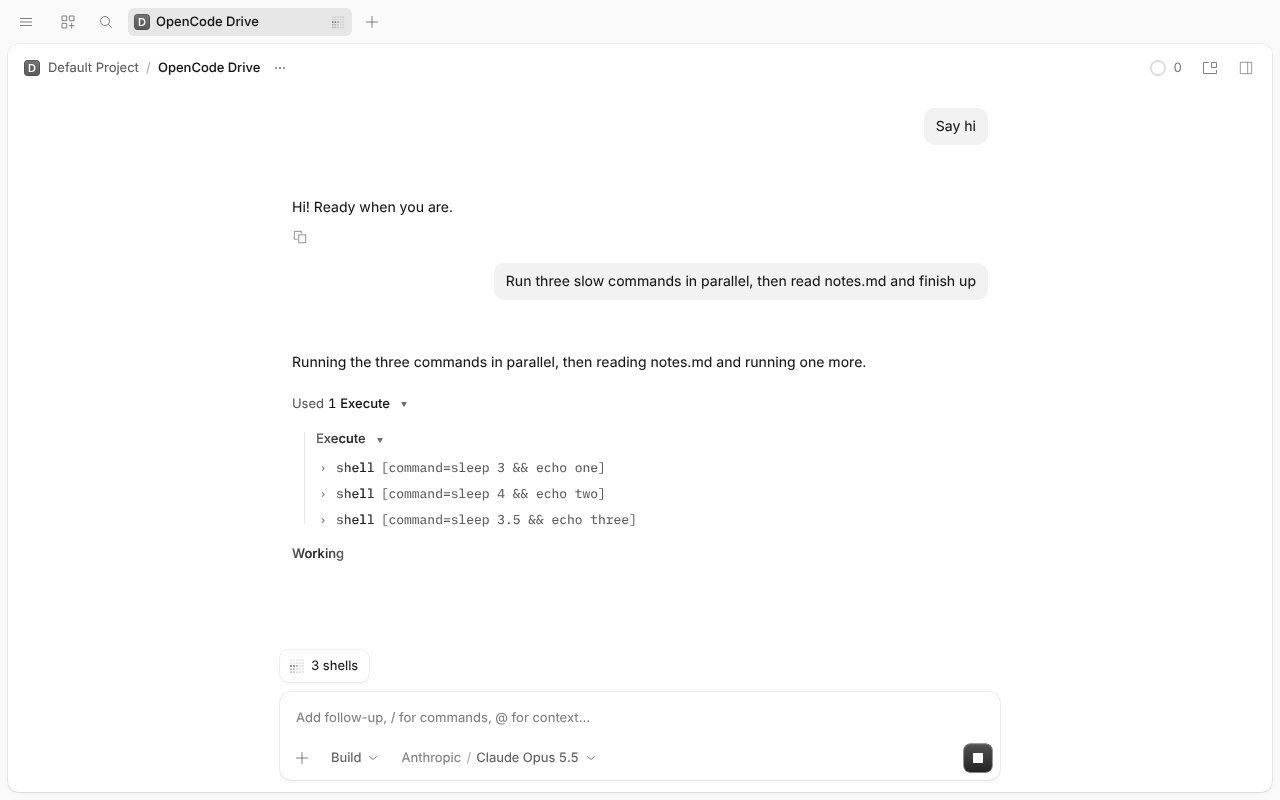
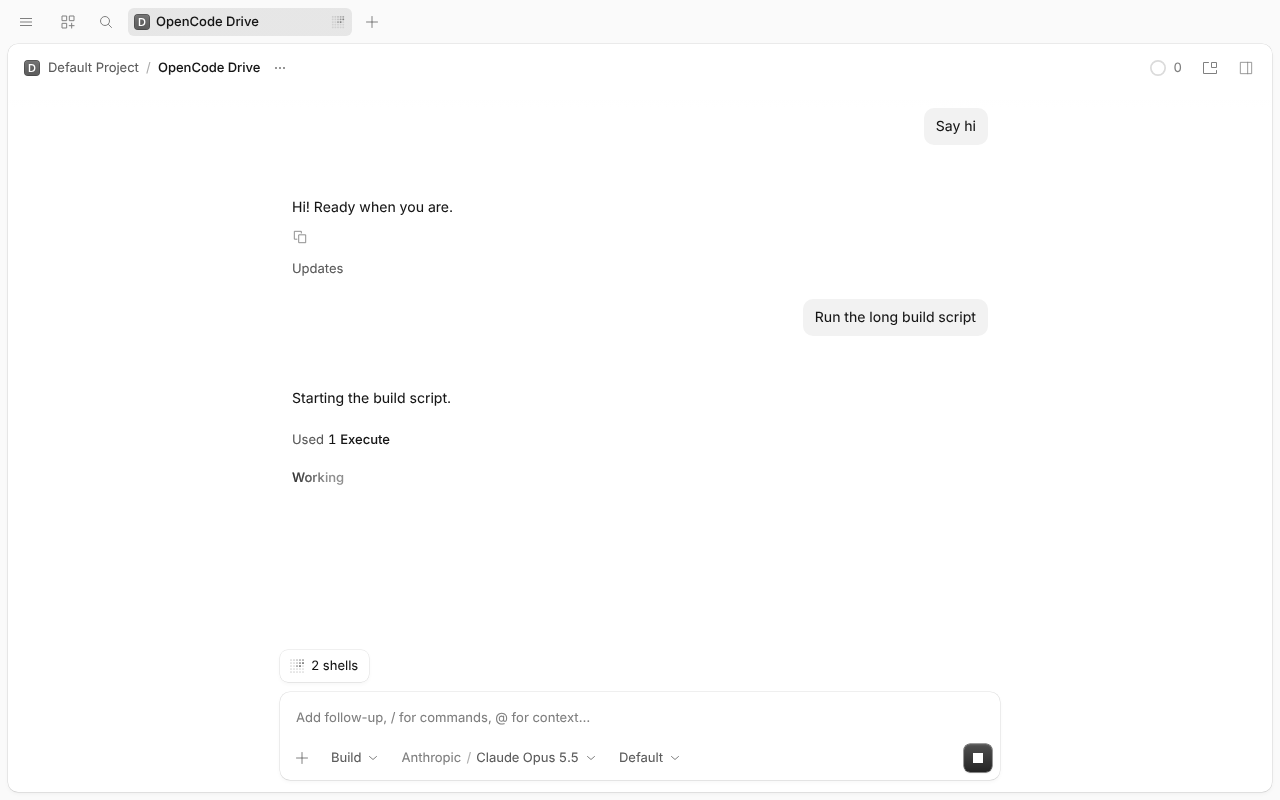
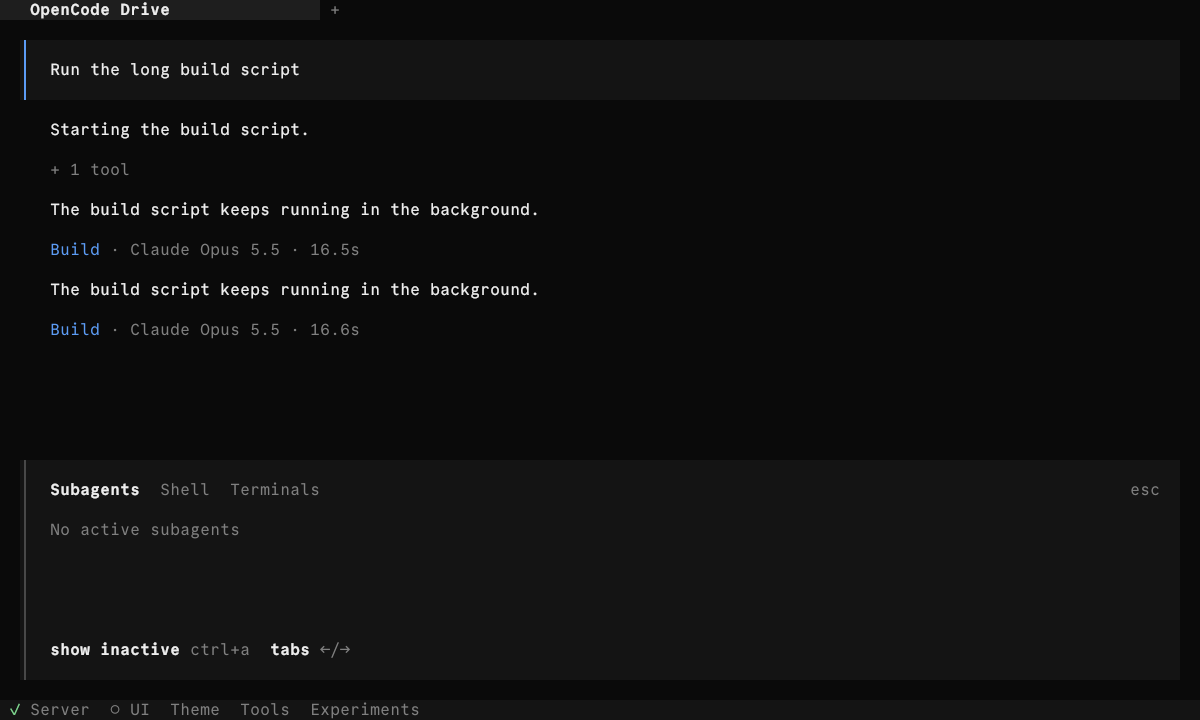
A Code Mode script running two 60 s shells: in the foreground, then moved to the background, then stopped from the pill. PR #64790.
While the script runs in the foreground, the pill shows its own shells as "2 shells", and the execute row has no "Move to background". Ctrl+B in the composer opened the home screen here, so the run stops at that point.
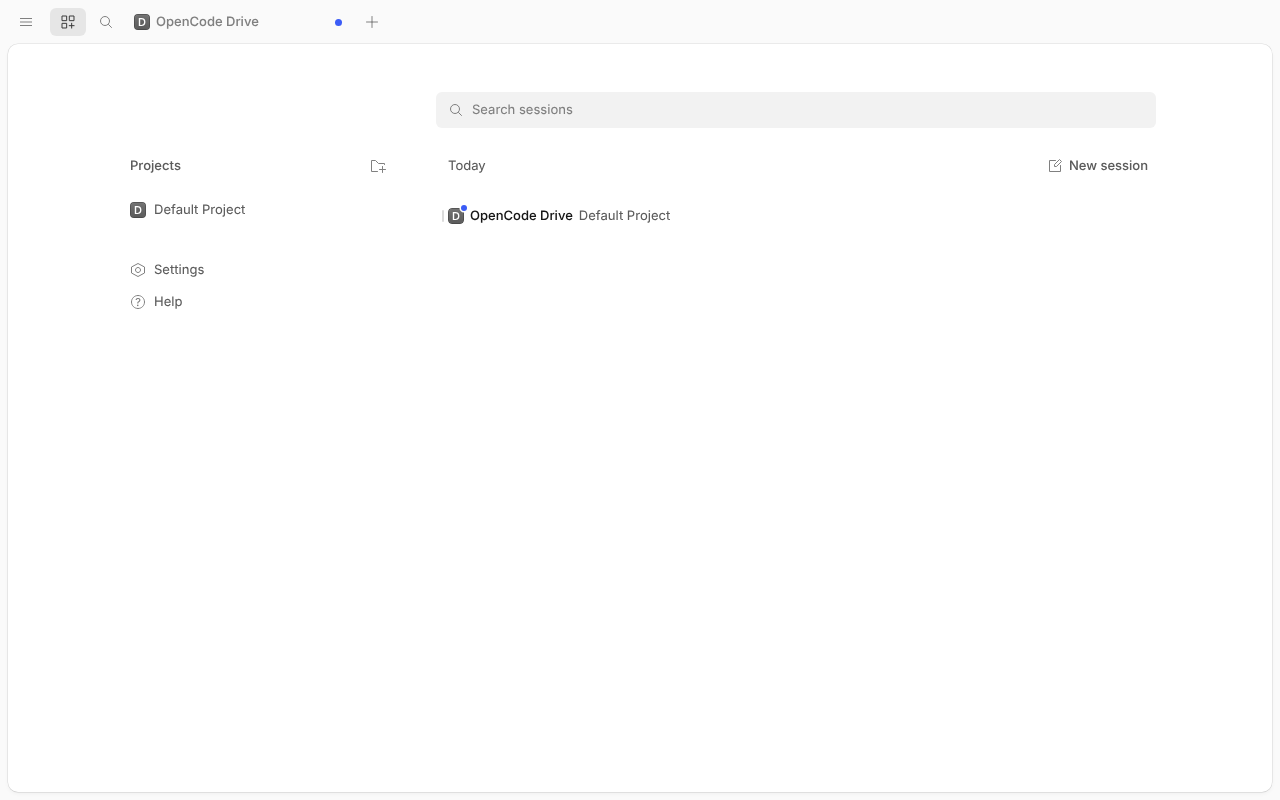
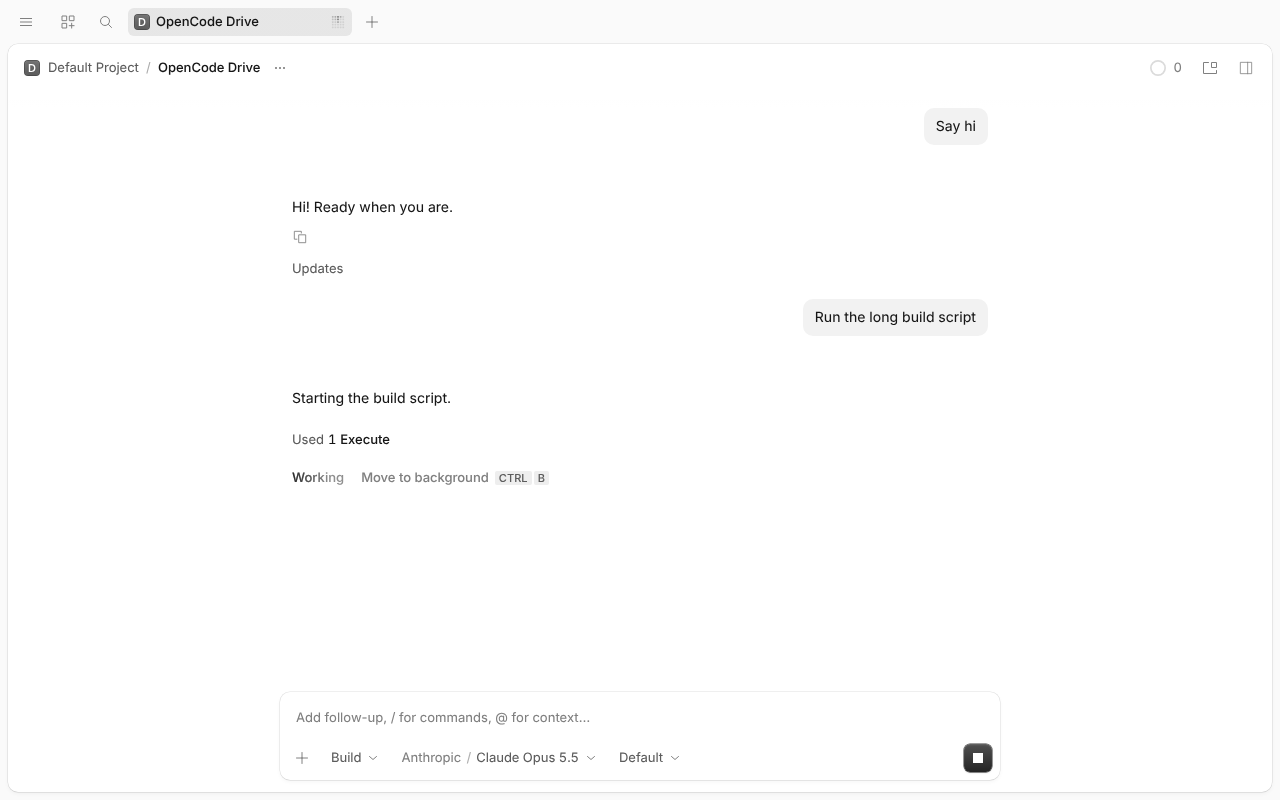
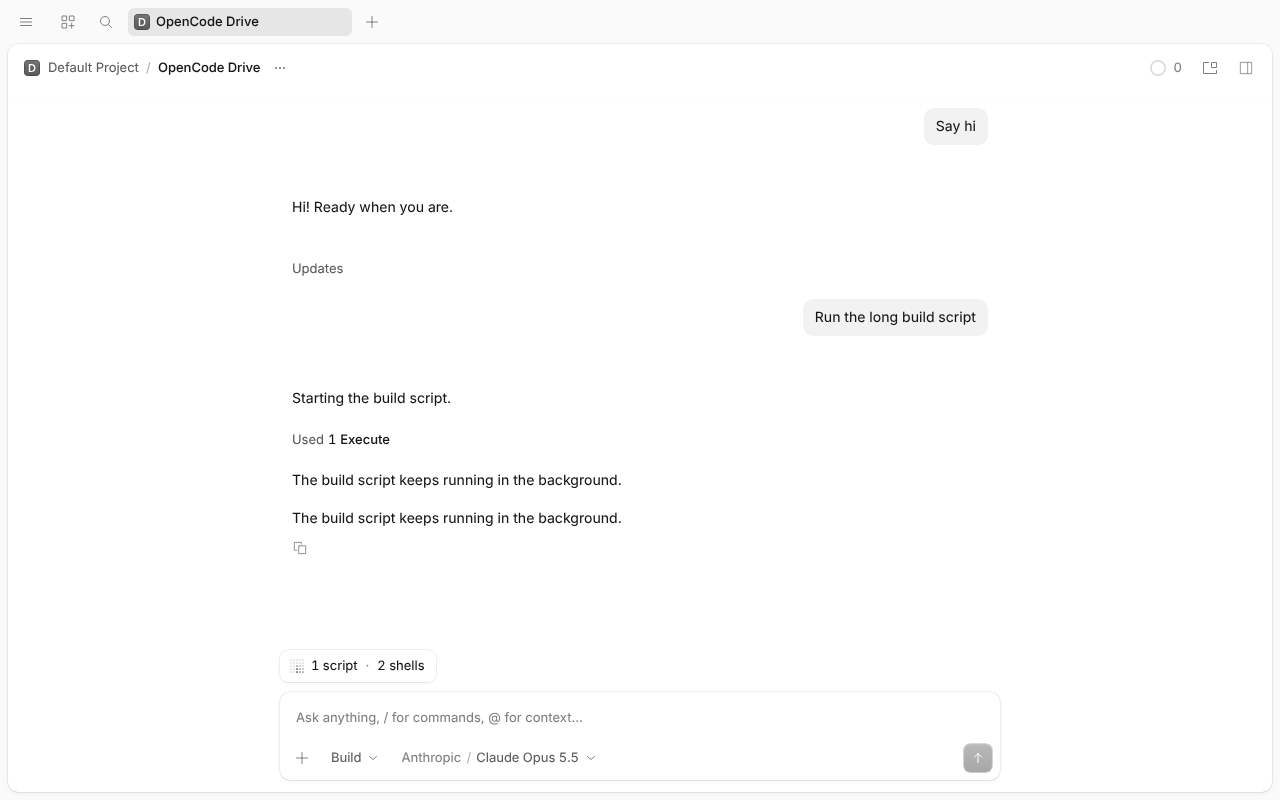
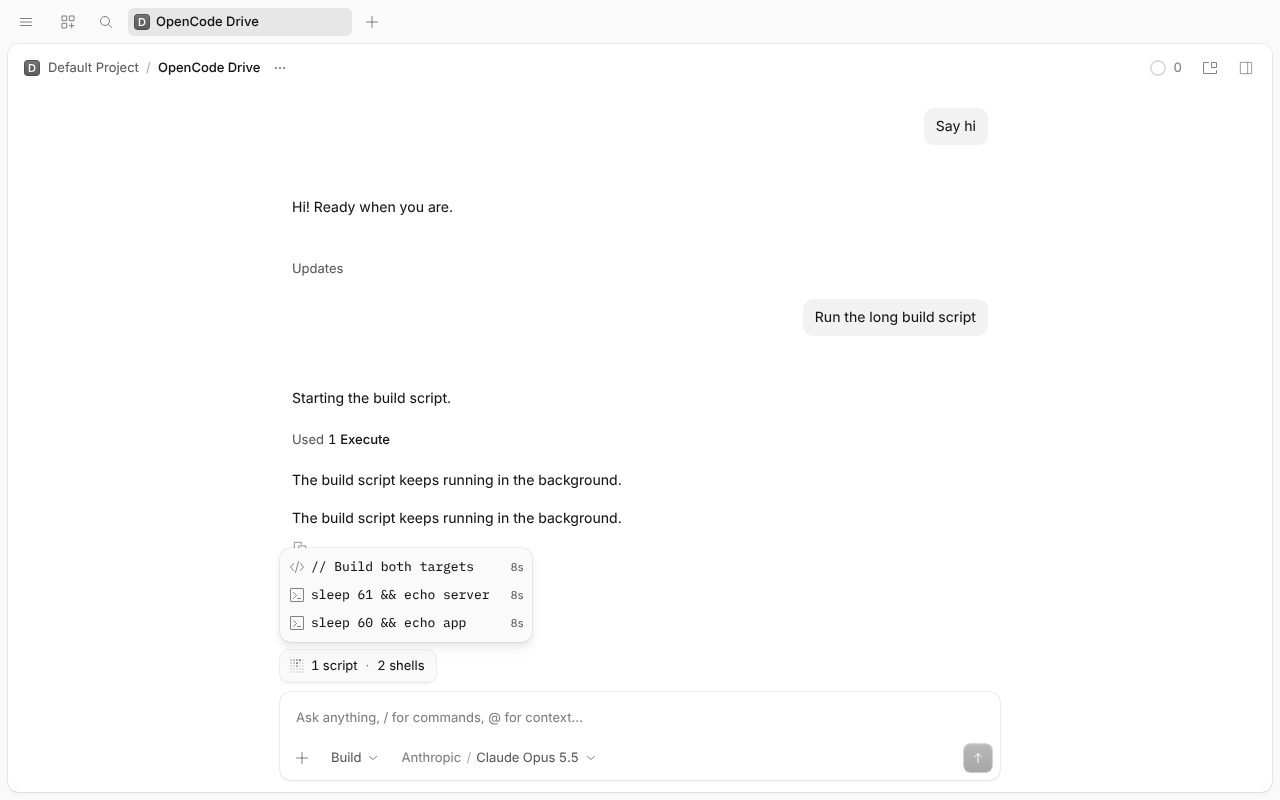
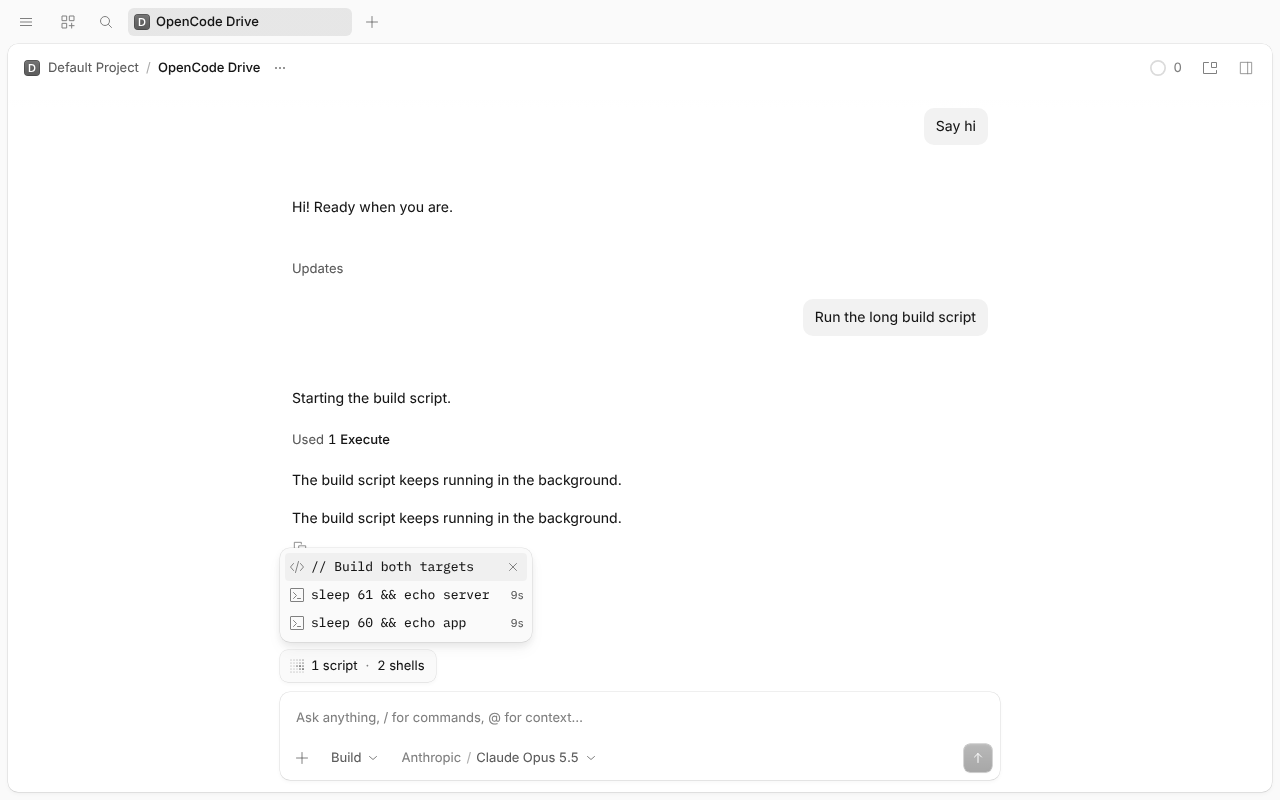
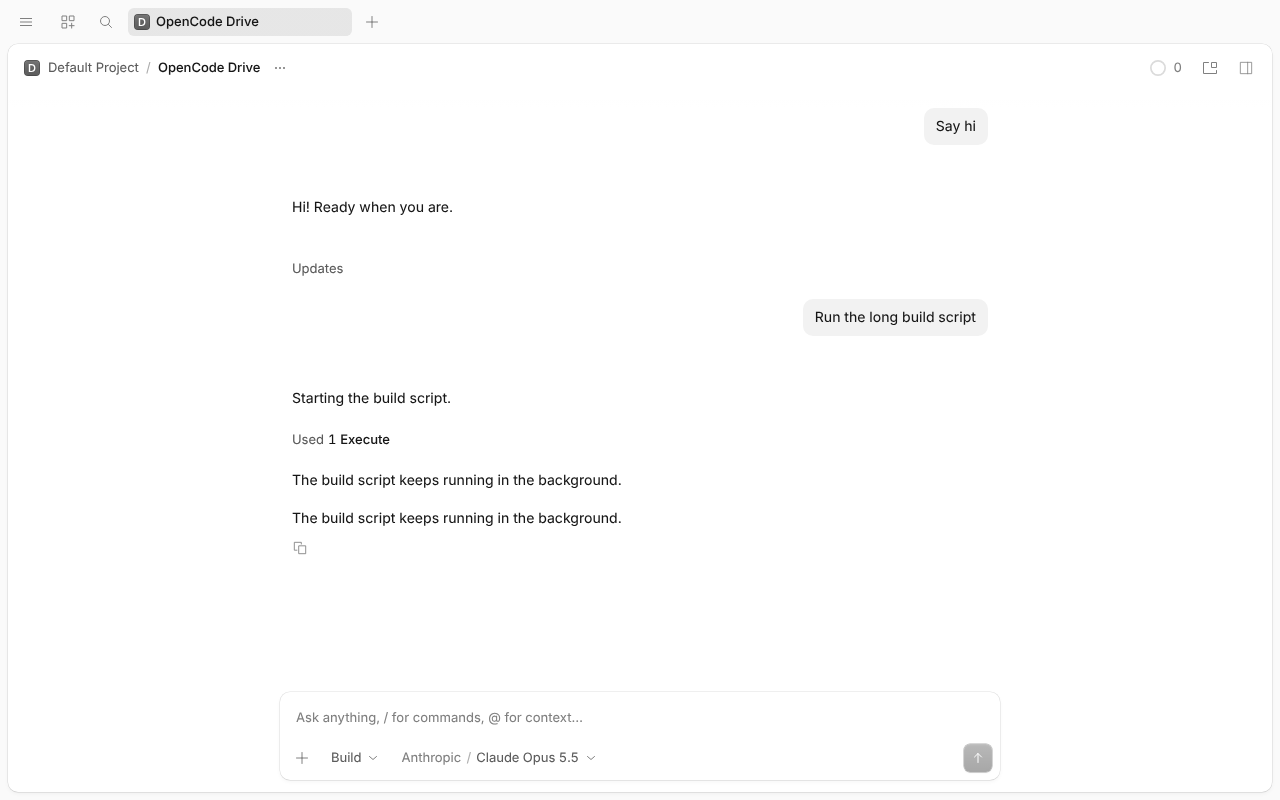
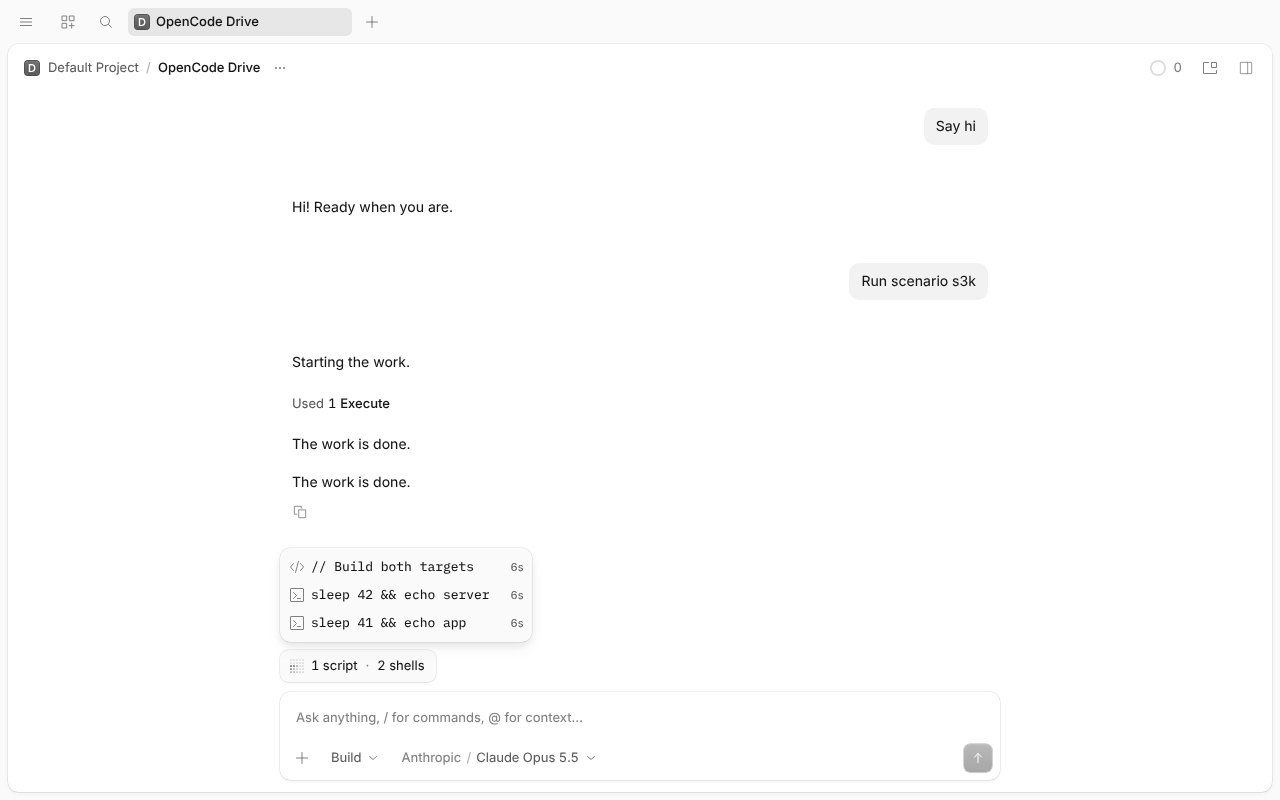
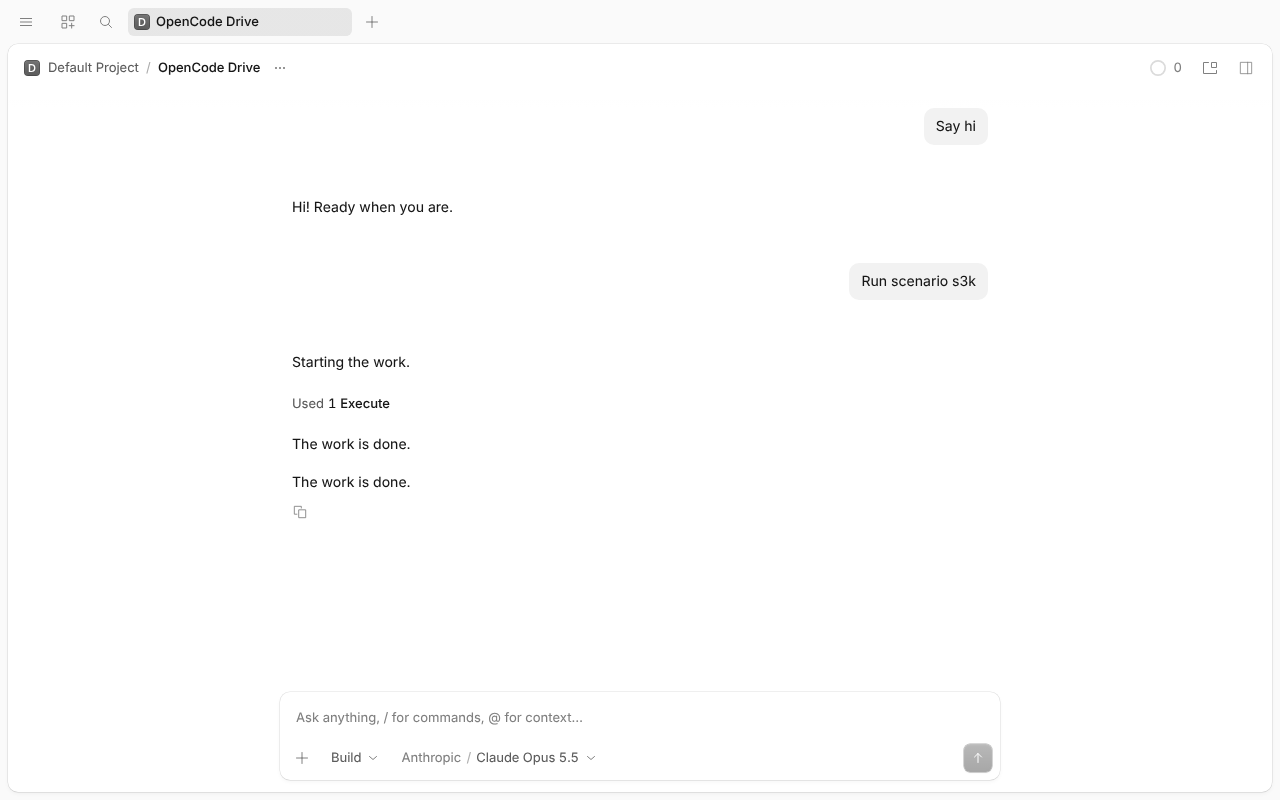
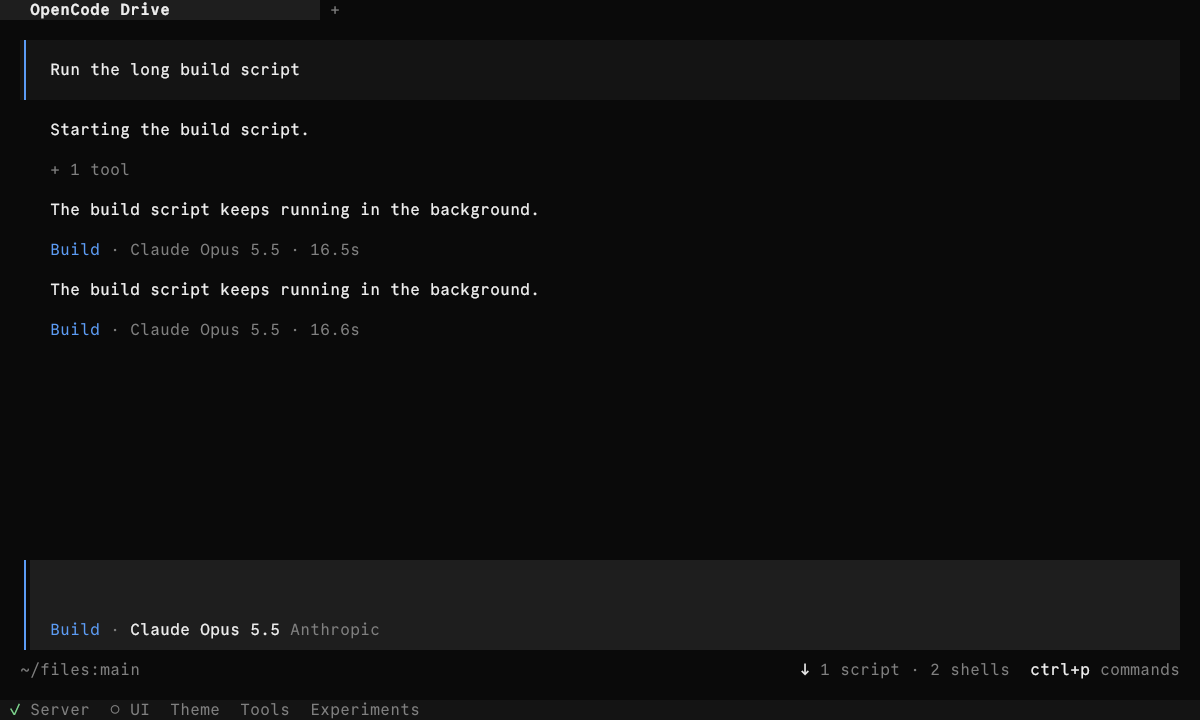
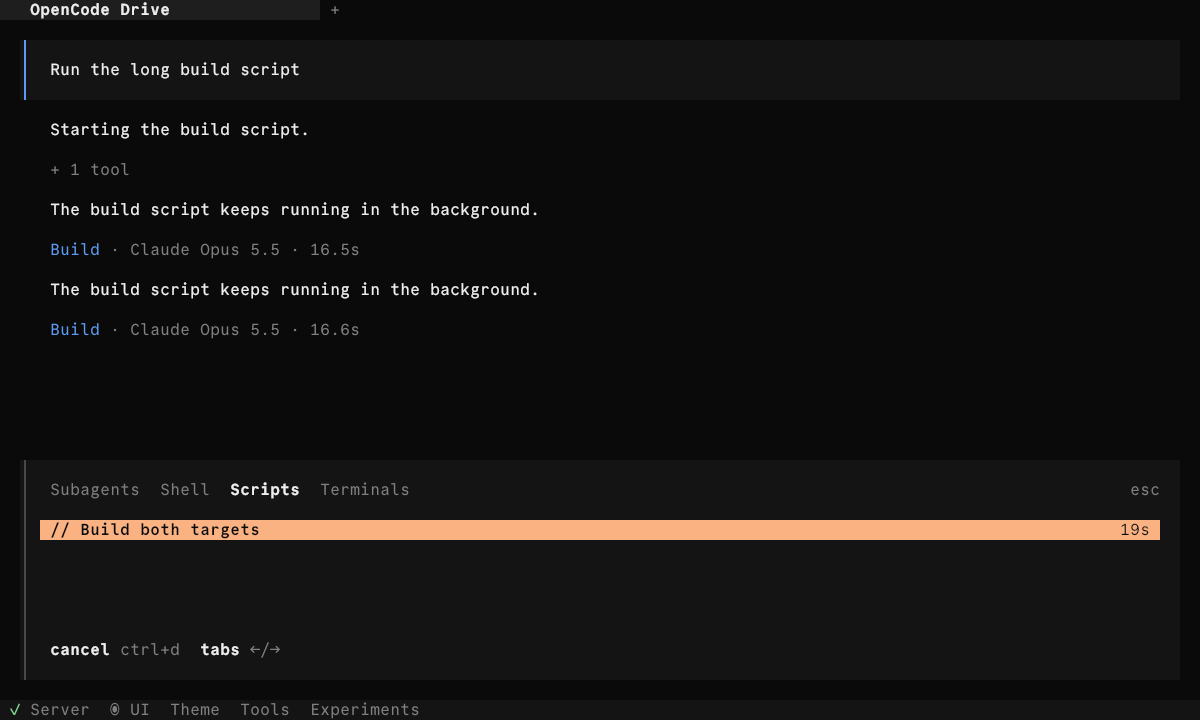
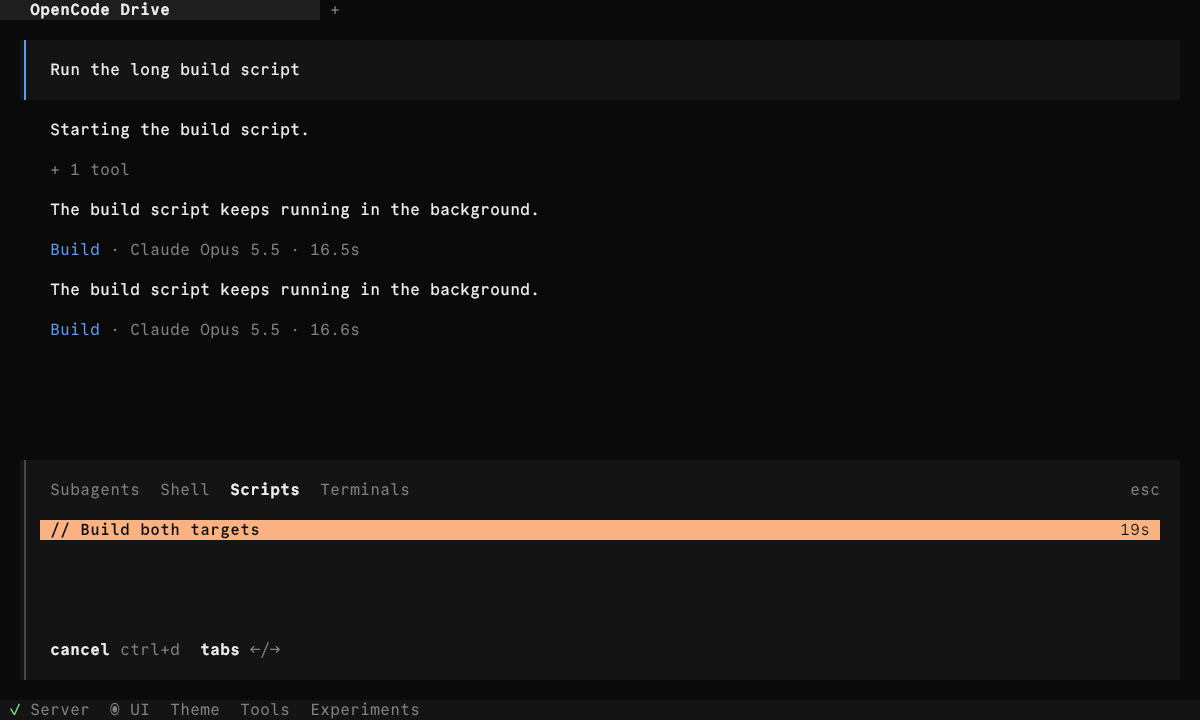
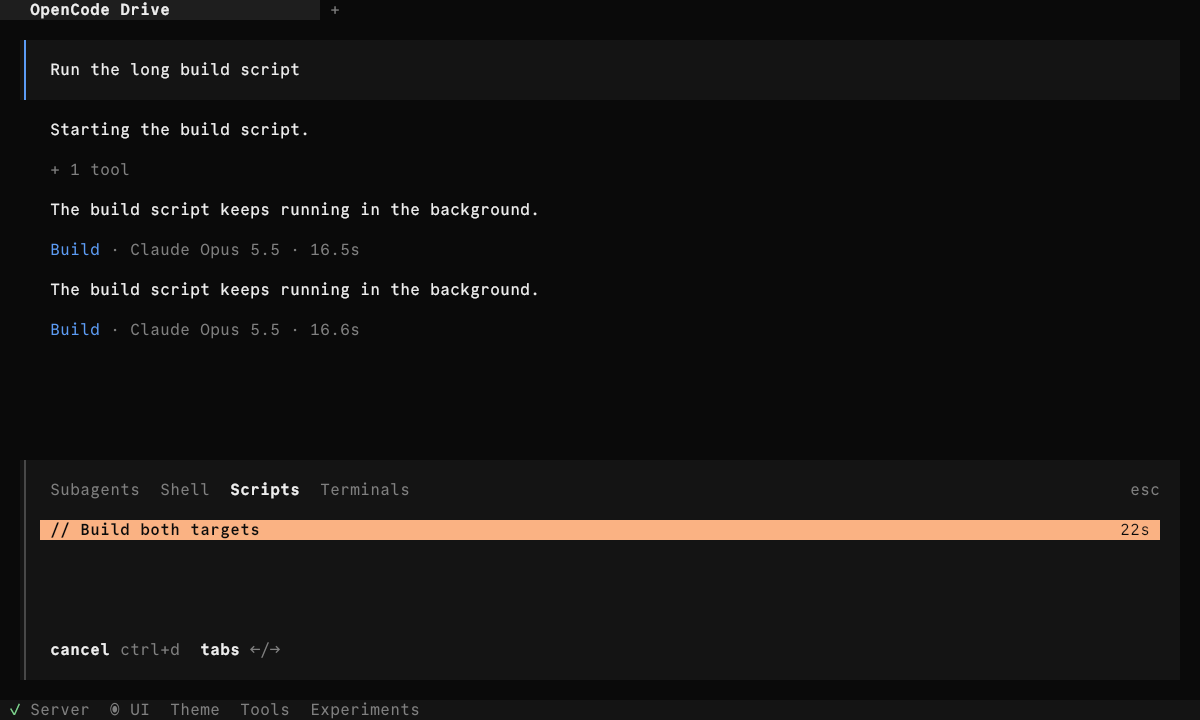
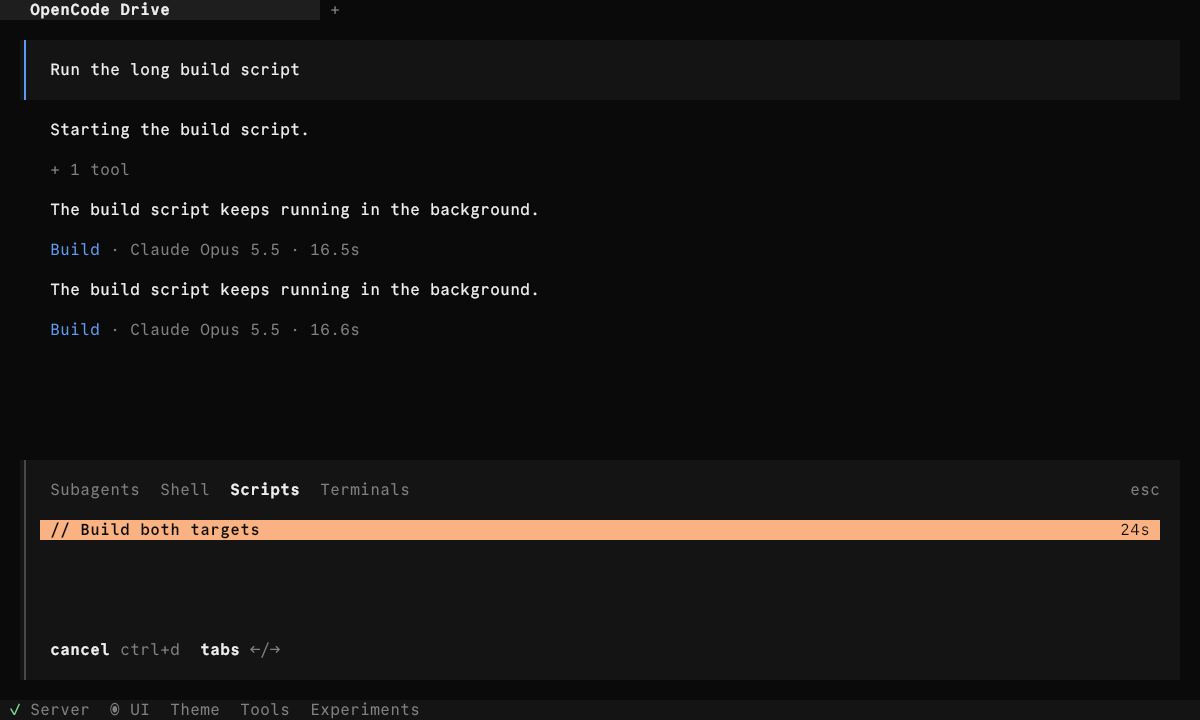
In the foreground: "Move to background" on the execute row and no pill. In the background: "1 script · 2 shells" and a script row ("// Build both targets", elapsed time). Stop cancels the script and its shells, and the pill goes away.
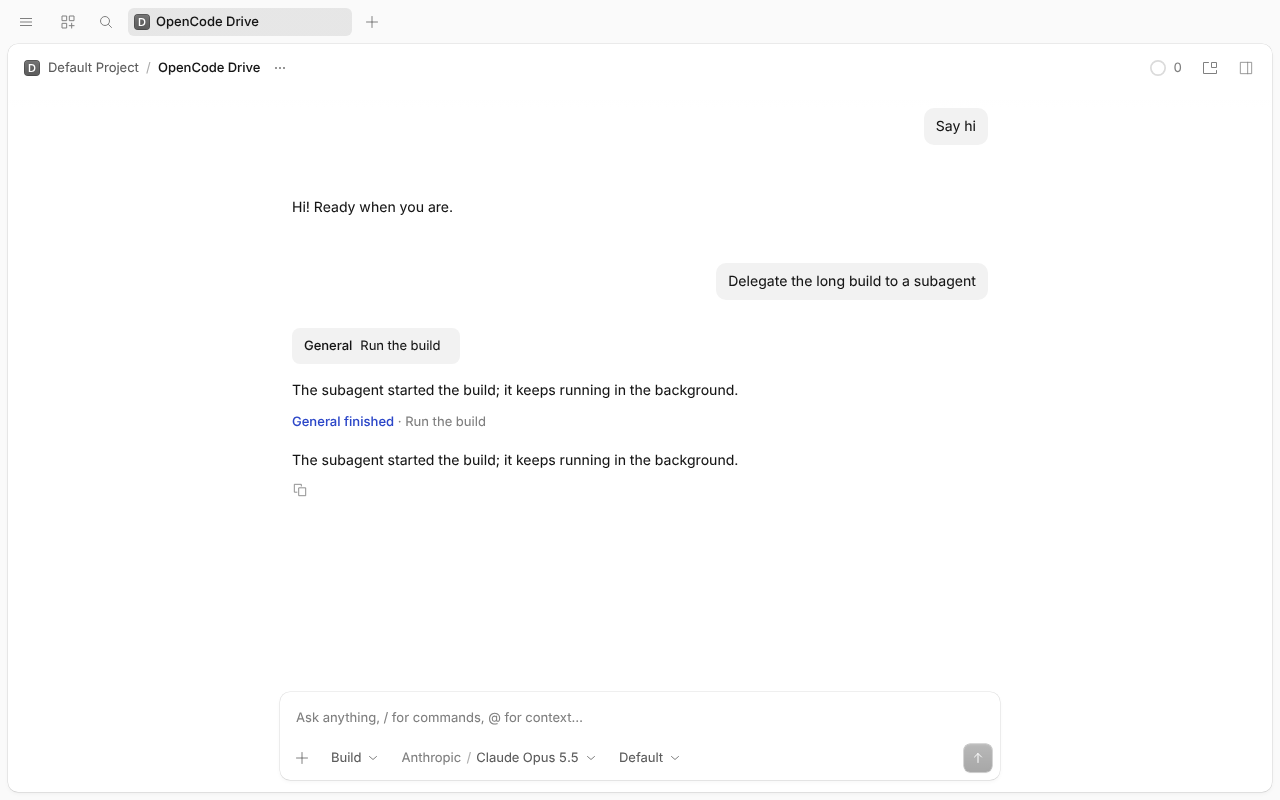
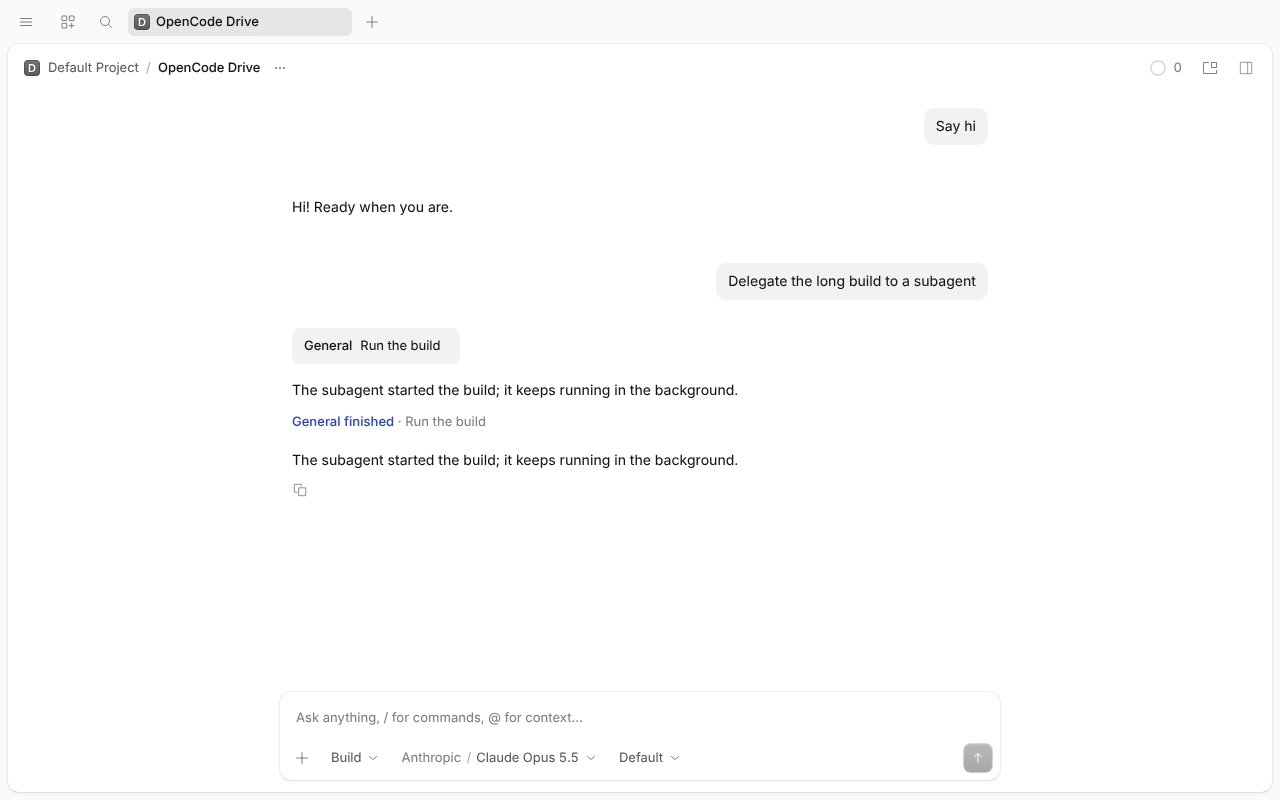
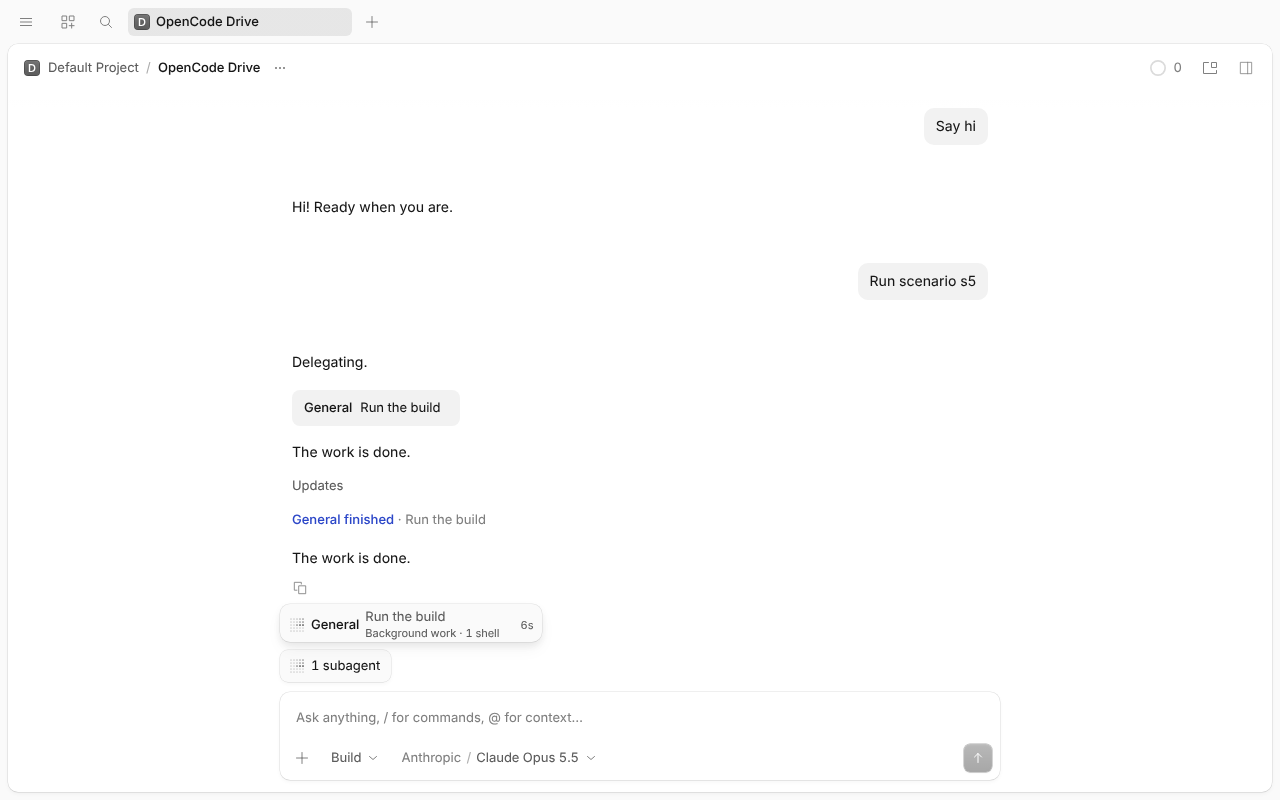
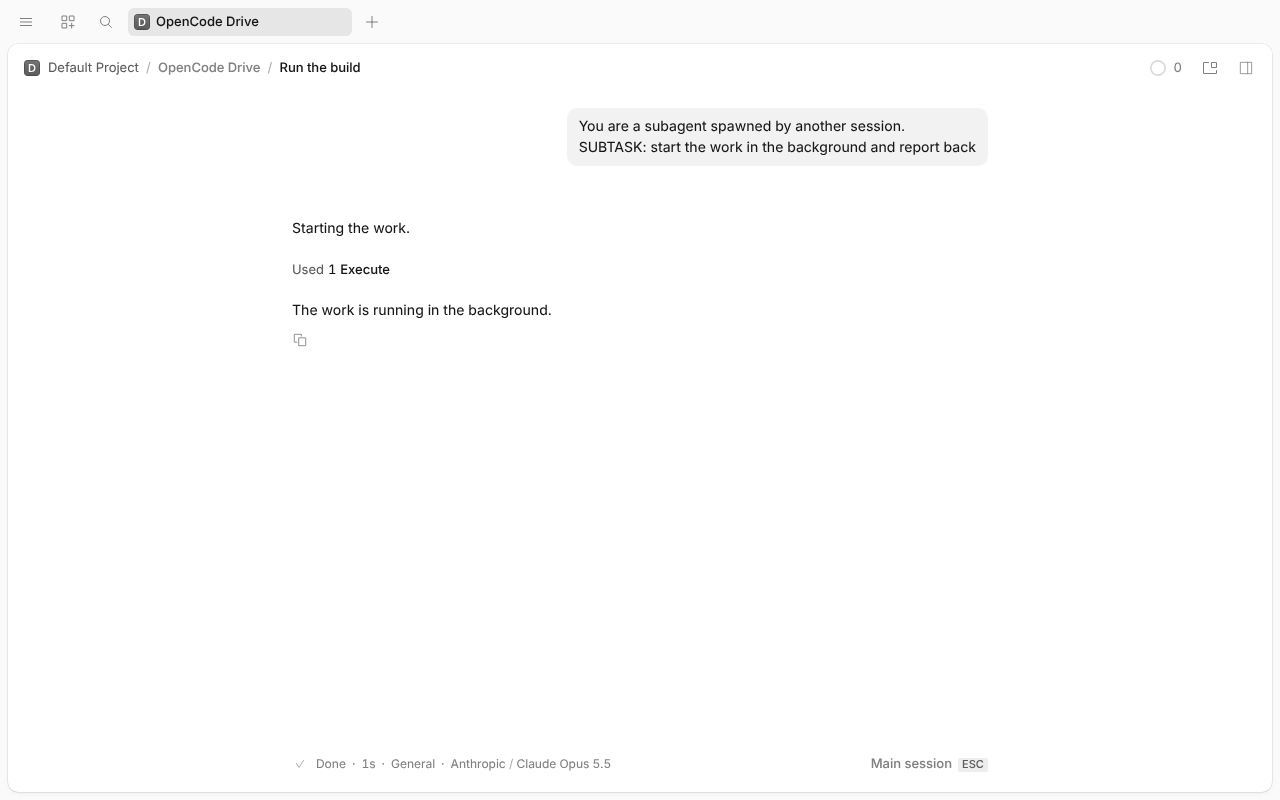
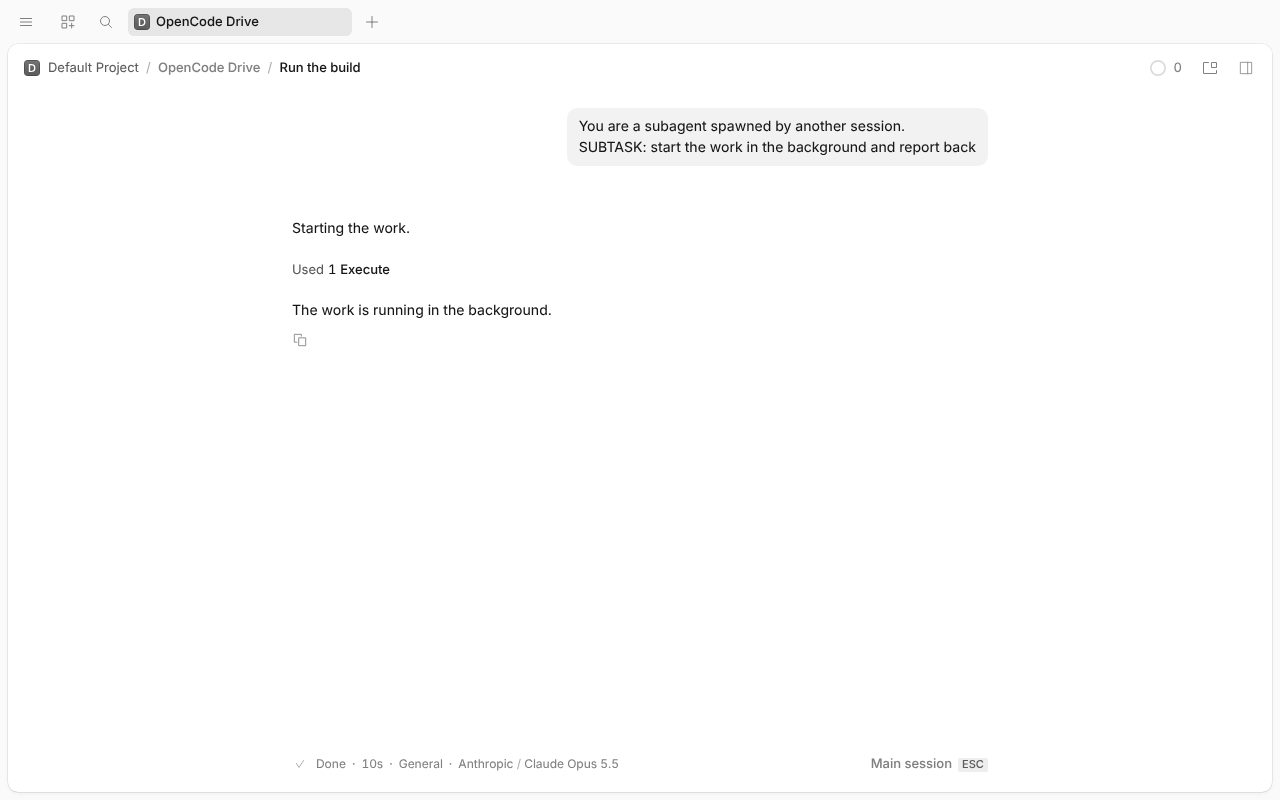
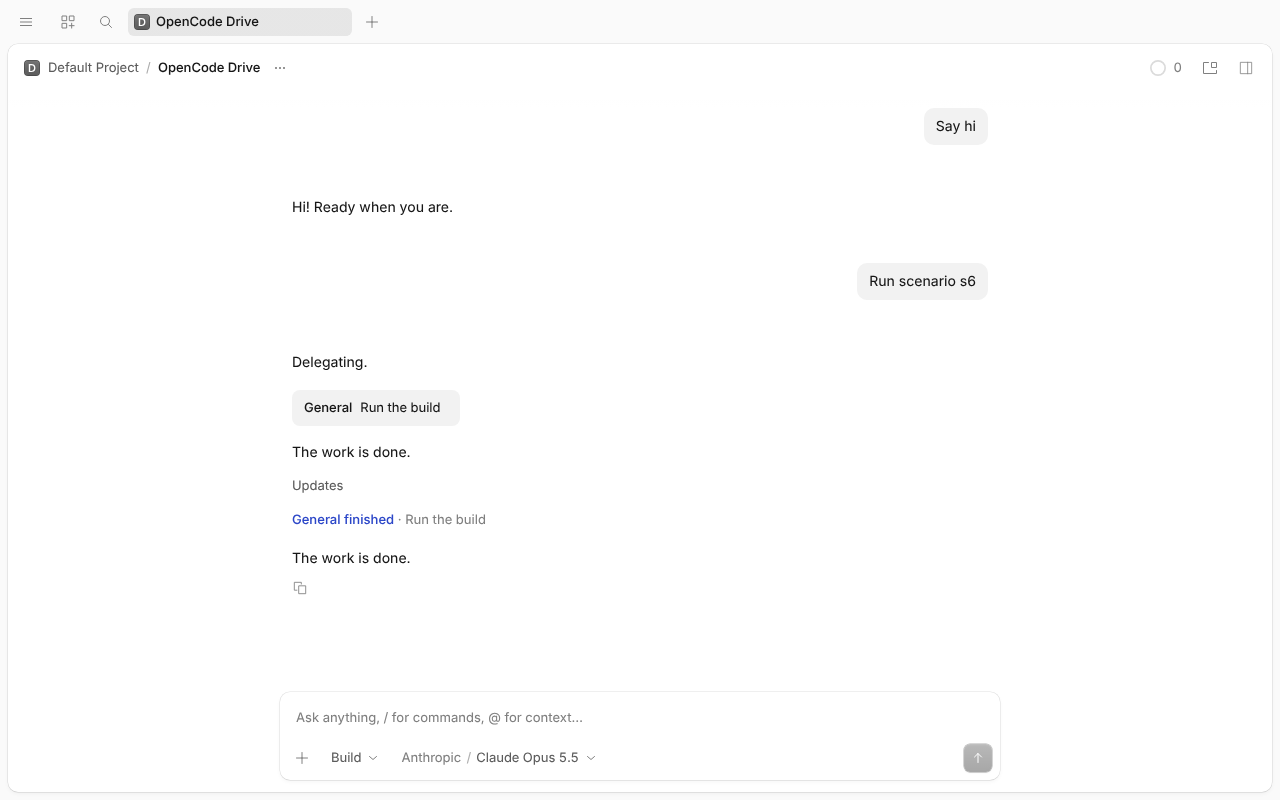
The main session starts a subagent. The subagent starts a background sleep 60 && echo done shell and goes idle. PR #64790.
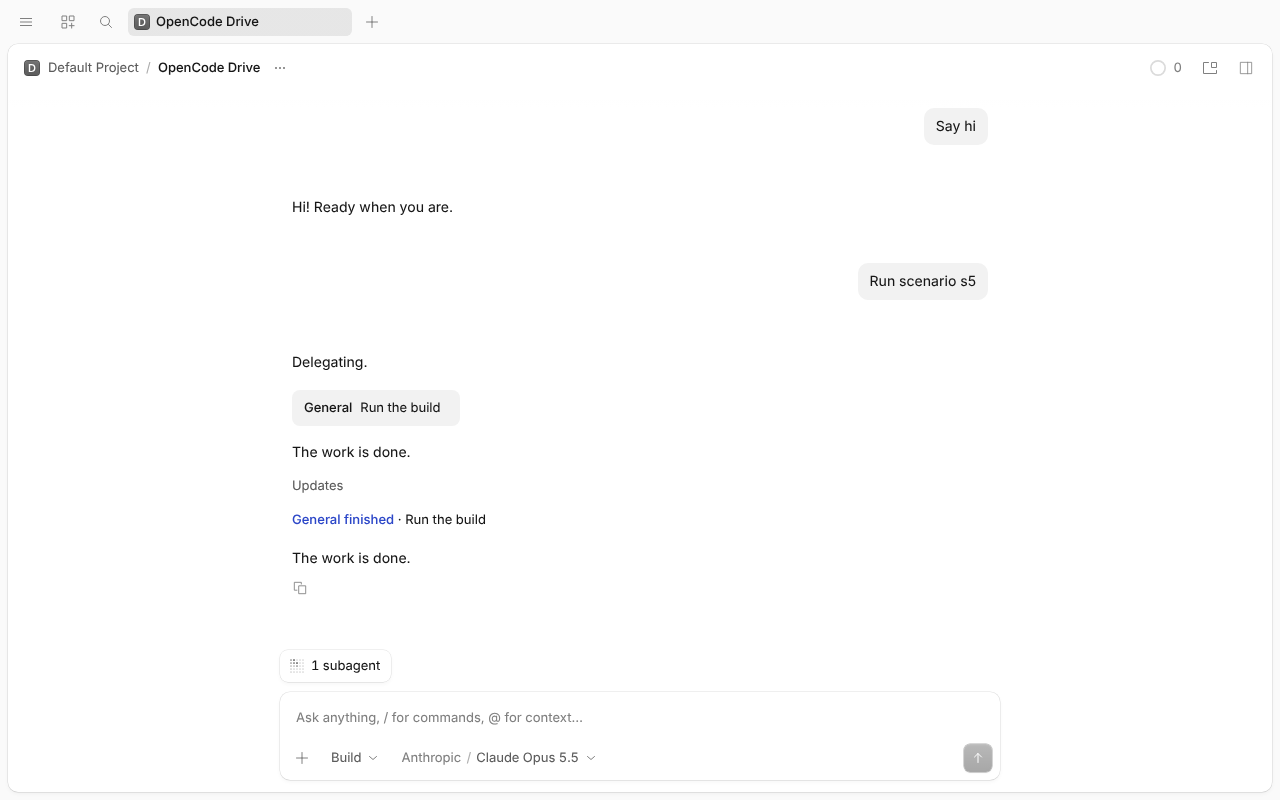
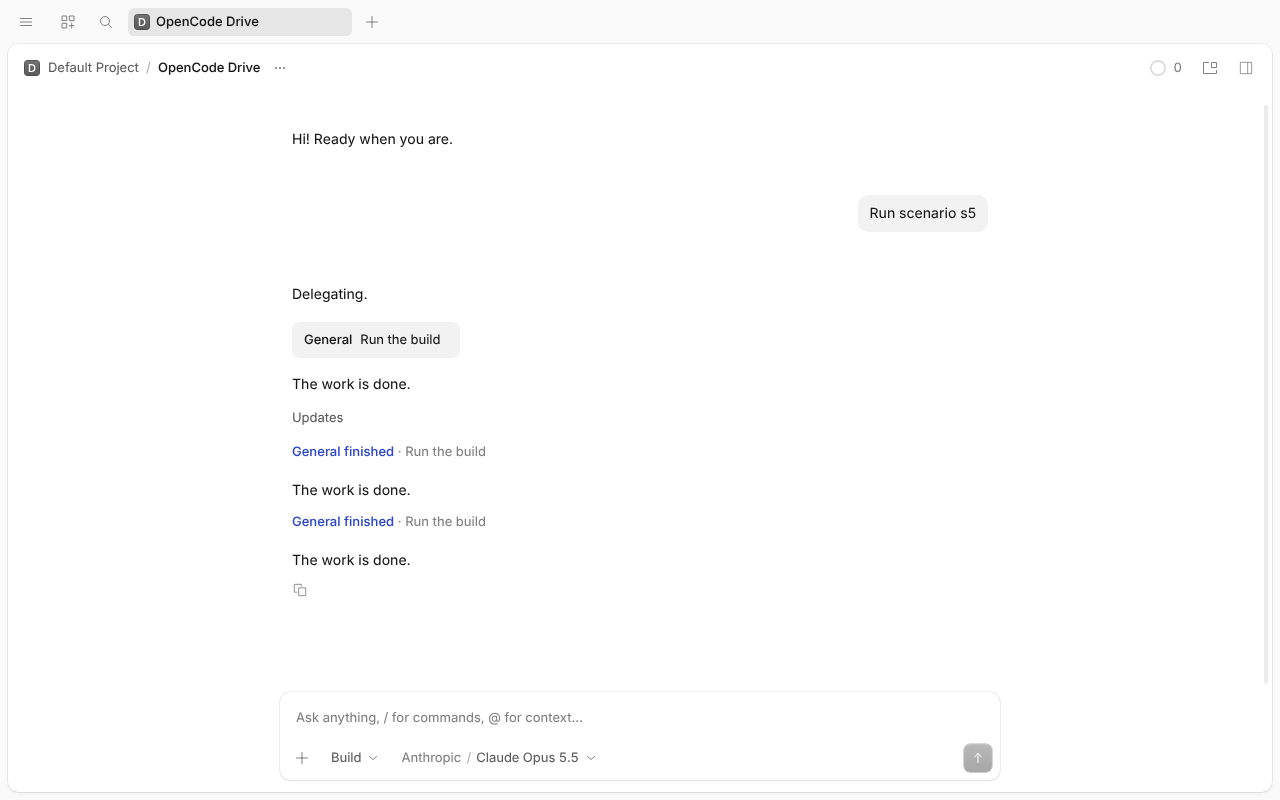
The pill shows "1 subagent" for about half a second, then disappears once the subagent goes idle, even though its shell is still running.
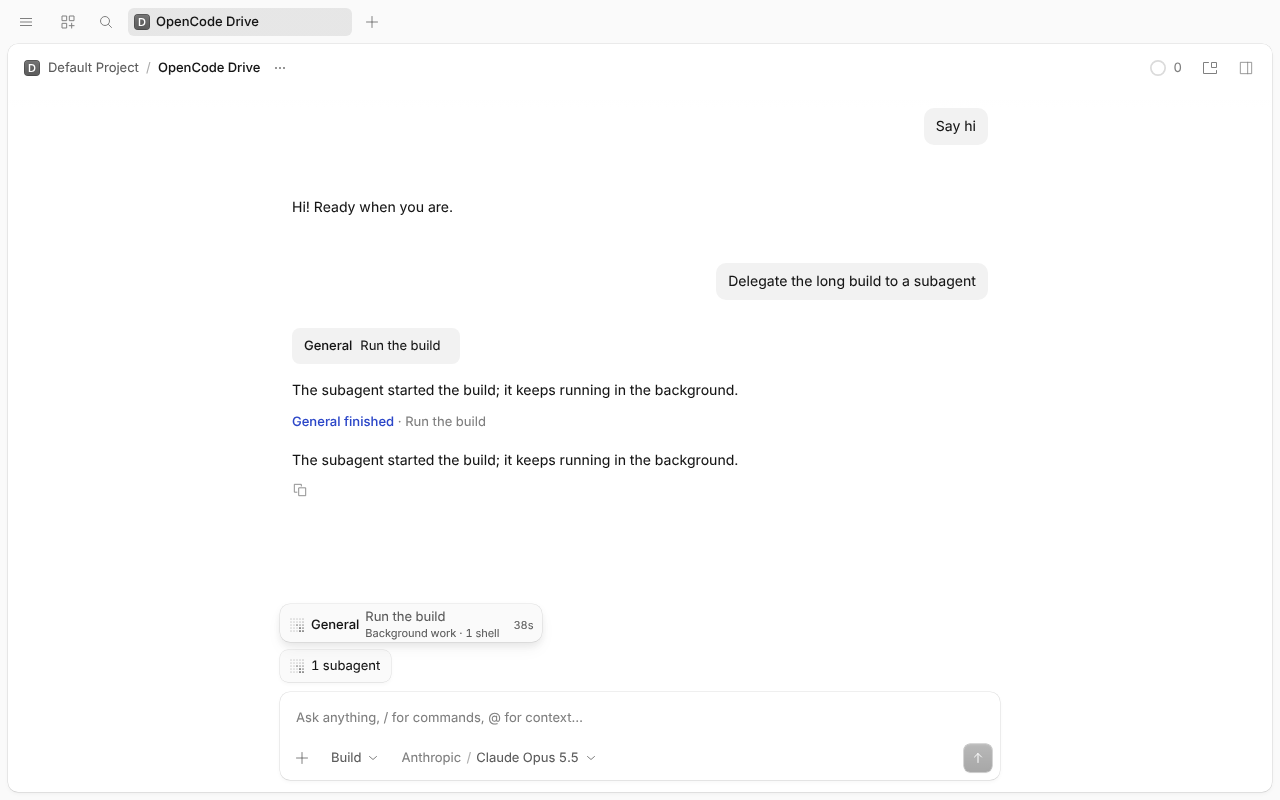
The pill keeps "1 subagent", and its row reads "General · Run the build · Background work · 1 shell". Stop sends one POST /api/experimental/job/sh_…/cancel, the shell ends and the pill goes away. The renderer made no other /api/experimental/job requests while the run was being watched (no polling).
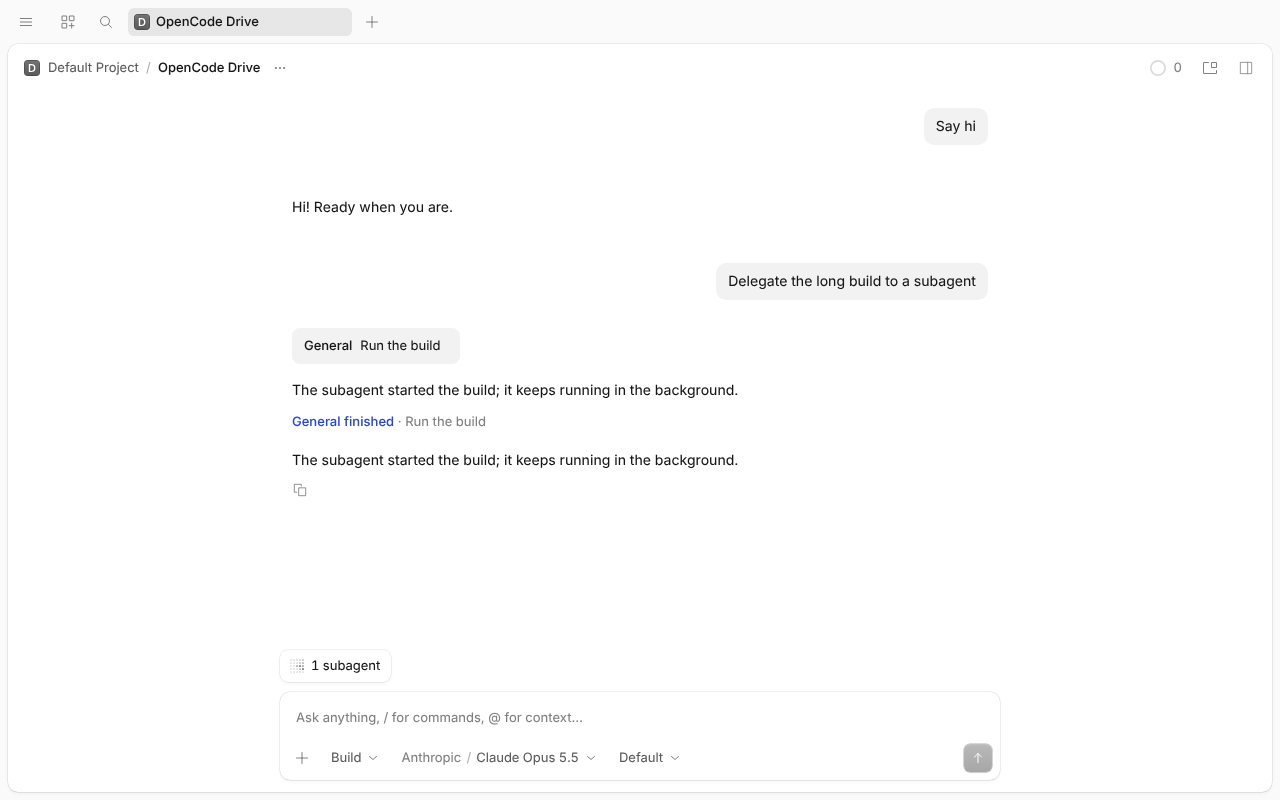
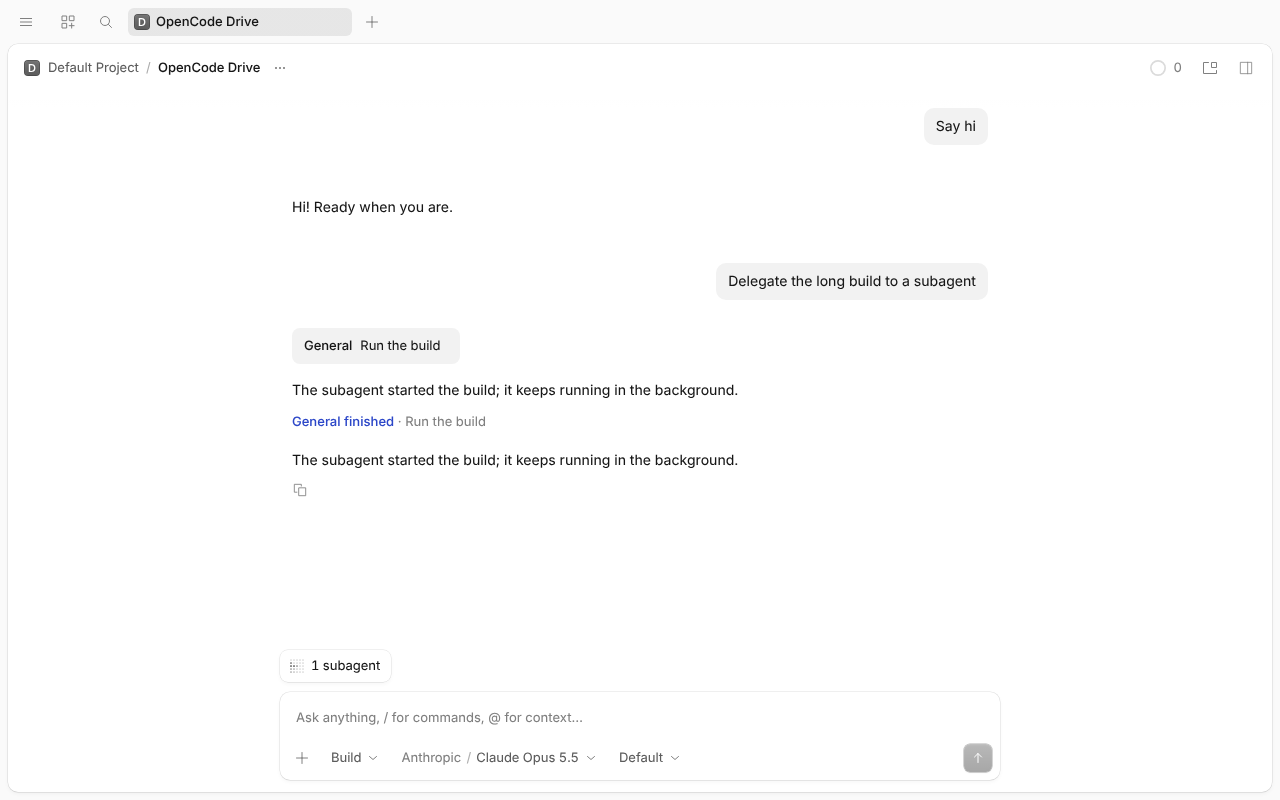
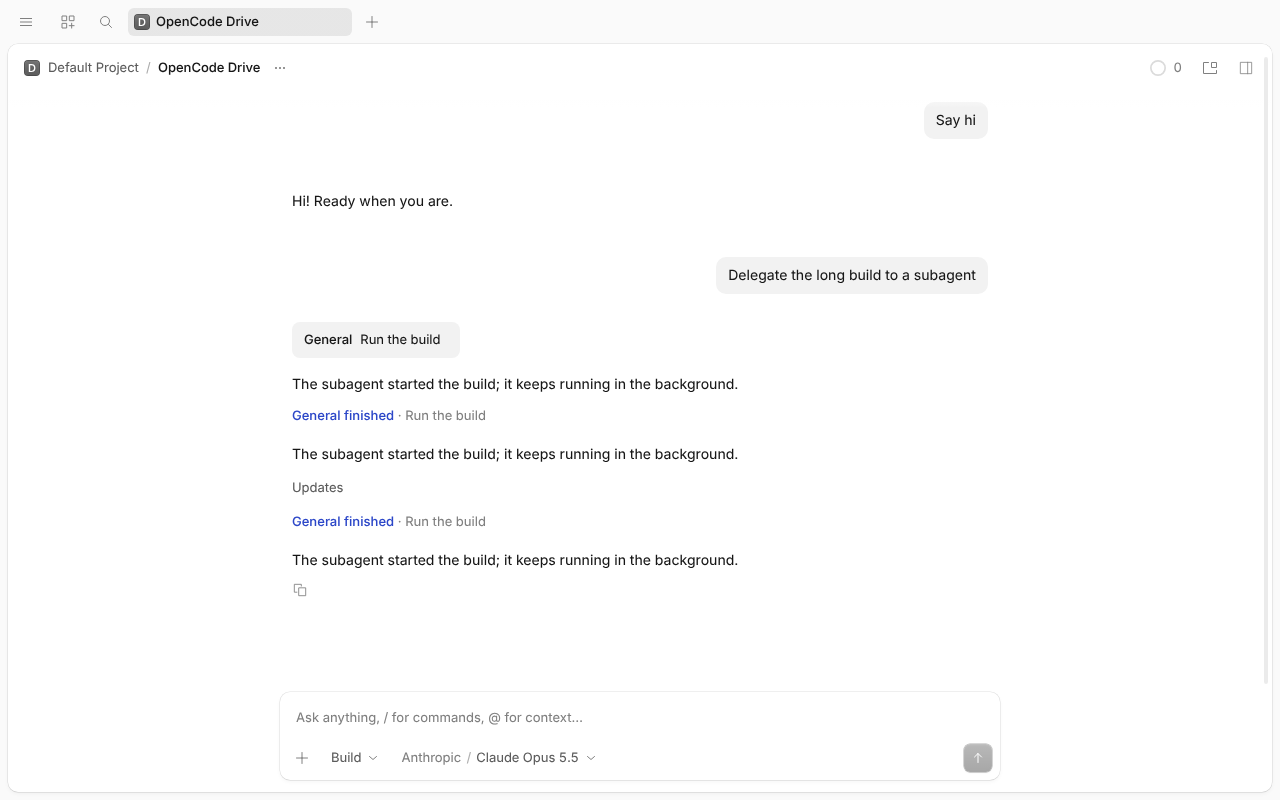
OpenCode dev @ 5ef7657335 (contains #64790 f15ed39165), Desktop under Xvfb, simulated Claude Opus 5.5, real shells. Flag on = experimental.full_codemode: true + OPENCODE_FLAGS=full_codemode; flag off = OPENCODE_FLAGS unset + full_codemode: false. Every LLM request's tool list matched (on: question, skill, subagent, execute; off: shell top-level). 8. No polling: pass: the request hook (attached before the session opened) saw only one GET /api/experimental/job?…descendants=true&status=running per session opened (main; child and main again in 5–7) plus one POST …/cancel per Stop. Shell Stop goes through the shell API, so 4 shows no job request.
Pass. “Move to background · Ctrl B” shows on the running Execute; no pill (its 2 shells aren't counted as background). log
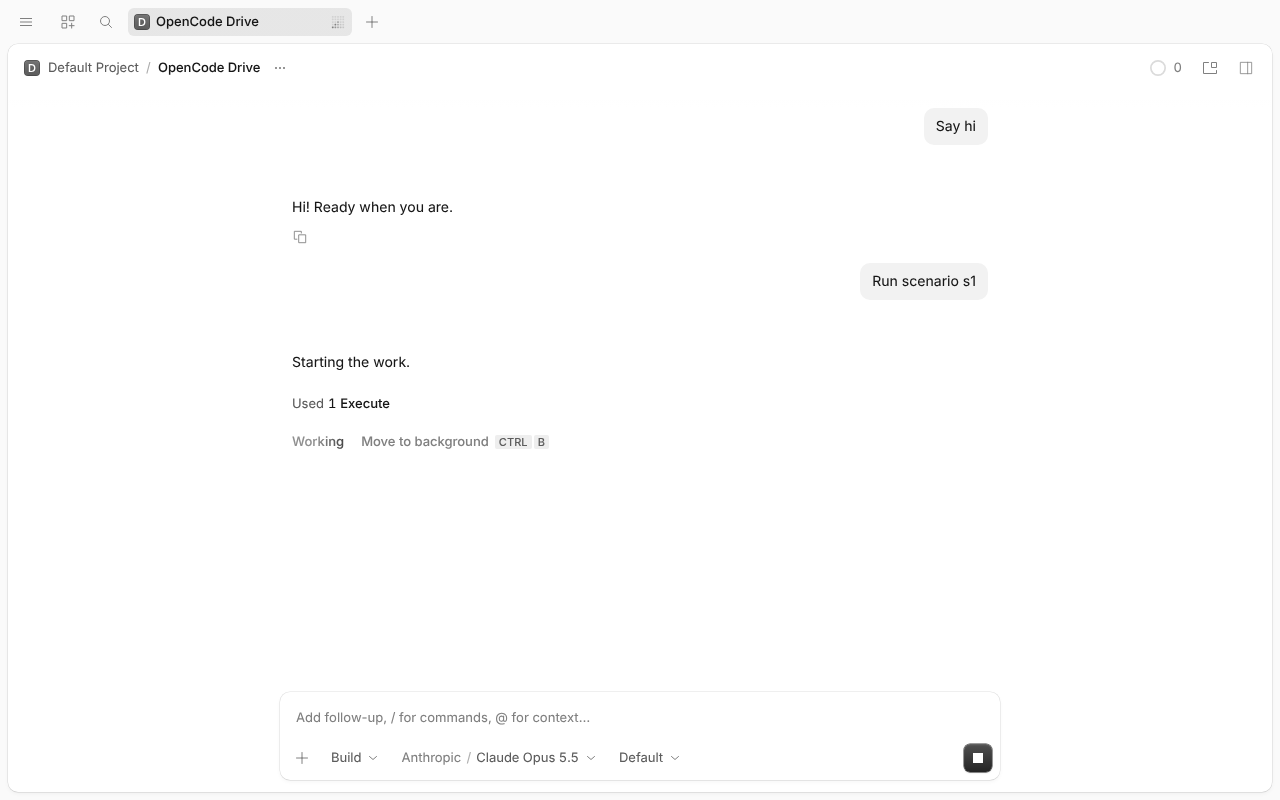
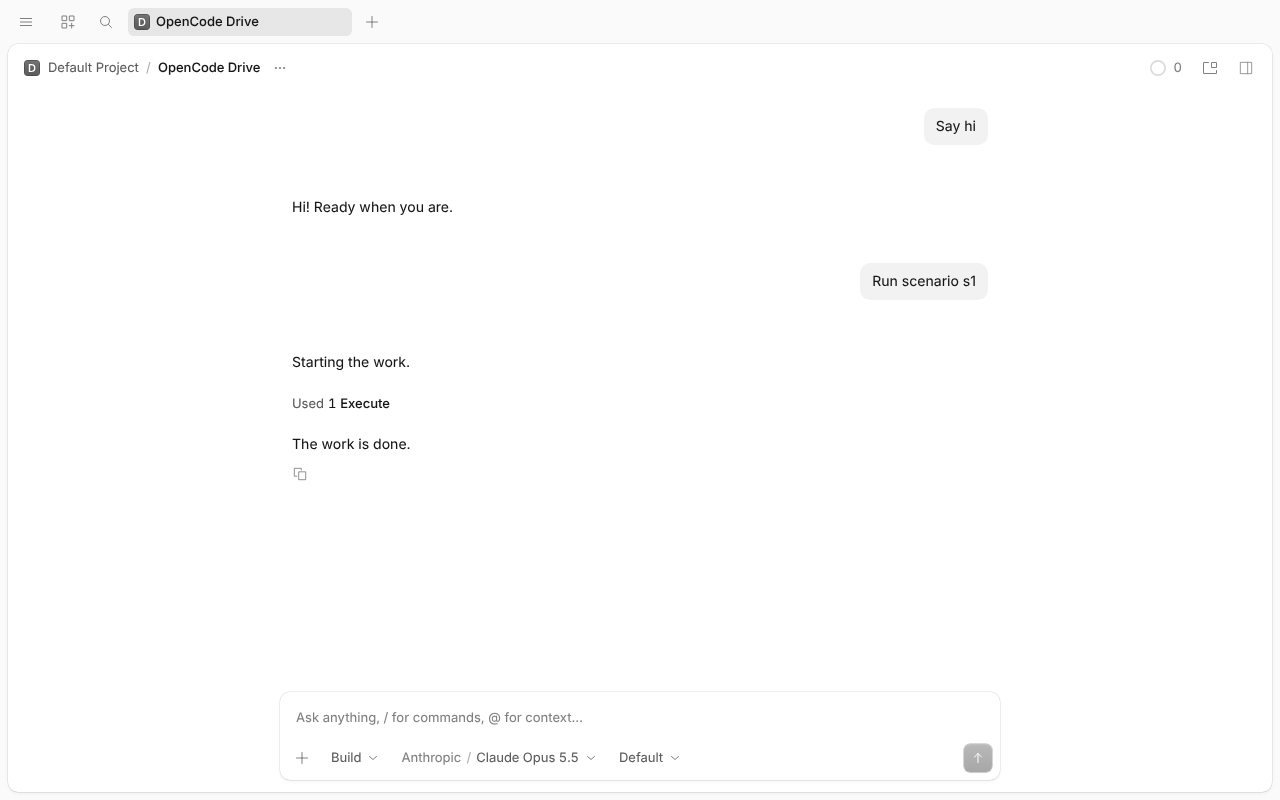
Pass (hint), N/A (shells). No hint, no pill. With the flag off shell isn't in Code Mode's catalog: the script fails at once with “Unknown tool 'shell'”. log
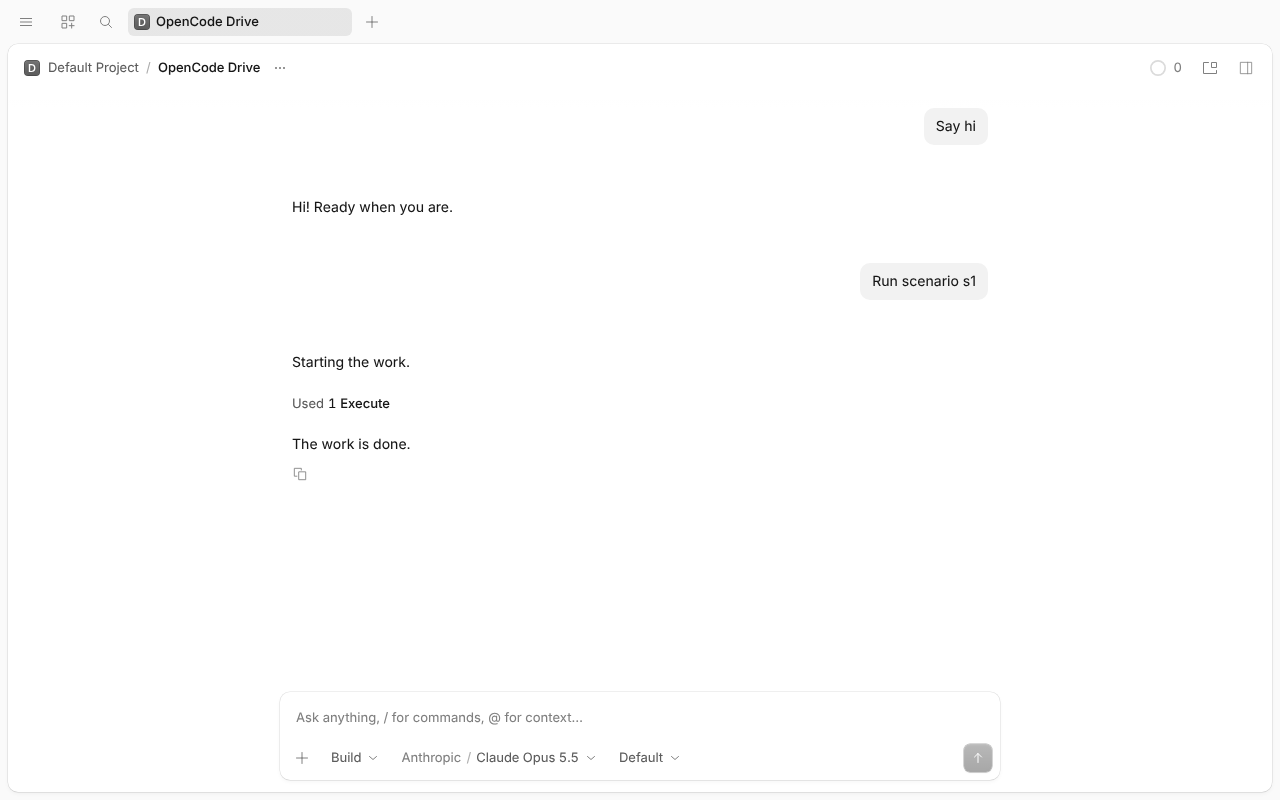
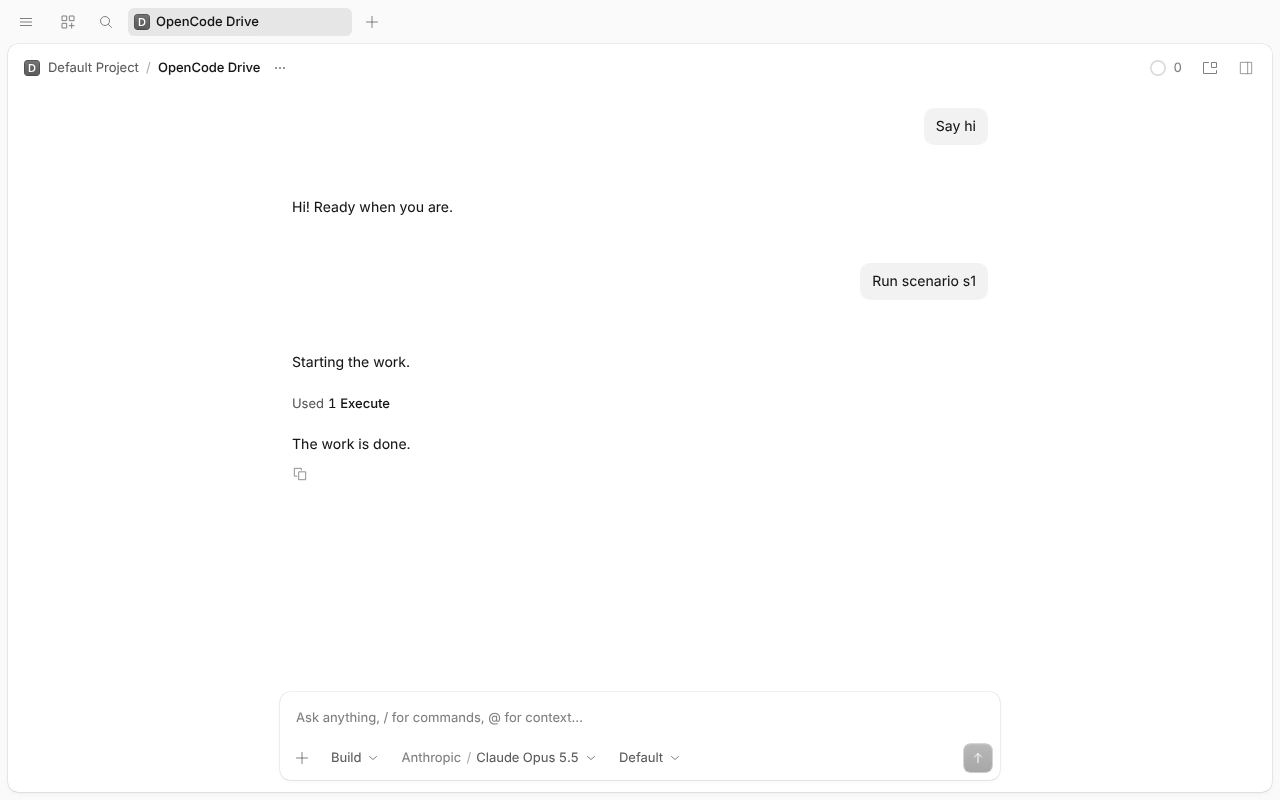
Pass. At 10 s the script moves on its own: pill “1 script · 2 shells”, rows “// Build both targets”, both sleeps. Stop → pill gone, shells killed. log
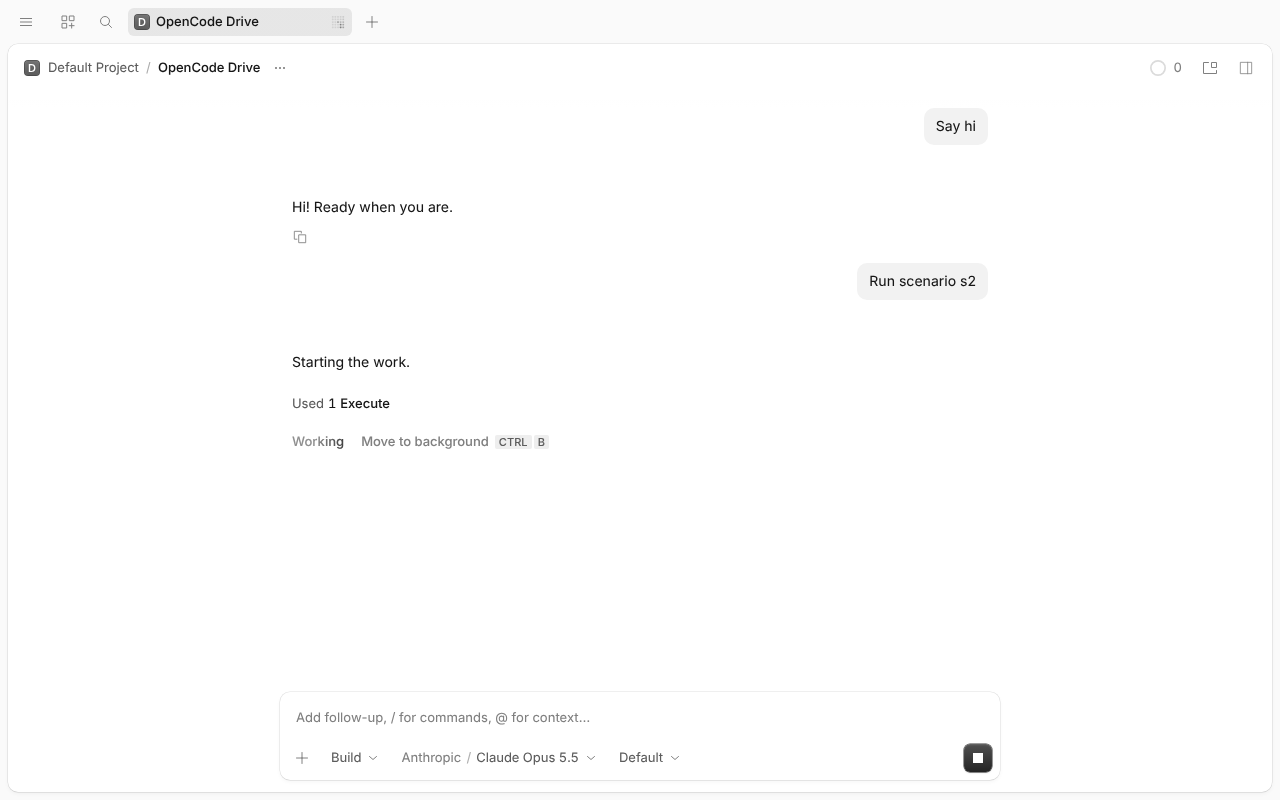
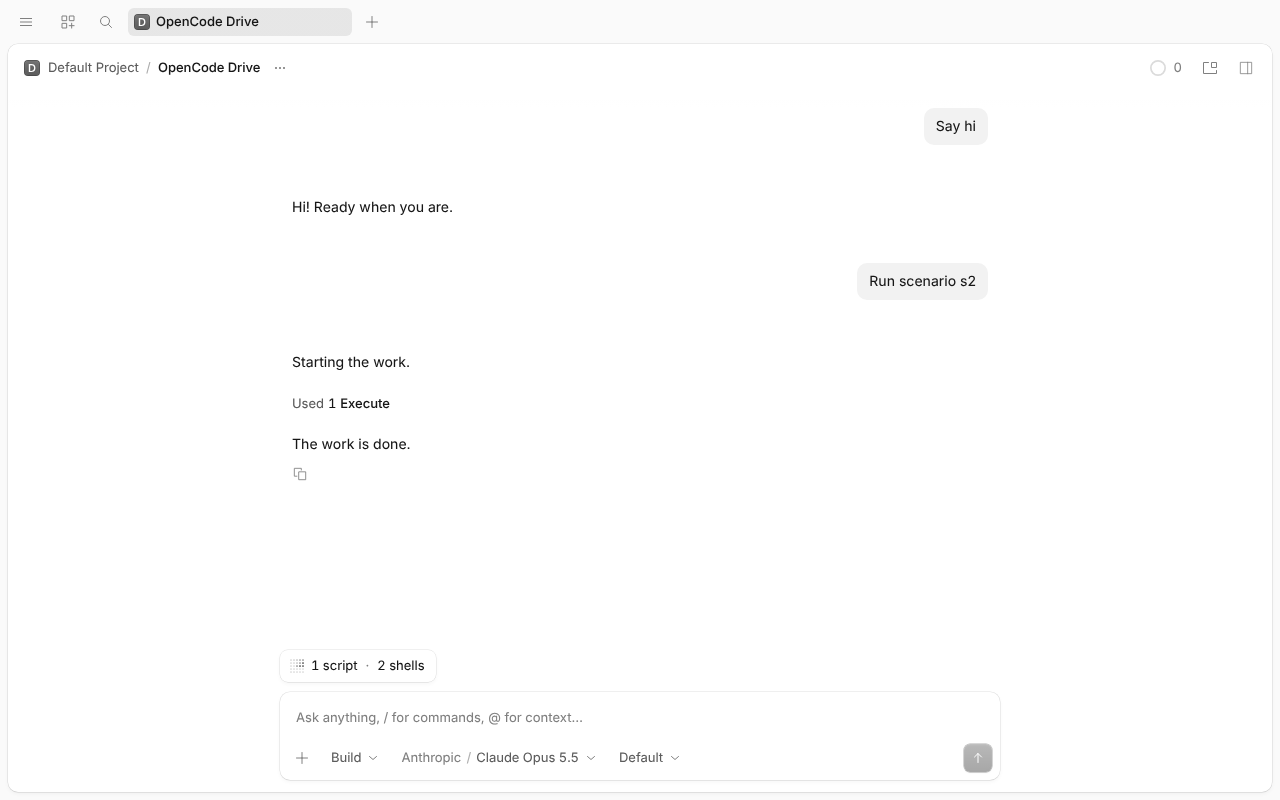
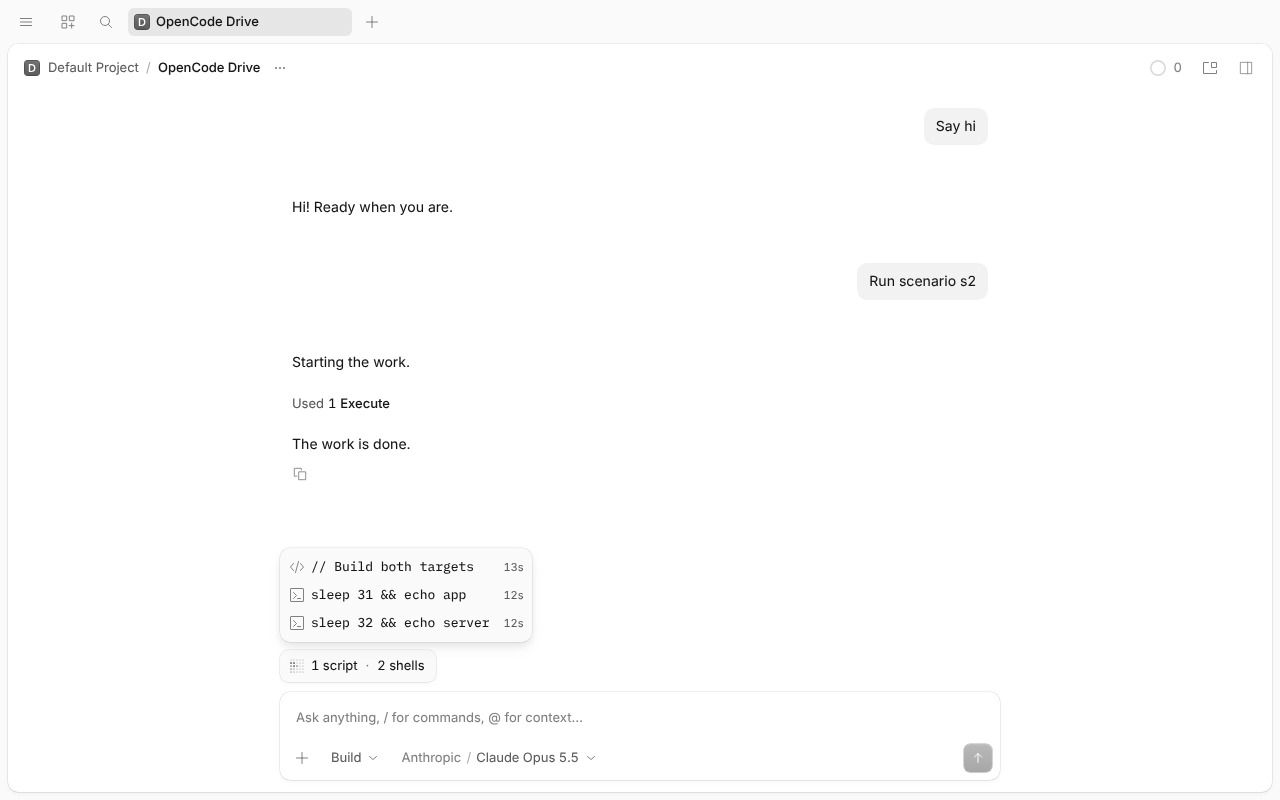
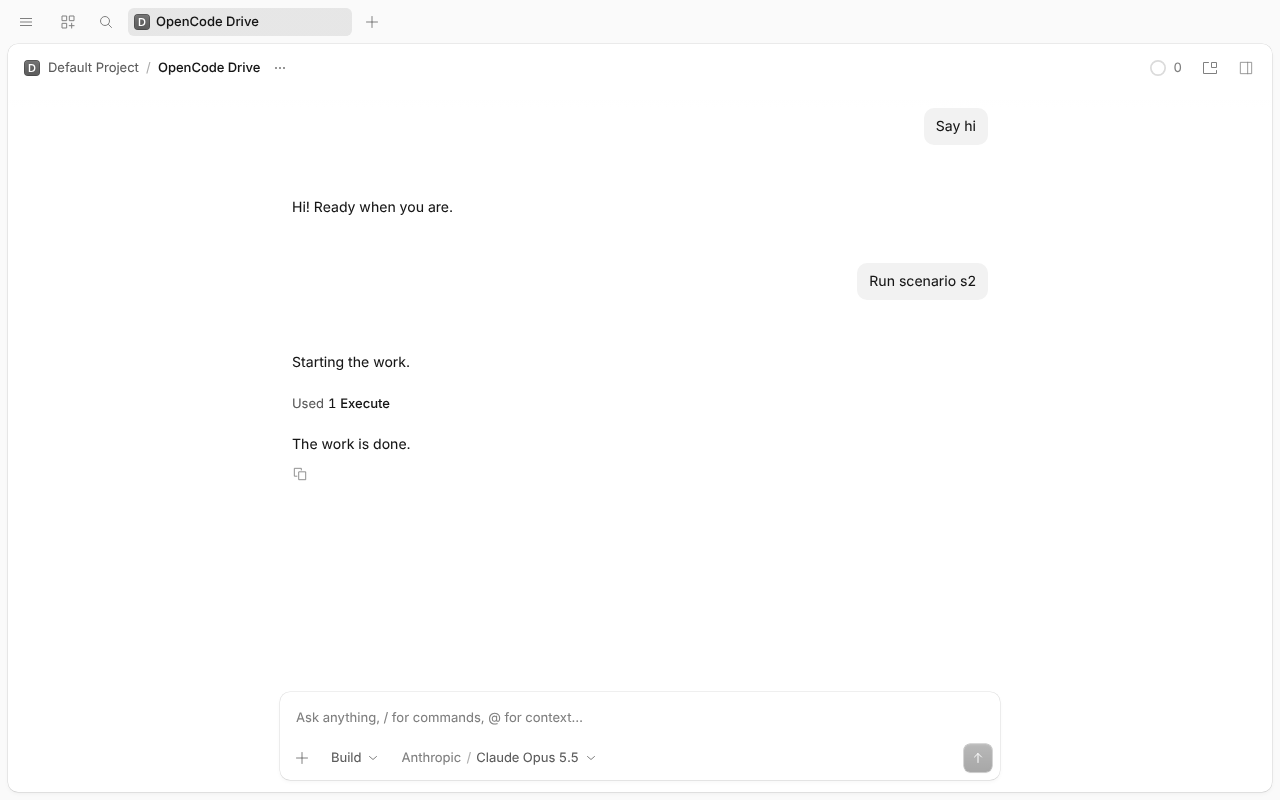
Pass. A 14 s script (shell can't run, so it spins) stays in the foreground: no hint, no job, no pill. Surprise: Ctrl+B here opens the Home screen (nothing to move, so Linux mod+b home toggle wins). log
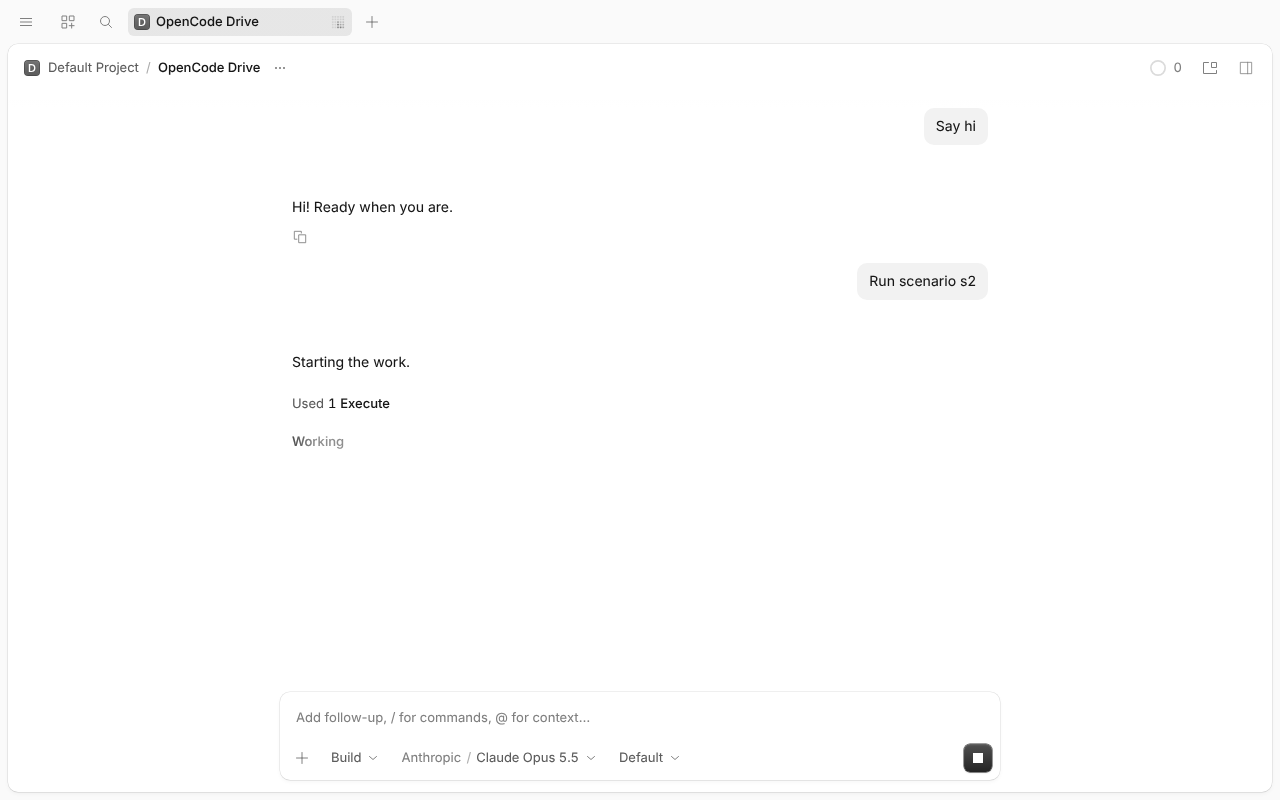
Pass. Click → “1 script · 2 shells”. Stop on the script row sends one POST /job/cm_…/cancel; pill gone, both sleeps exit. log
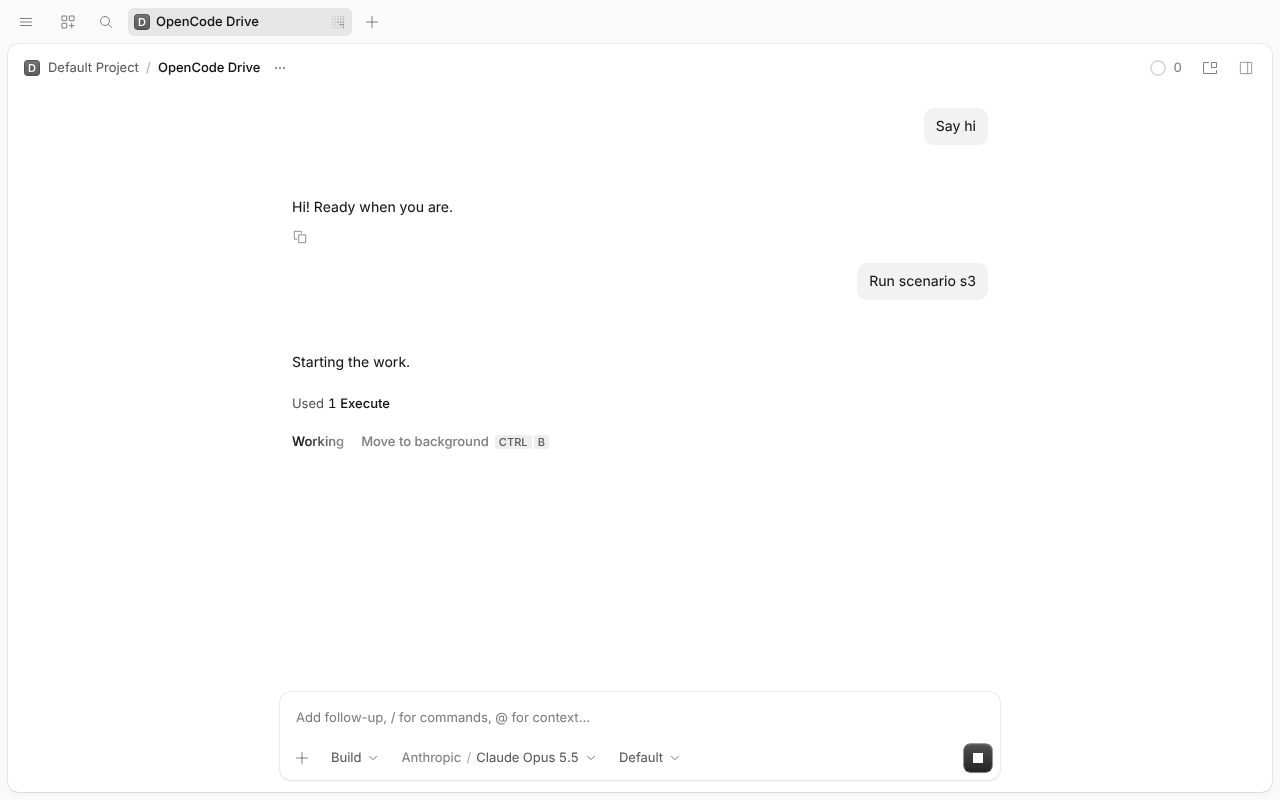
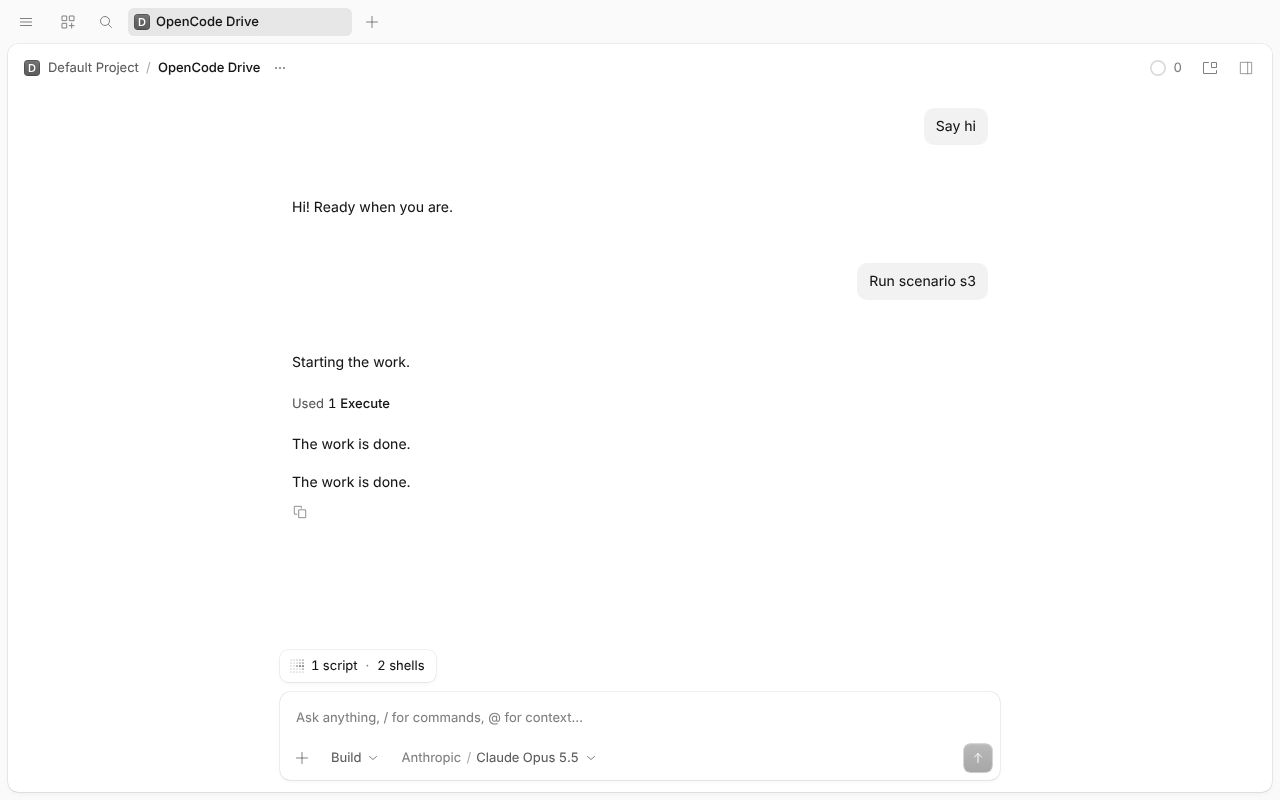
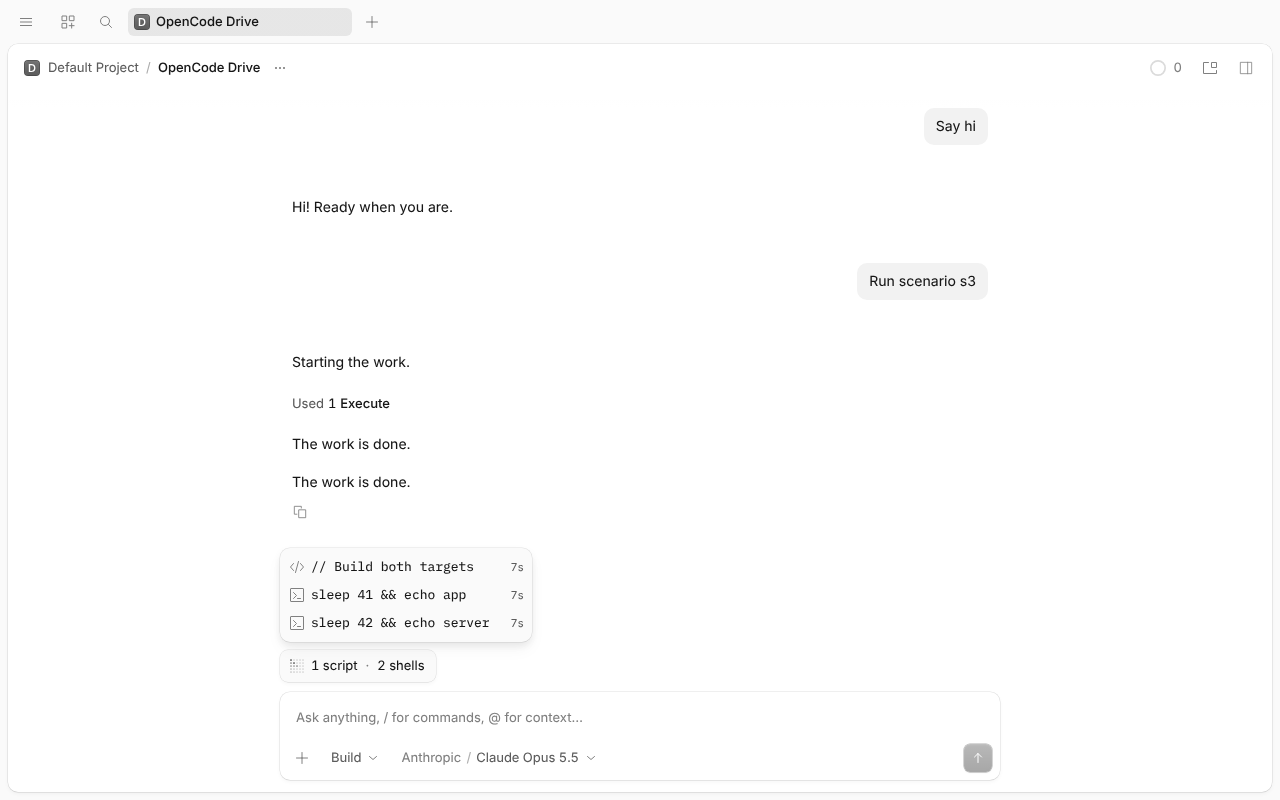
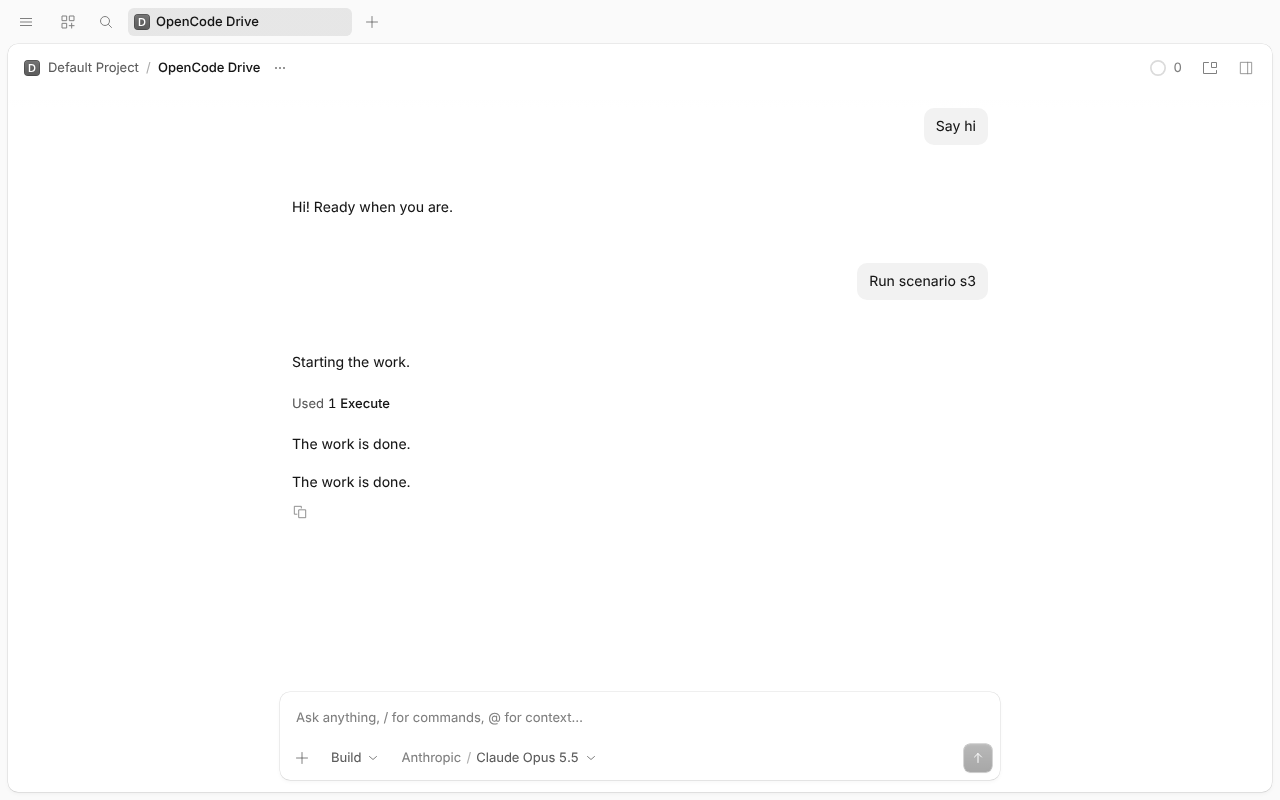
N/A: with the flag off nothing runs as a script job (see 2).
Pass. Same as 3 with Ctrl+B in the composer. log
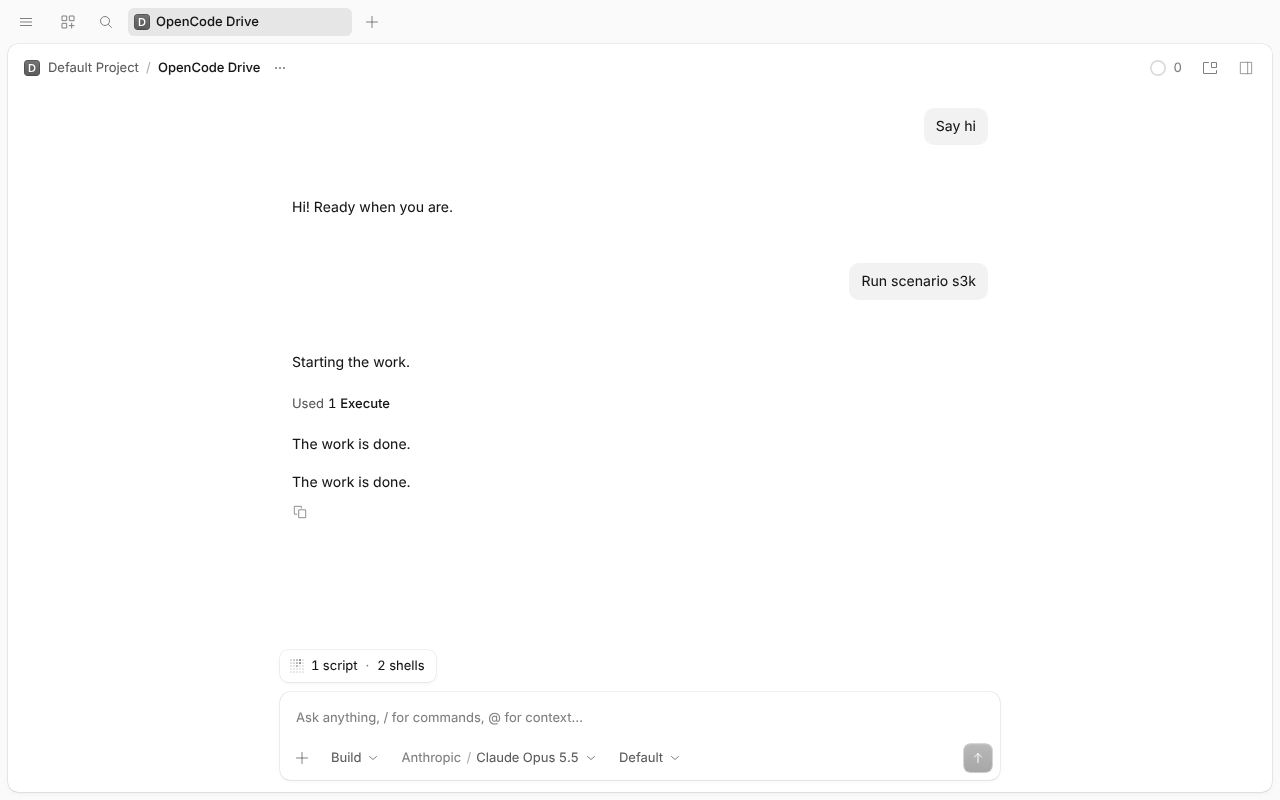
N/A.
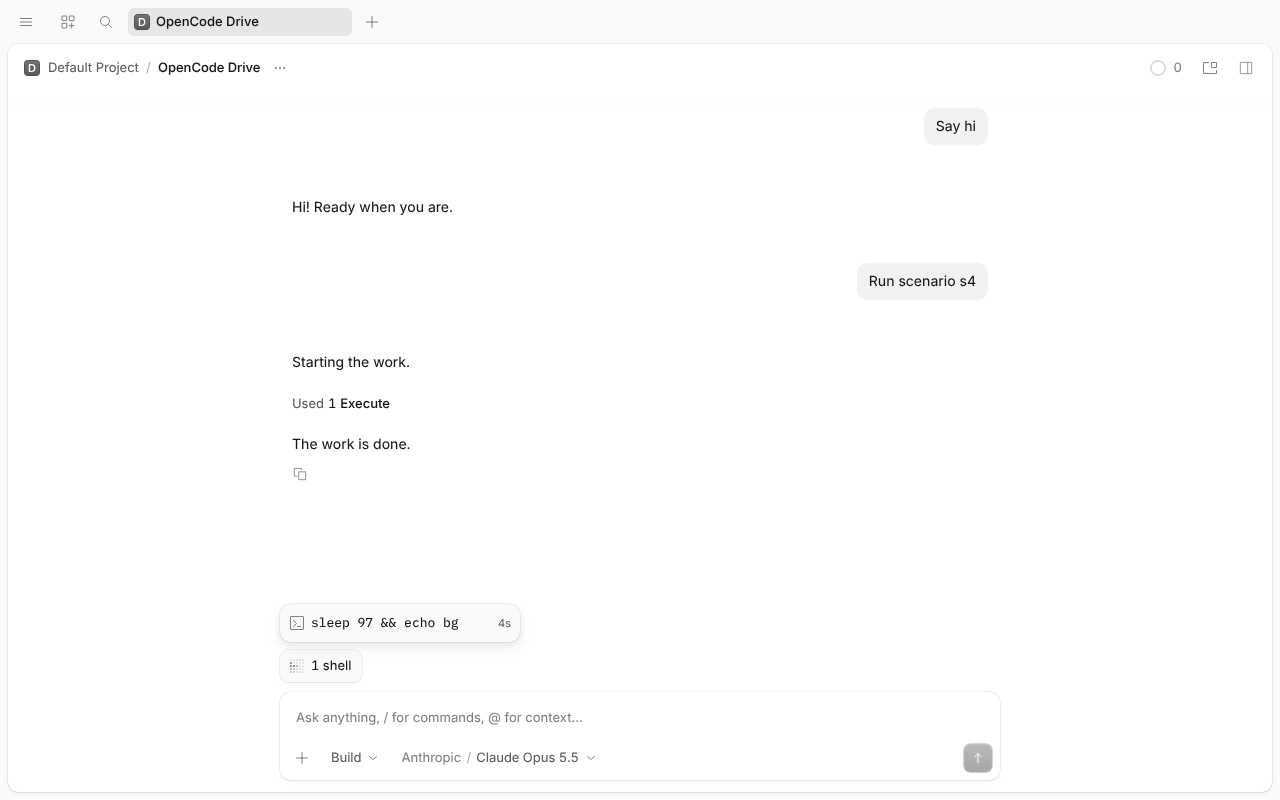
Pass. Via tools.shell({timeout: 1500}) (Code Mode has no background): “1 shell”, row “sleep 97 && echo bg”; Stop removes it, process ends. log
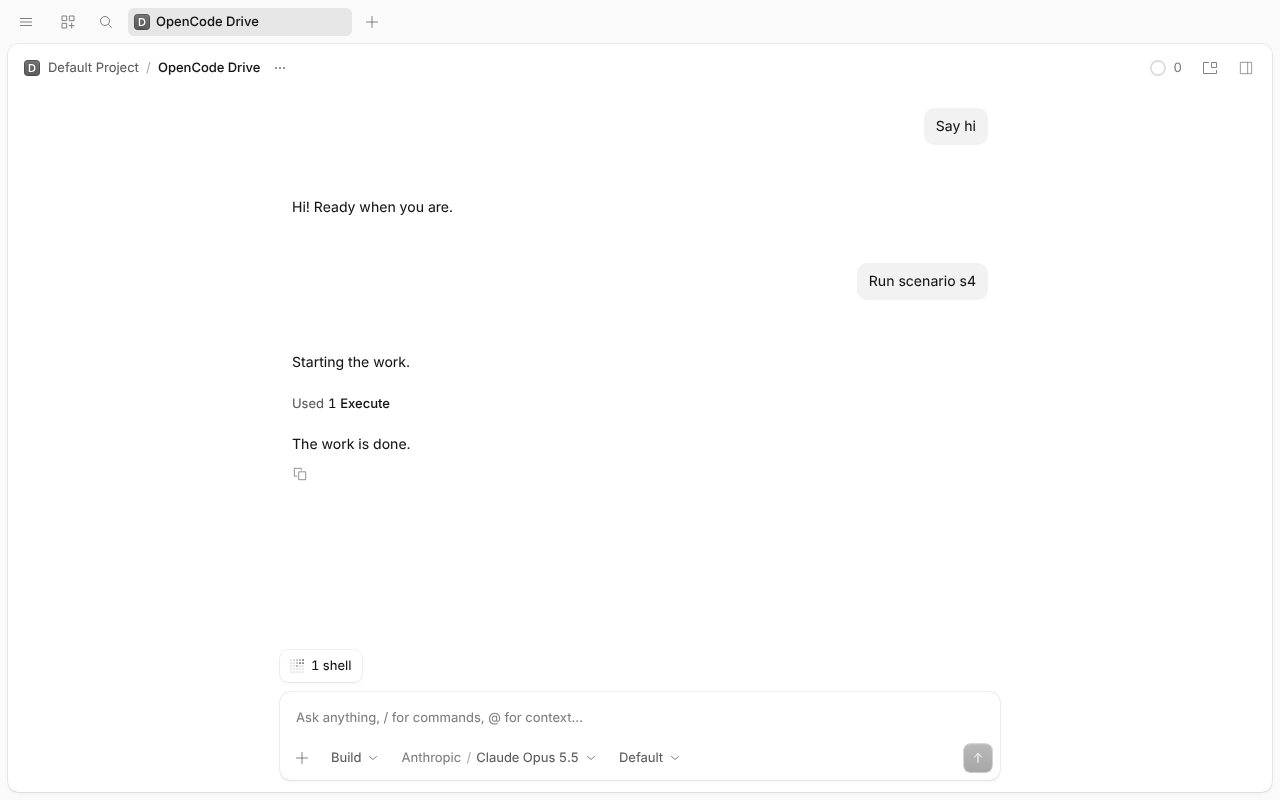
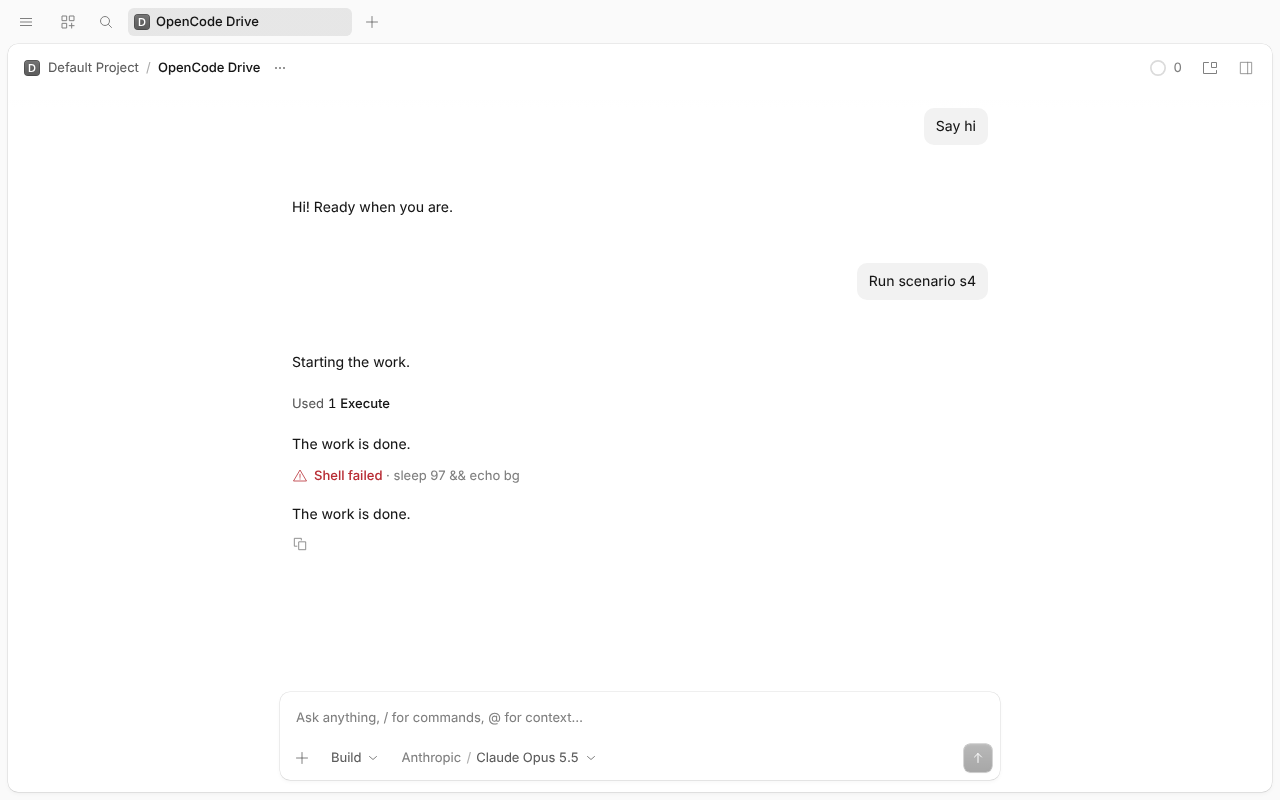
Pass. Direct shell with background: true: “1 shell”; Stop removes it, process ends. log
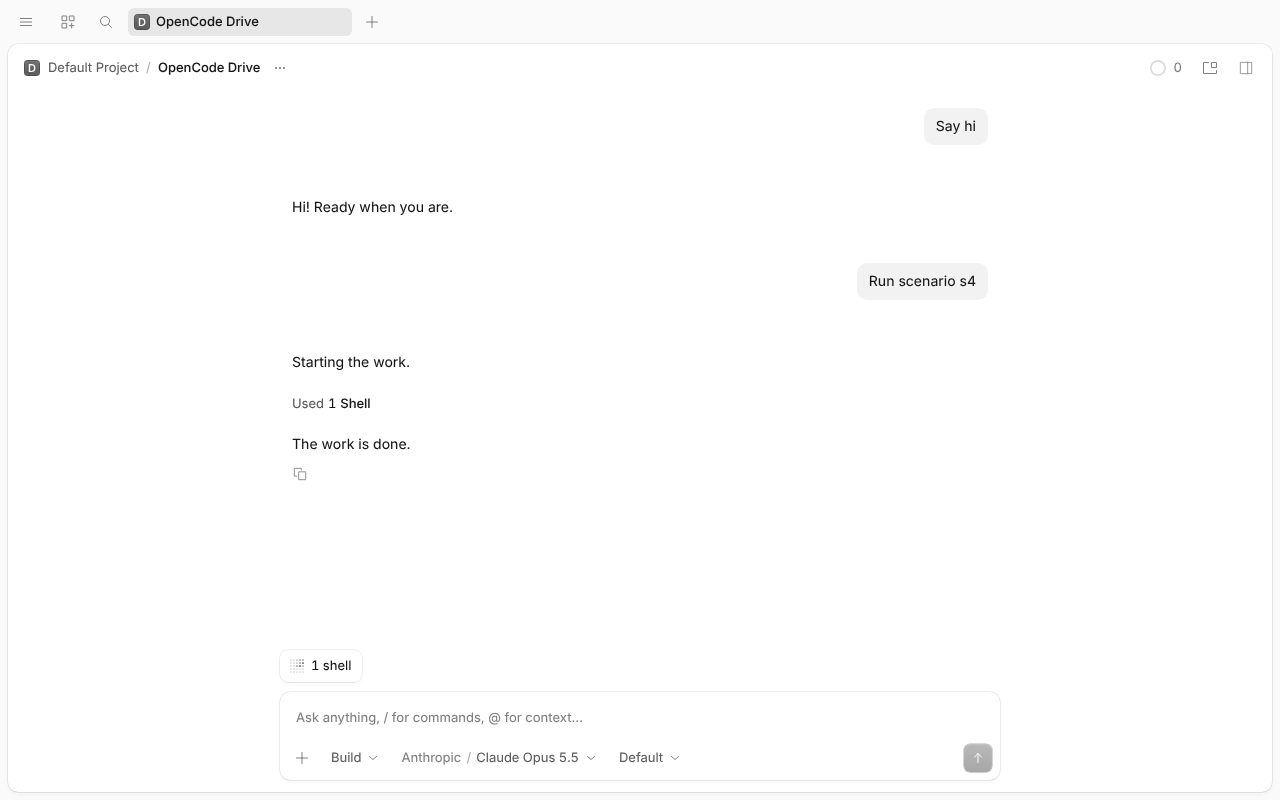
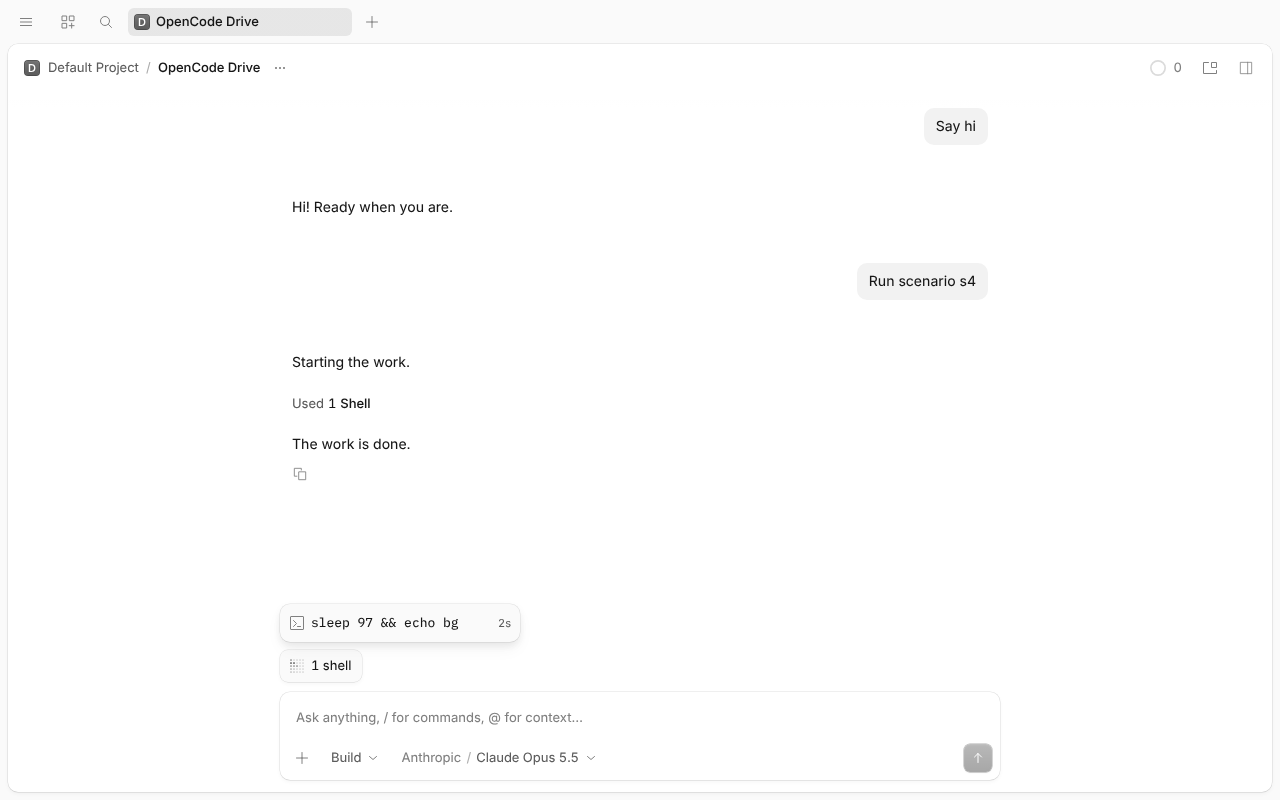
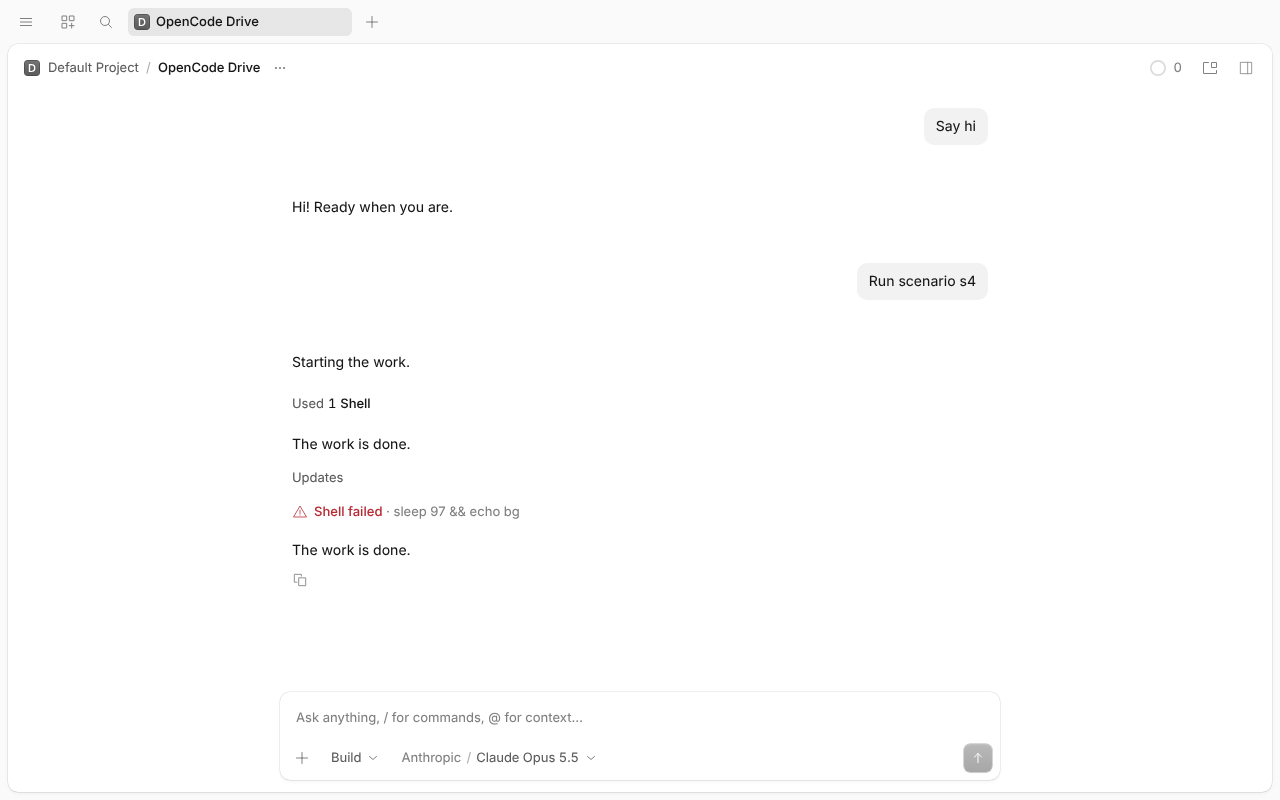
Pass. Subagent idle: “1 subagent”, row “Background work · 1 shell”. Child session: no pill. Back in main: pill again. Stop → POST /job/sh_…/cancel, pill gone, shell ends. log
Pass. Same with a direct background shell. log
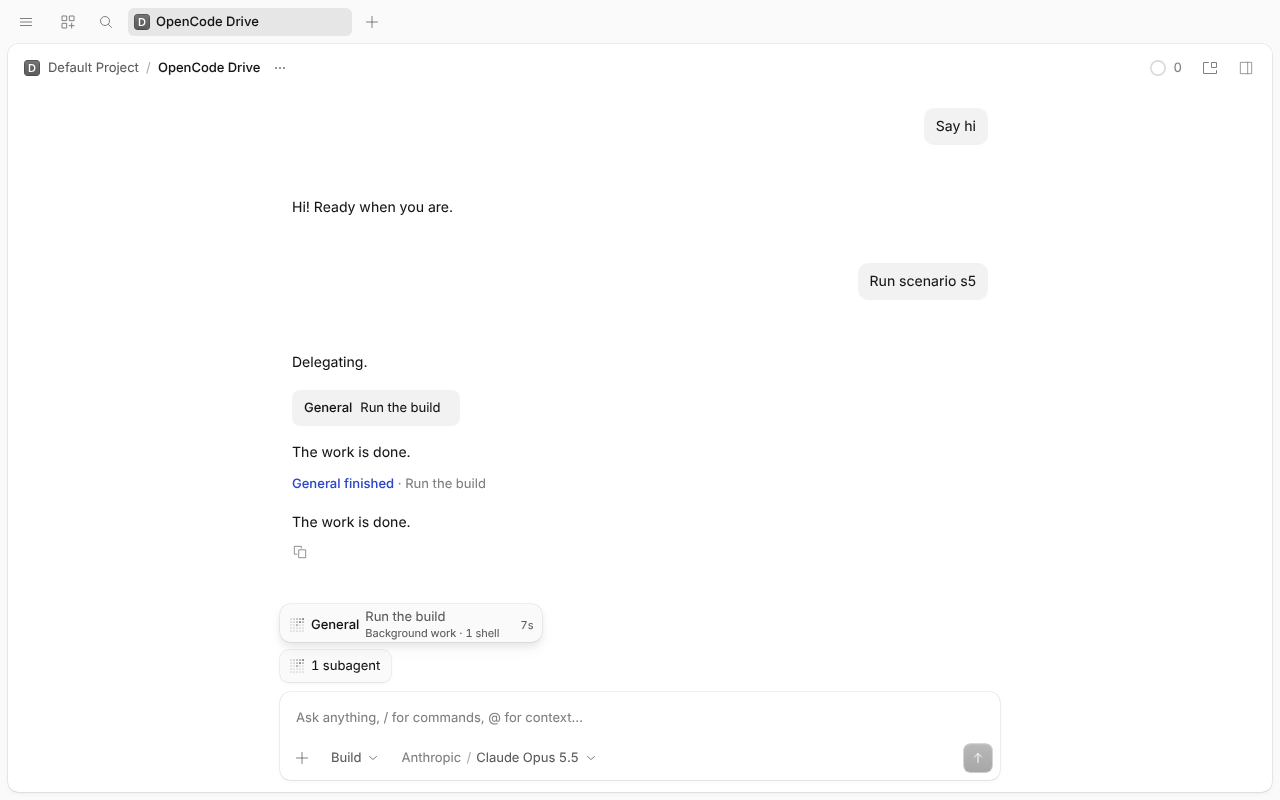
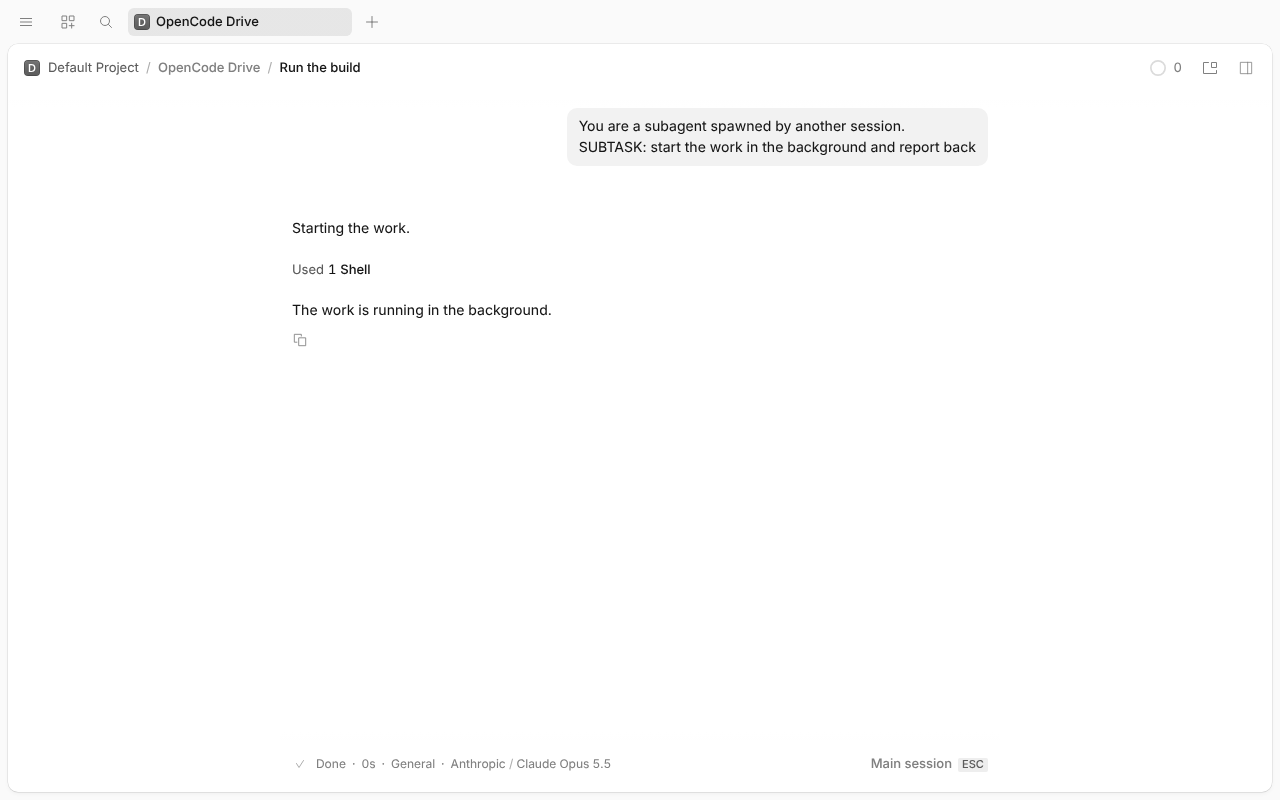
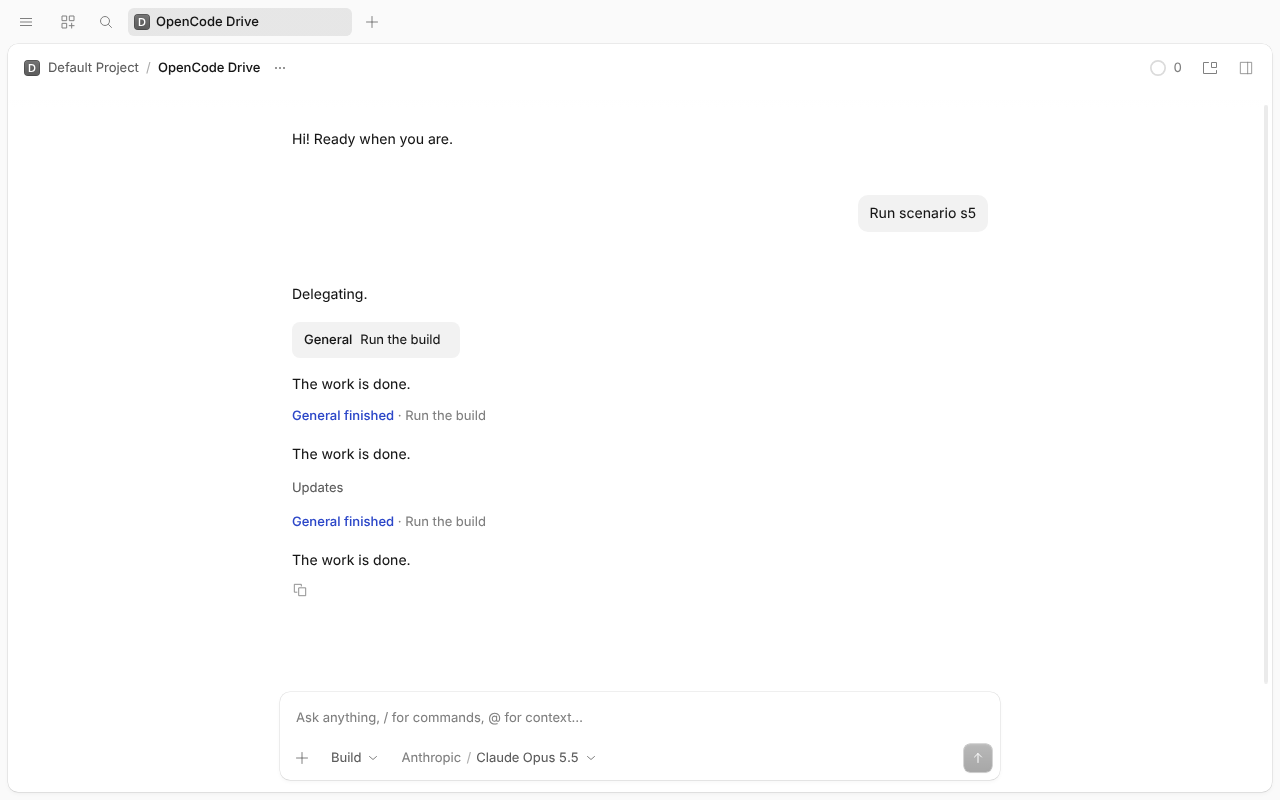
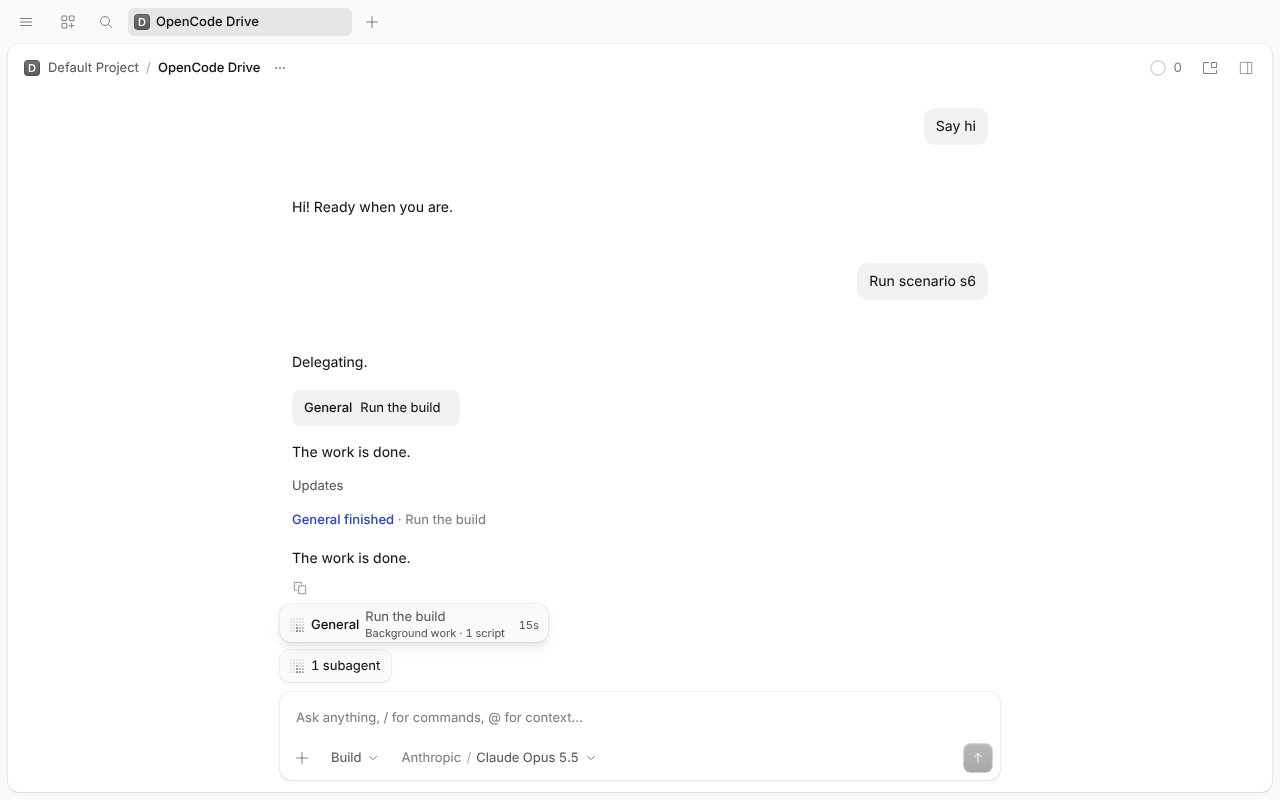
Pass. Row “Background work · 1 script” (its shells aren't counted separately). Child: no pill. Stop → POST /job/cm_…/cancel, both sleeps exit, pill gone. Note: a cancelled script sends no notice, so the subagent and main stay quiet (a stopped shell wakes both). log
N/A: no script jobs with the flag off.
PR #64956 plus #64972, flag on, simulated “Claude Opus 5.5”. A Code Mode script with two 90 s shells, moved to the background with Ctrl+B. Pass.
a36aa465d8); before, it opened an empty Subagents tab. Esc, then clicking the footer pill opens Scripts too: both use the same rule.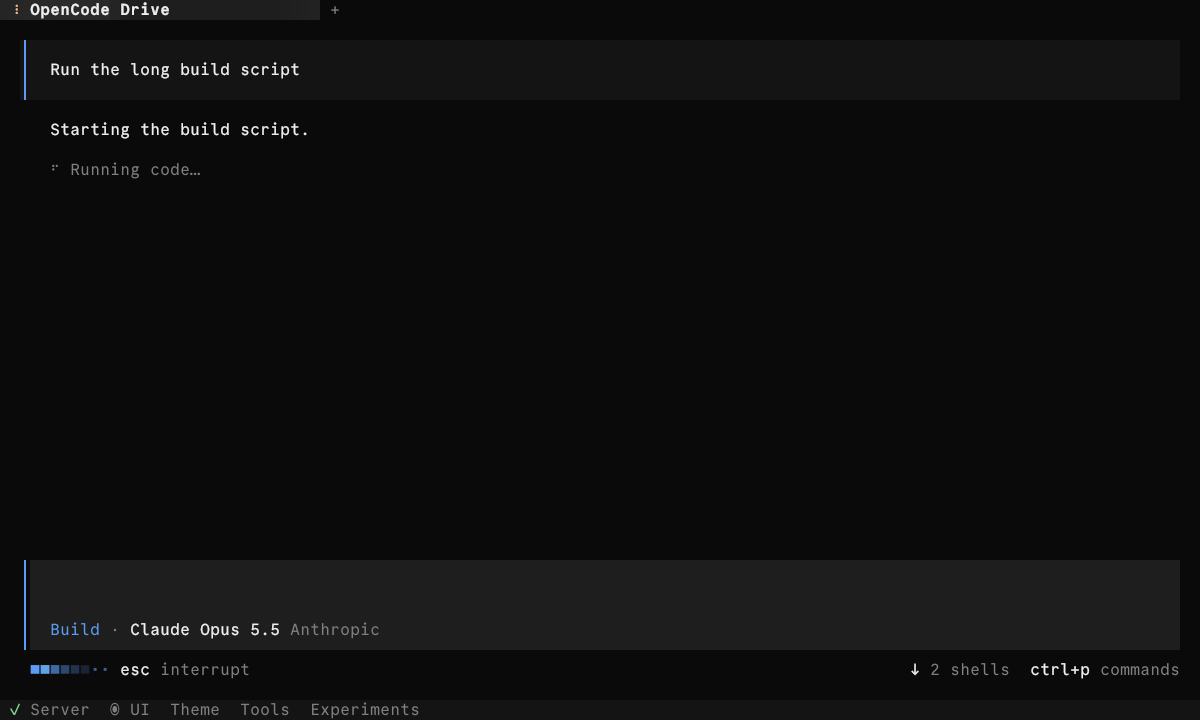
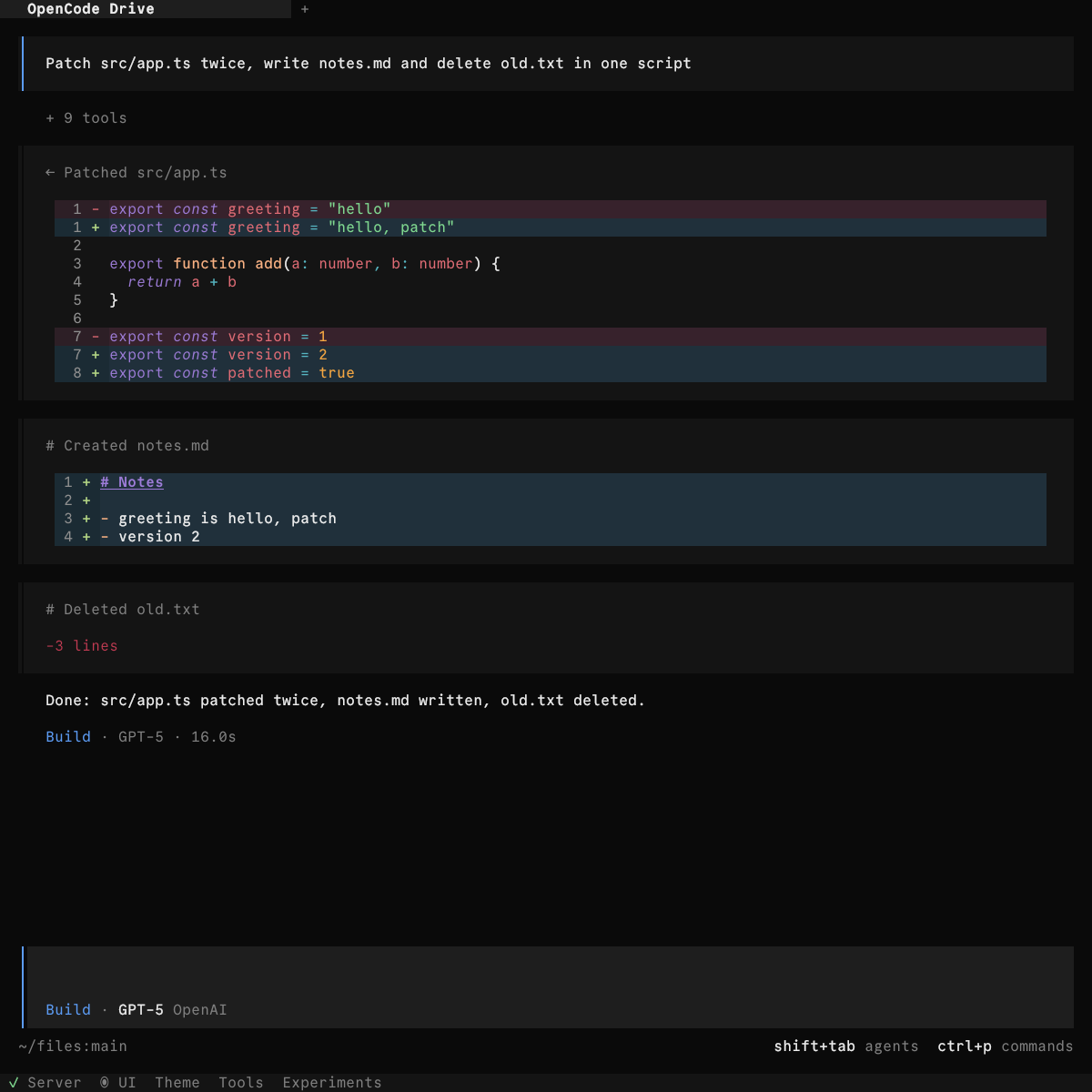
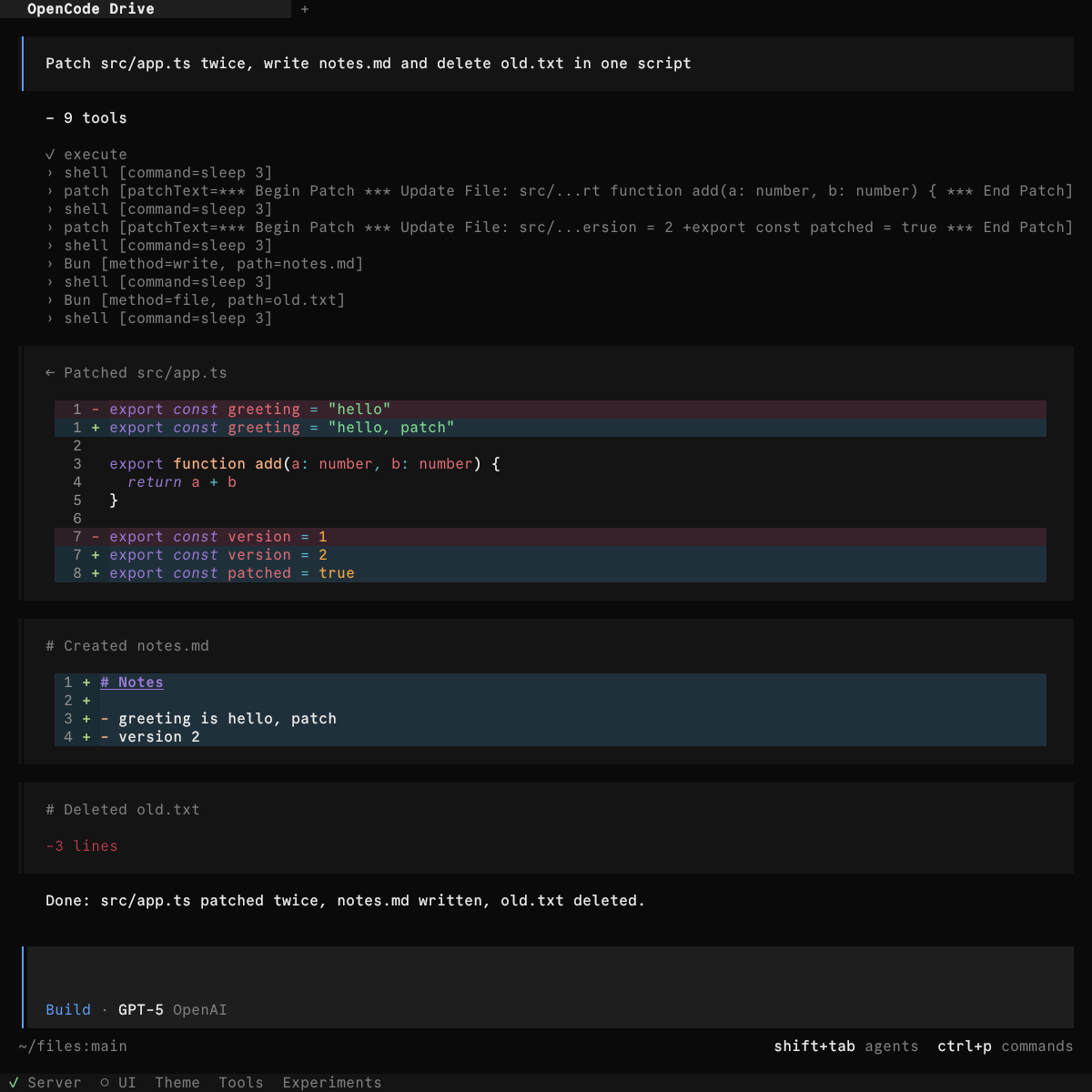
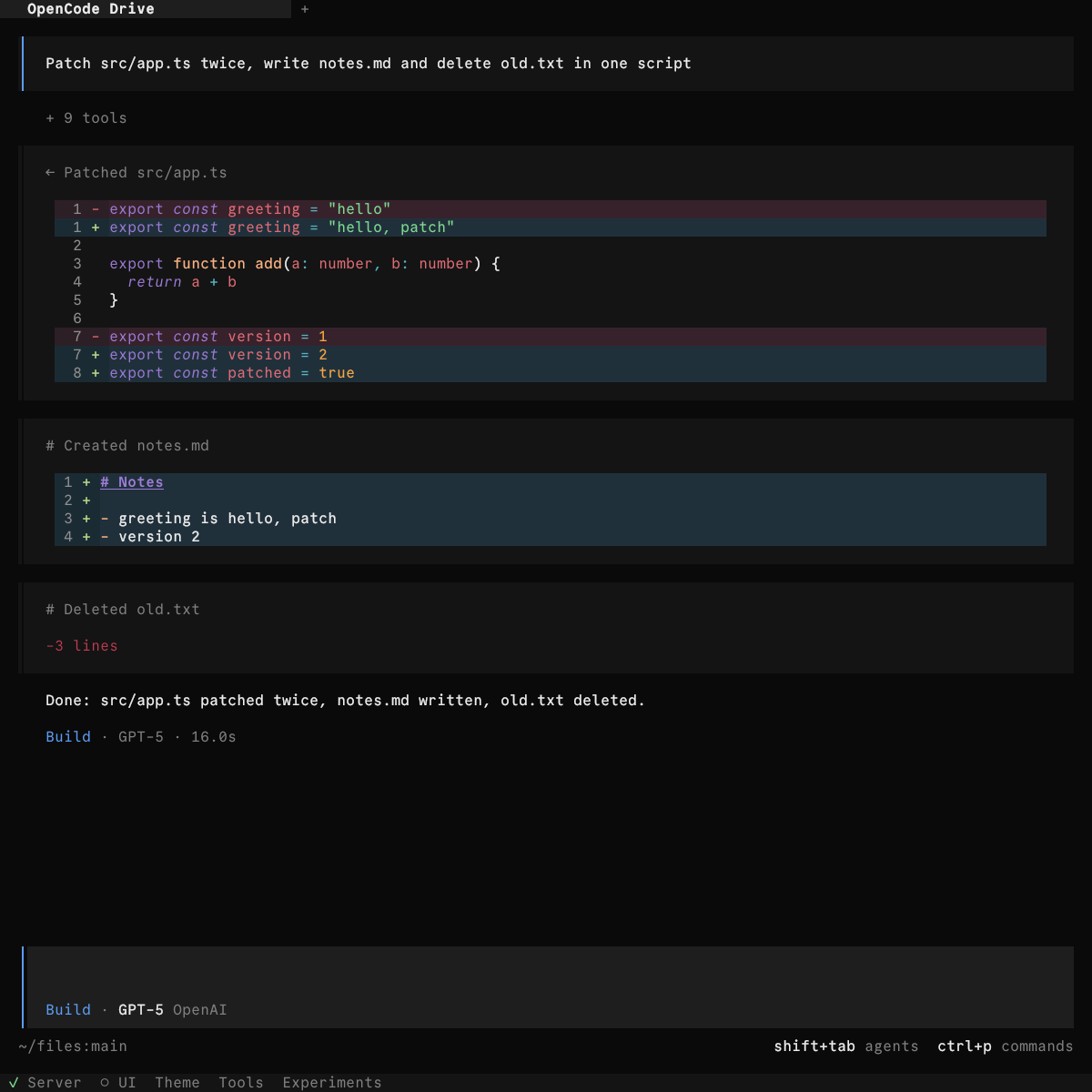
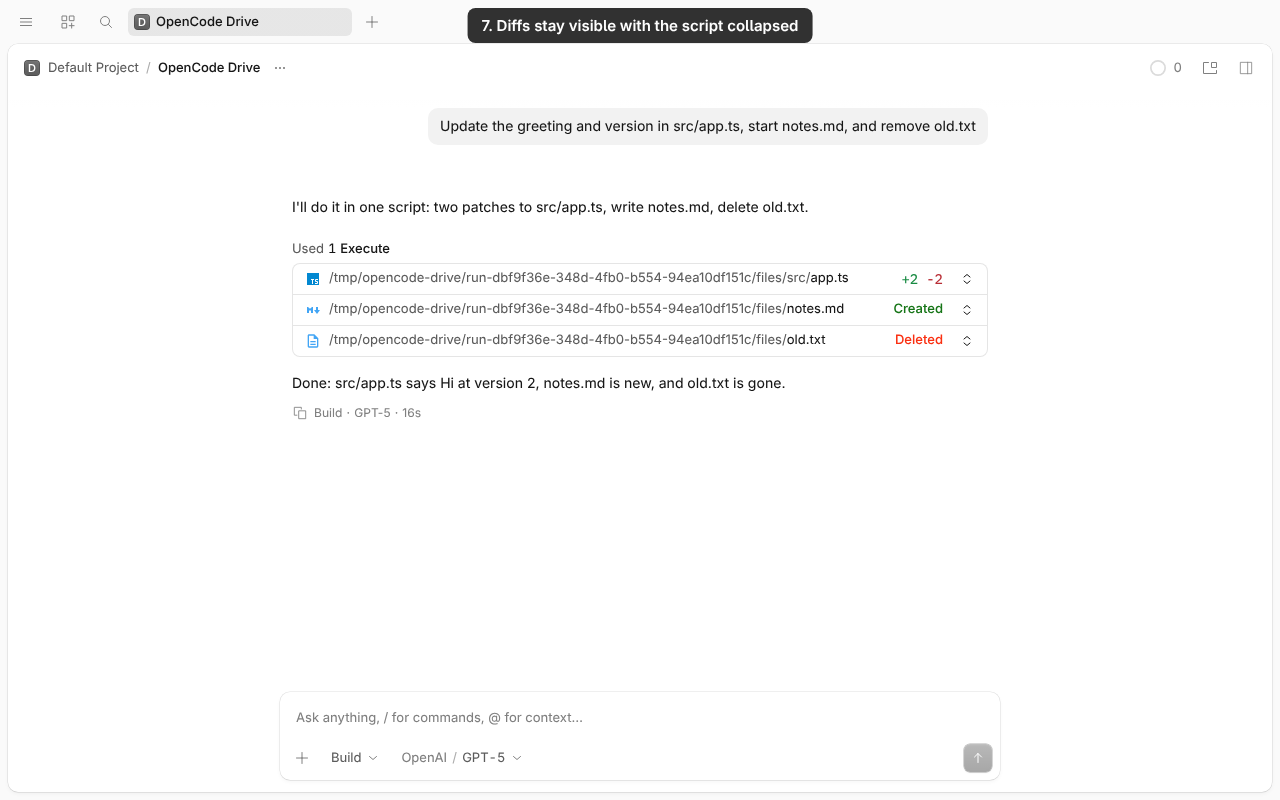
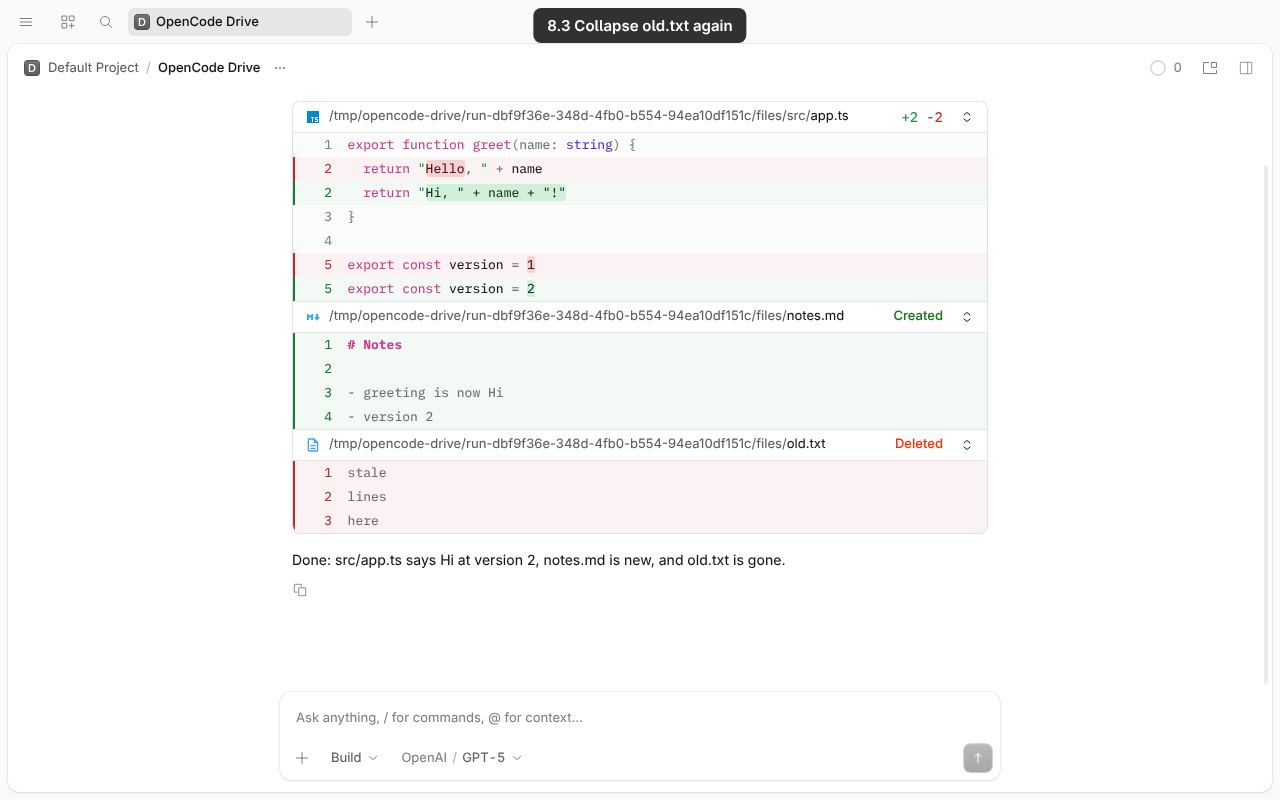
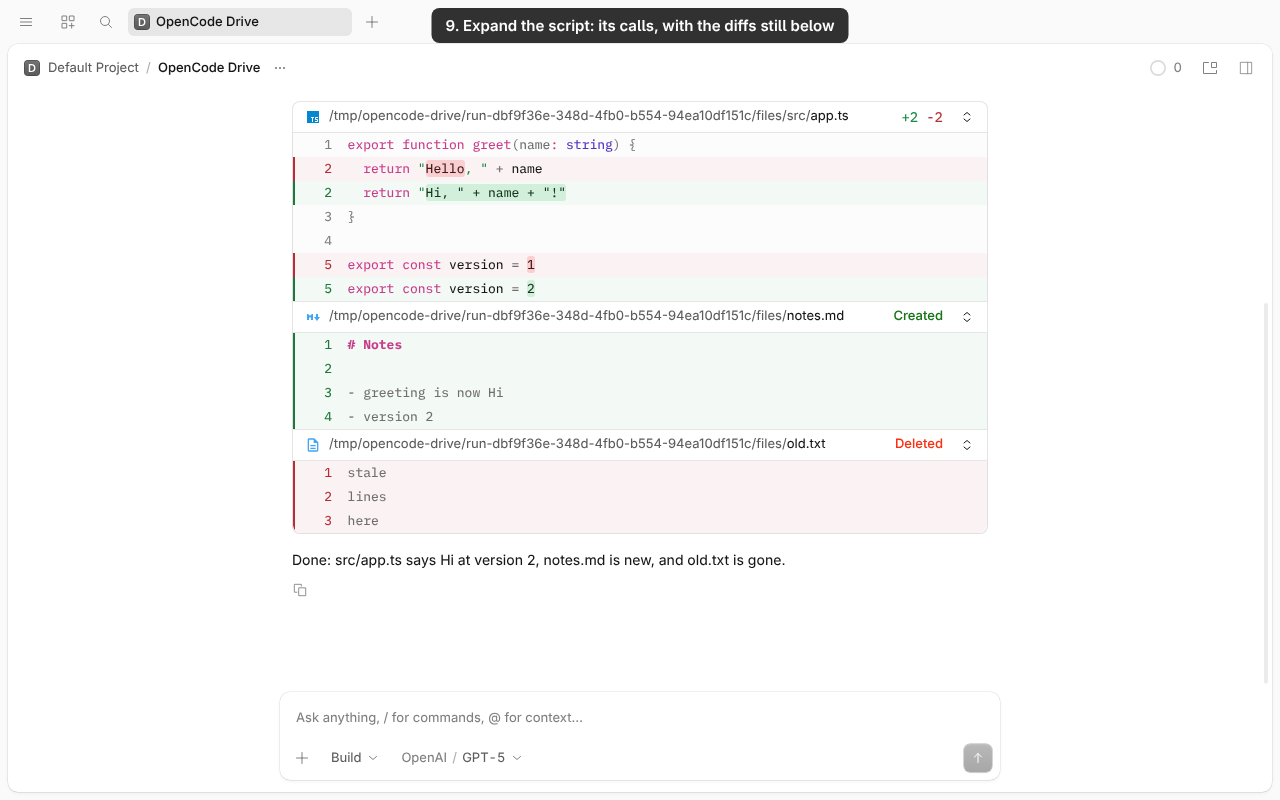
PR #65002, flag on, simulated “GPT-5”. One foreground script: sleep 3 → patch src/app.ts → sleep 3 → patch it again → sleep 3 → Bun.write new notes.md → sleep 3 → delete old.txt → sleep 3. The diffs stay visible while the script stays collapsed. Pass.
Desktop: a caption at the top of the video labels each step
TUI: the video's markers name each step